Dacor refrigerator F12 / Refrigerator

Dacor refrigerator
error F12

F12 is not defined in Dacor's column, side-by-side and freezer manuals; the pages we read list indicators, alarms and symptom tables, not a code table. Use the symptom tables and SmartThings Self Check first, then arrange a visit if the code remains.

No meaning given in the Dacor documents we checked

Last reviewed

F12
Refrigerator
Manual evidence

What the manual says about Dacor refrigerator F12.

Manual evidence

The column refrigerator manual (DA68-03607B-07), the 42-inch side-by-side manual (DA68-03581A-04) and the column freezer manual (DA68-03607A-08) contain no error or information code text, so F12 is not defined. They describe the Door Alarm, the Filter indicator, Control Lock, a high temperature alarm, symptom tables and a Self Check in the SmartThings app.
Safe first steps.

  1. 1

    Compare the display with the indicators the manual lists

    The Door Alarm sounds after a door is open for over 2 minutes, and the Filter indicator turns red when the water filter is due. Those are the messages Dacor documents.

  2. 2

    Use the symptom tables

    The column and side-by-side manuals have troubleshooting tables for a unit that is warm, not dispensing water or ice, or leaking. Start from the symptom, not the code.

  3. 3

    Run Self Check in the SmartThings app

    Both the column and side-by-side manuals describe Self Check, which detects abnormal operations. It is the closest Dacor gets to a diagnostic.

  4. 4

    Photograph the display and note the model

    Give us the code, the model line (column, side-by-side or freezer) and what the unit is doing when you book.

Note these details down before you call.

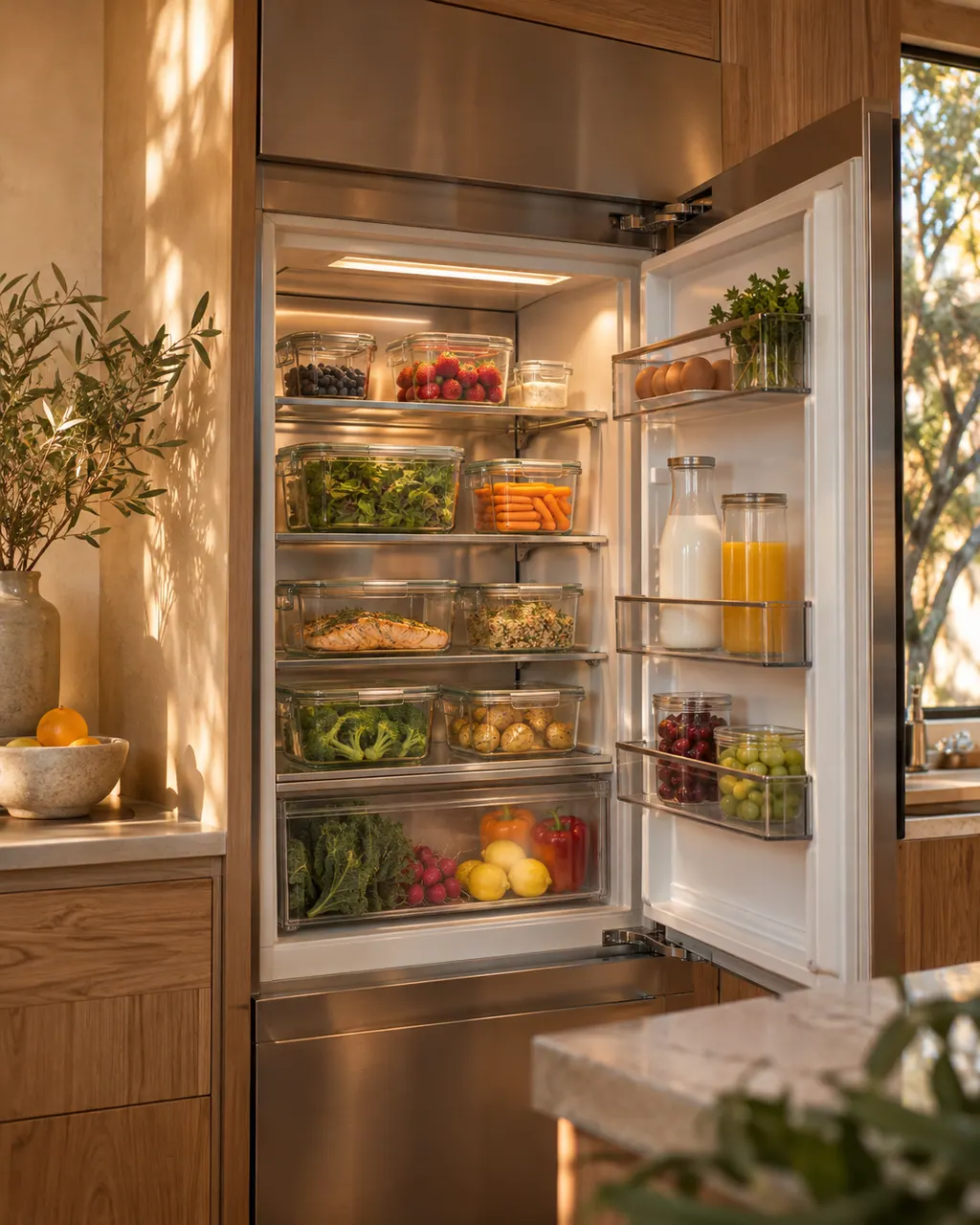
Refrigerators in a thoughtfully designed home
  • Model and serial number
  • Full display text
  • When the message appears
  • Steps you have already tested

When to call.

A code stays on the display, either compartment warms up, or ice and water stop while the filter indicator is off.

Book a visit(844) 643-0215

The documents we checked.

Source 1

User Manual, Built-In Fridge DRR24980*** / DRR30980*** / DRR30990*** / DRR36980***

Dacor (Dacor-branded document hosted on image-us.samsung.com) / DA68-03607B-07 (BRR9000M), 2020-12-11 / PDF pp.19-27 (alarms, Self Check p.27); pp.42-51 (symptom tables)

Source 2

User Manual, Dacor 42-inch side-by-side refrigerator

Dacor (Dacor-branded document hosted on image-us.samsung.com) / DA68-03581A-04 / PDF p.30 (Self Check); pp.44-49 (troubleshooting)

Source 3

User Manual, Built-In Freezer DRZ18980*** / DRZ24980*** / DRZ30980*** / DRZ30990*** / DRZ36980***

Dacor (Dacor-branded document hosted on image-us.samsung.com) / DA68-03607A-08 (BRR9000M), 2020-12-11 / PDF pp.22, 27 (alarms)

Here to help

Good questions.
Clear answers.

Talk to our team
Is F12 defined anywhere in the Dacor refrigerator documents?

No. The Dacor column, side-by-side and freezer manuals print no code table, and we offer no meaning of our own for F12.

Where do I begin when F12 turns up?

Compare the display with the indicators the manuals list: the Door Alarm after a door is open over 2 minutes, and the Filter indicator that turns red when the water filter is due. Then use the symptom tables and note the model line.

Is F12 the same as F11?

We cannot say. The Dacor refrigerator manuals print no code table, so neither has a defined meaning and each gets its own page. Go through the display character by character and match it to this page.

Under what conditions should I schedule a visit for F12?

Arrange a technician when F12 remains, either compartment warms, or ice and water stop while the filter indicator is off. Have the code and model line ready.

Let’s take care of it.

See a C-code?
Tell us the number.