Diagnostics and repair
Experienced technicians examine the appliance before proposing any work. OEM parts are ordered to suit your model.
The care journal
Care routines, fixes and code explanations based on Dacor's manuals and matched to the models they describe.
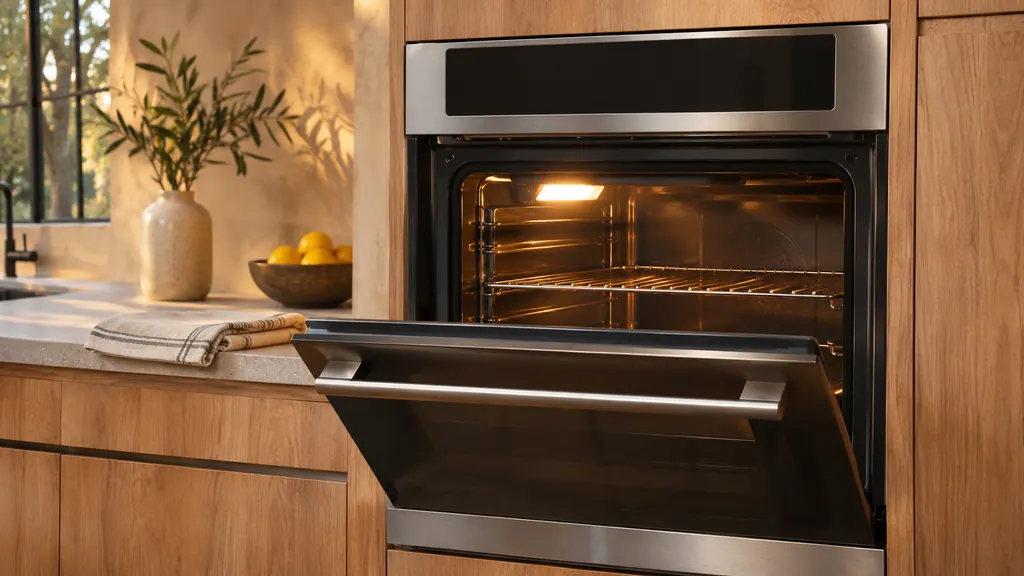
A new Dacor oven may give off a strong insulation smell, run its convection fan on and off and stiffen its chrome racks. The manuals list all three as normal. Run the oven empty on Bake for an hour, wipe the rack edges with a little oil, and unplug it should smoke appear or an odd noise start. [1][3]
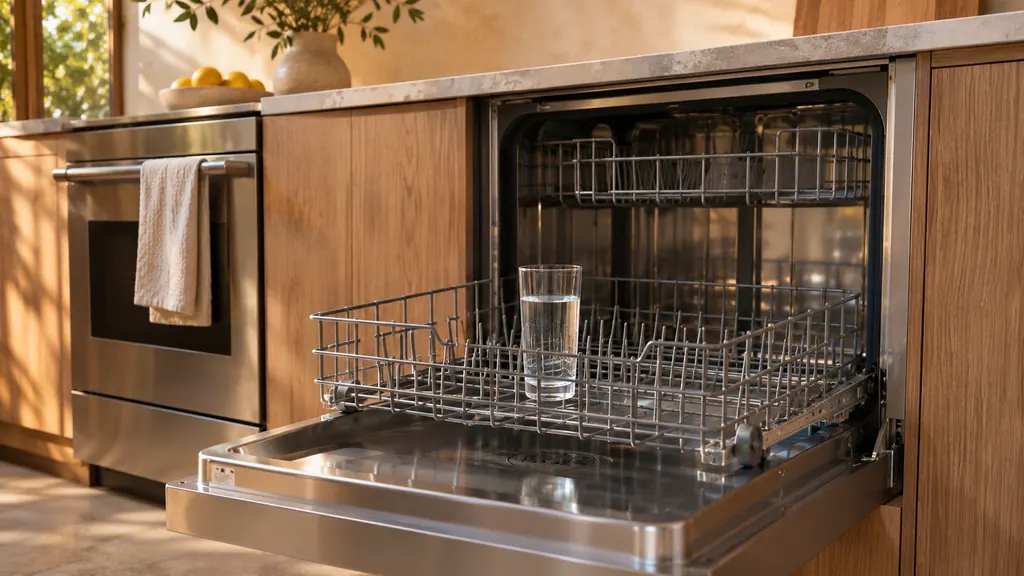
The Dacor manual treats a smelly dishwasher in three ways. Standing water in the tub: run an empty Normal cycle with detergent. Unused machine or dishes left in: stand a glass of 8 ounces of vinegar upright in the lower rack, no detergent, run Normal. An obstructed drain hose needs a qualified technician. [1]
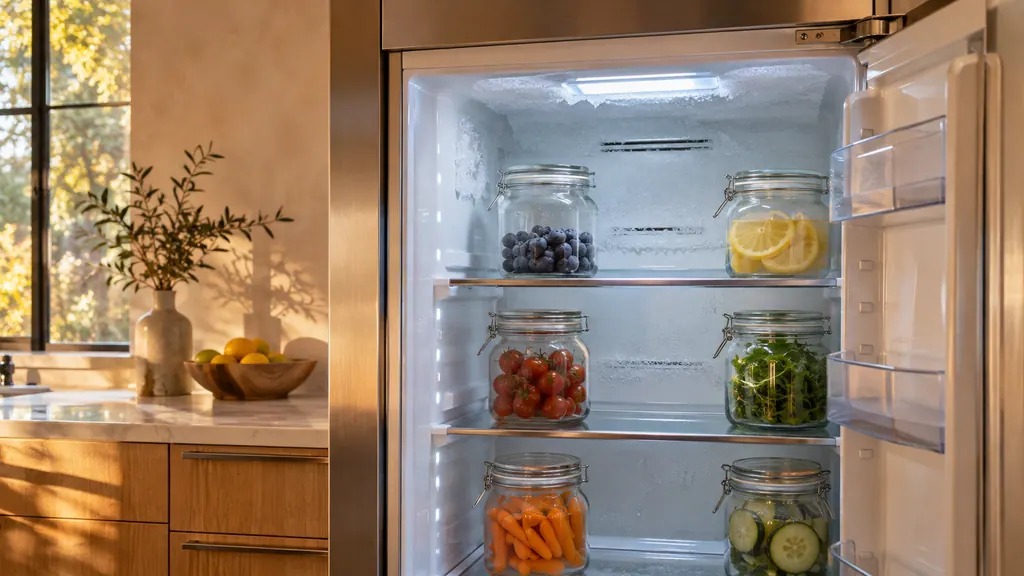
The Dacor manuals list two frost causes. Frost around the vents means food is blocking them, so move it away from the rear wall. Frost on the interior walls means the door is not closing properly, so check nothing holds it open and clean the door gasket. [1][2]
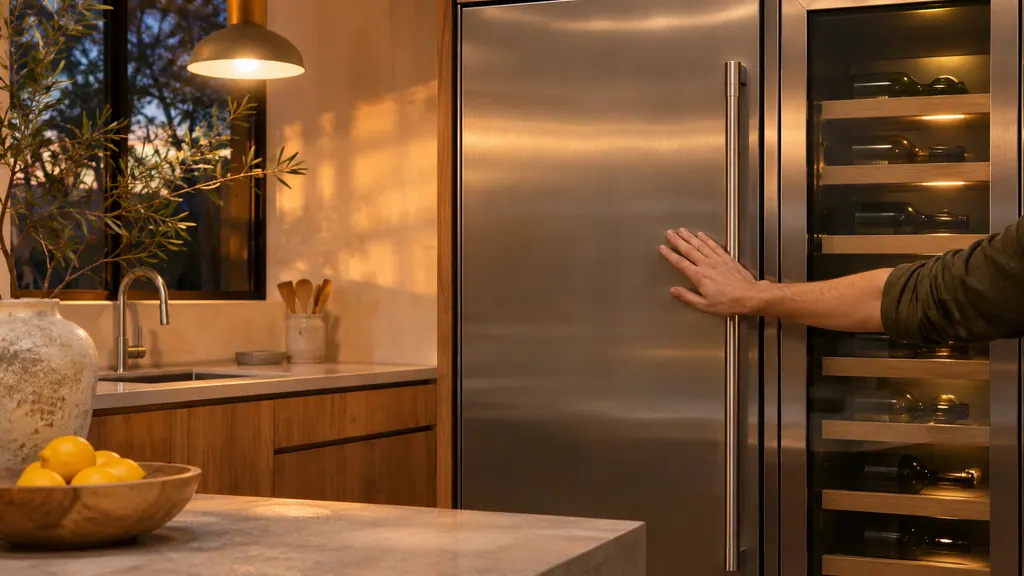
The Dacor manuals call these sounds normal: an engine-like noise as a run starts or ends, clicking or buzzing or chirping or whirring from the fan, and sizzling during defrost. The beverage center adds refrigerant rattle, gurgling and popping walls. An unlevel unit is not on that list. [1][2][3][4]
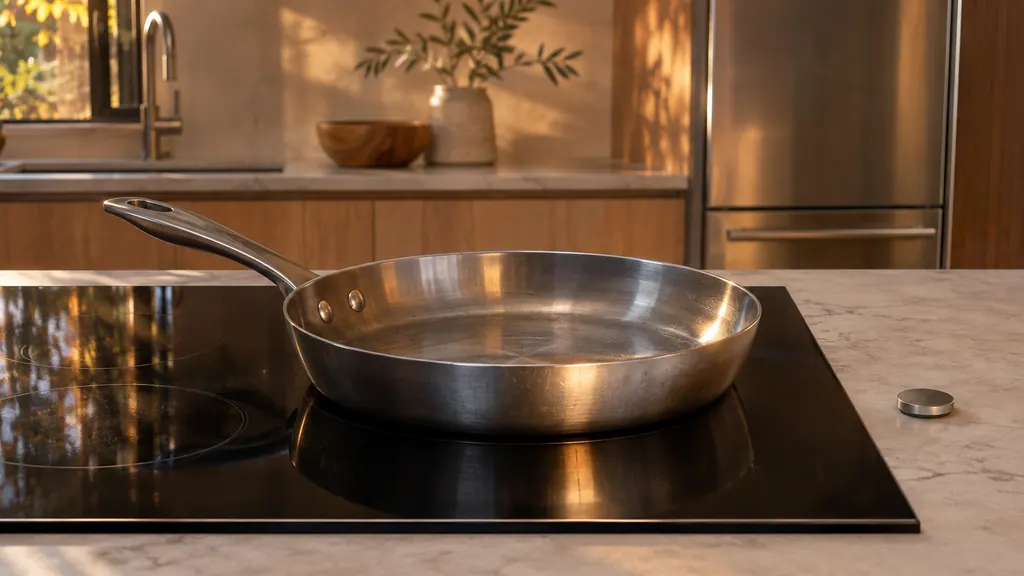
No Pan Detected on a Dacor induction cooktop usually means the cookware is wrong for the zone. Use a flat-bottomed pan with a magnetic base, center it on the zone ring, and move a small pan to a smaller zone. A magnet that sticks to the base shows the pan is compatible. [1][2]
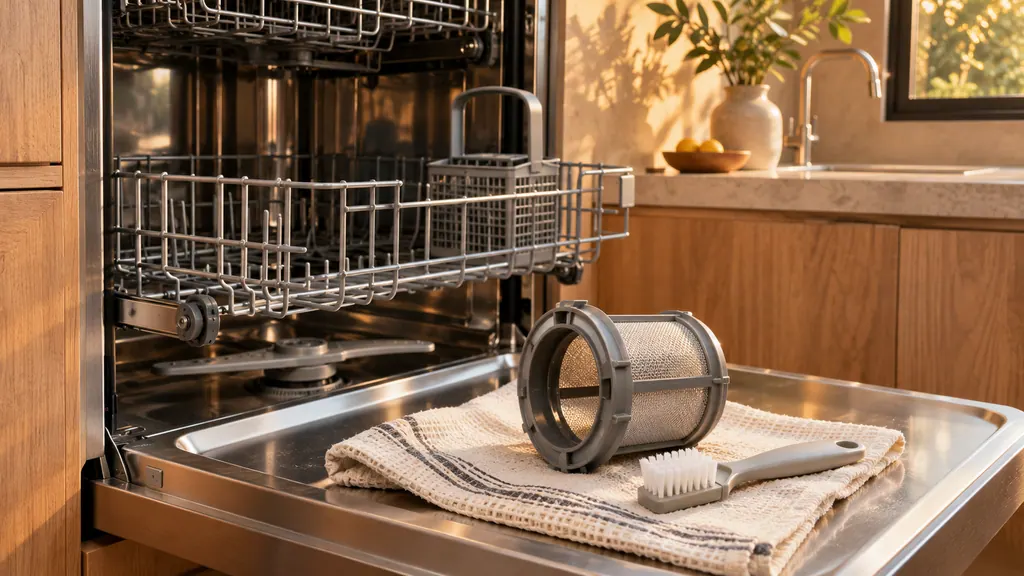
Clean a Dacor dishwasher monthly: run an empty Self Clean or Intensive cycle, then take the lower rack out and pull the coarse filter and the cylindrical micro filter to rinse. Unclog the top, upper and lower nozzles, and open the drain pump cover only for a 5C or a noisy pump. [1]
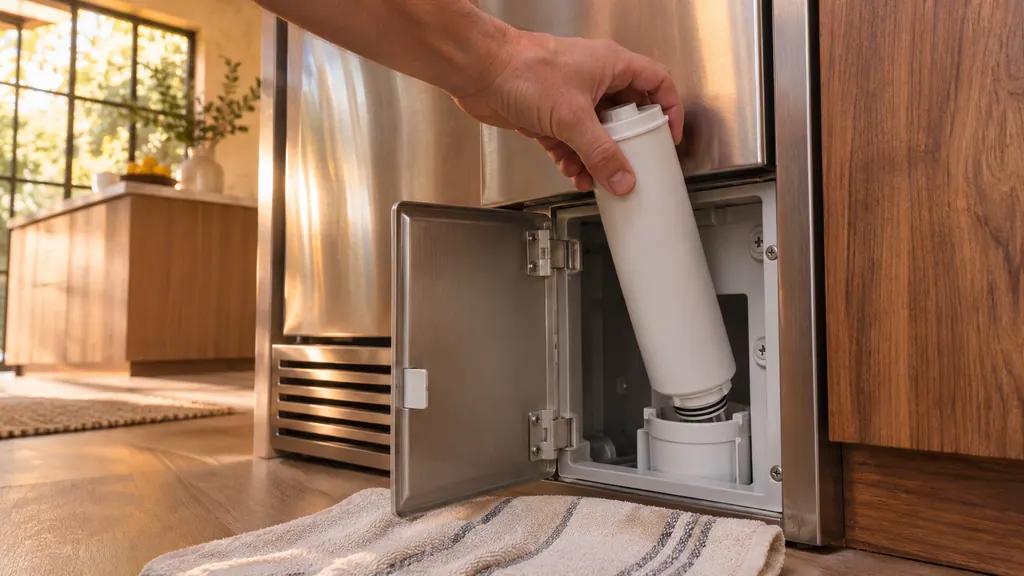
When the Dacor filter indicator blinks red, shut off the water supply, open the filter cover, turn the old filter counterclockwise out and fit a new approved one. Then keep Filter Reset pressed for 3 seconds (Water on a side-by-side) and run the dispenser for about 7 minutes. [1][2][3]
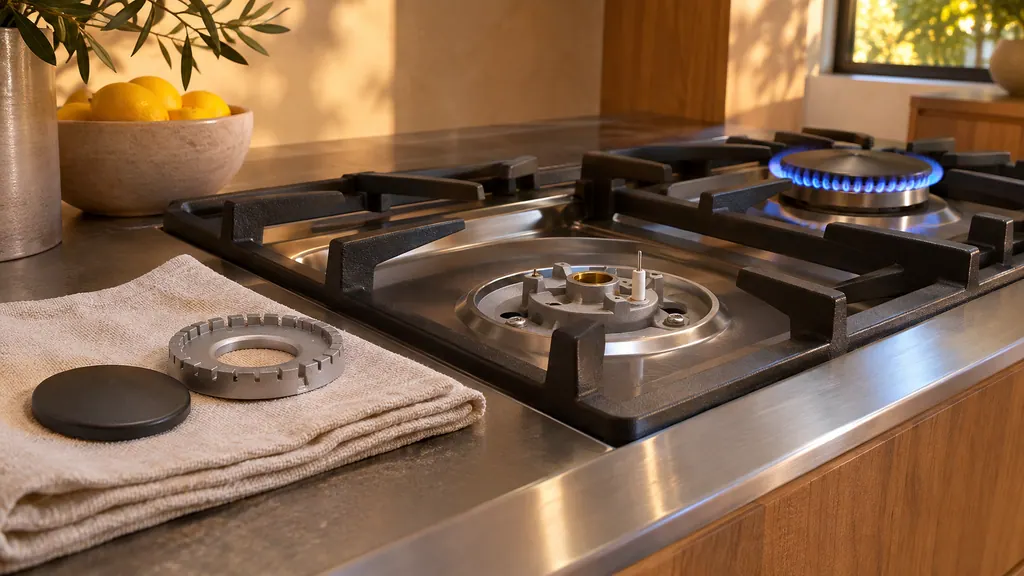
Clean Dacor burner caps and heads in hot soapy water, never in the dishwasher, and clear the ports with a pin. Wipe the electrode tip and ceramic stem with a dry cloth and no water. Refit the parts correctly, then test the burner: a steady blue flame is right. Should gas be present in the air, leave the building first. [1]
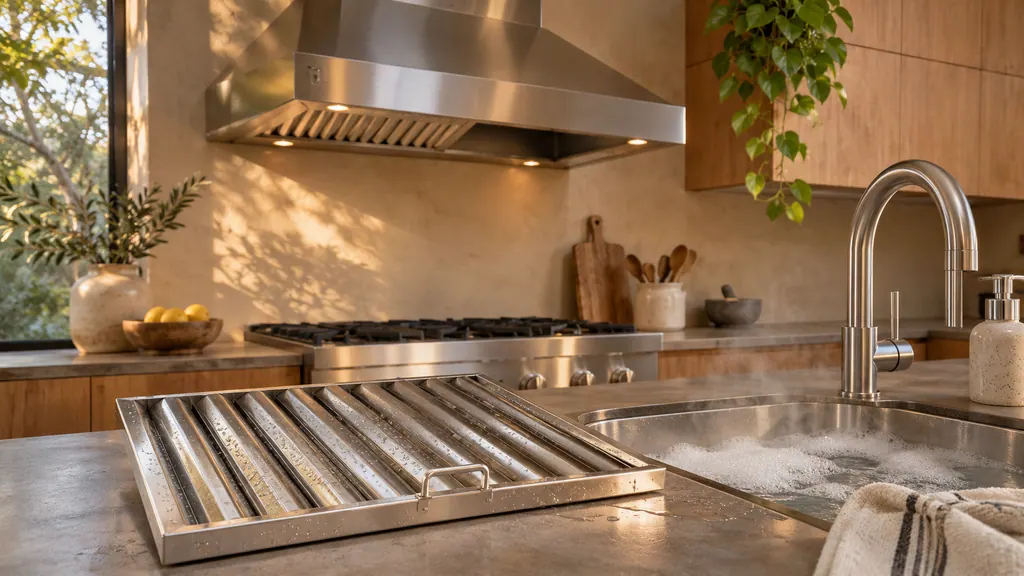
A blinking Low button on a Dacor wall hood is the filter reminder: it blinks every 50 hours of fan use. Switch the hood off at power, pull out each filter, wash it in a dishwasher or hot detergent solution, refit it, then hold POWER for 3 seconds to reset the alarm. [1]
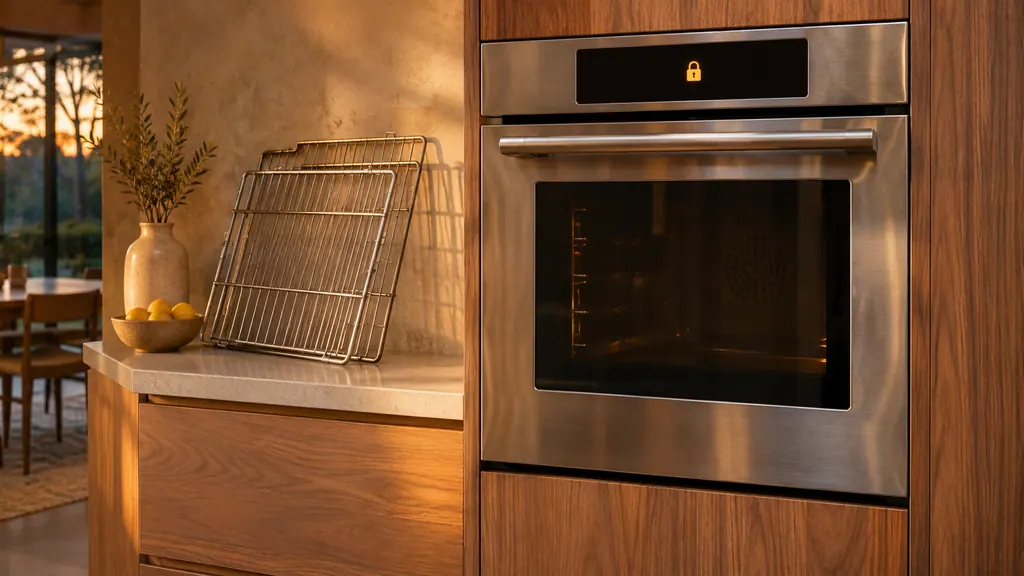
To self-clean a Dacor Heritage wall oven, remove the racks, loose objects and the meat probe, wipe the door with vinegar-water, dab the gasket gently, run a kitchen fan, then tap SELF CLEAN and START/CONTINUE. The door locks itself, the cycle takes about 2 1/2 hours, and the latch releases when the oven has cooled. [1]
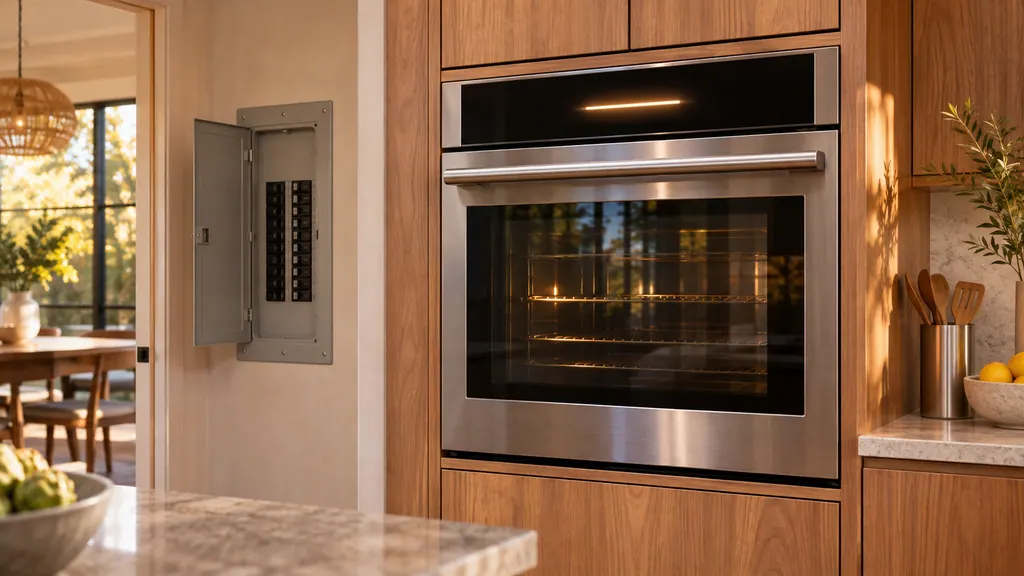
The manuals give a three-rung ladder for a Dacor oven or range code. Press OFF and restart the oven. If the code returns, disconnect all power for at least 30 seconds and reconnect it. If it still returns, stop and book a visit. A few codes, such as C-31 and C-A2, skip straight to service. [1][3][4]
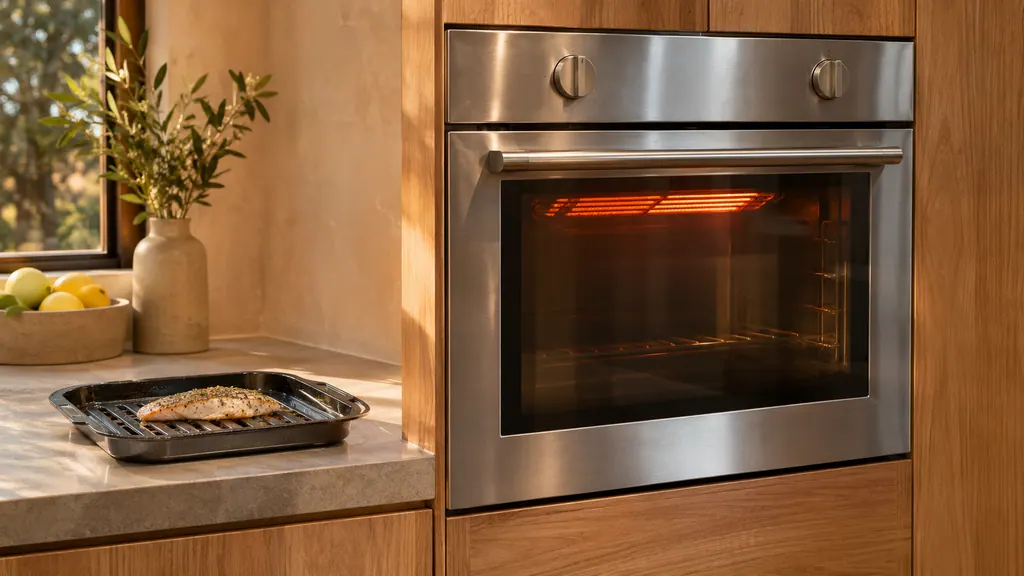
A Dacor oven broils with its door closed. On a Heritage wall oven, an open door during cooking or broiling may bring up C33, and the manual asks you to wait while the oven cools, which resets the error. Other Dacor ovens switch their heat off after 20 seconds, 30 seconds or 2 minutes of open door, depending on the model. [1][2][4][5]
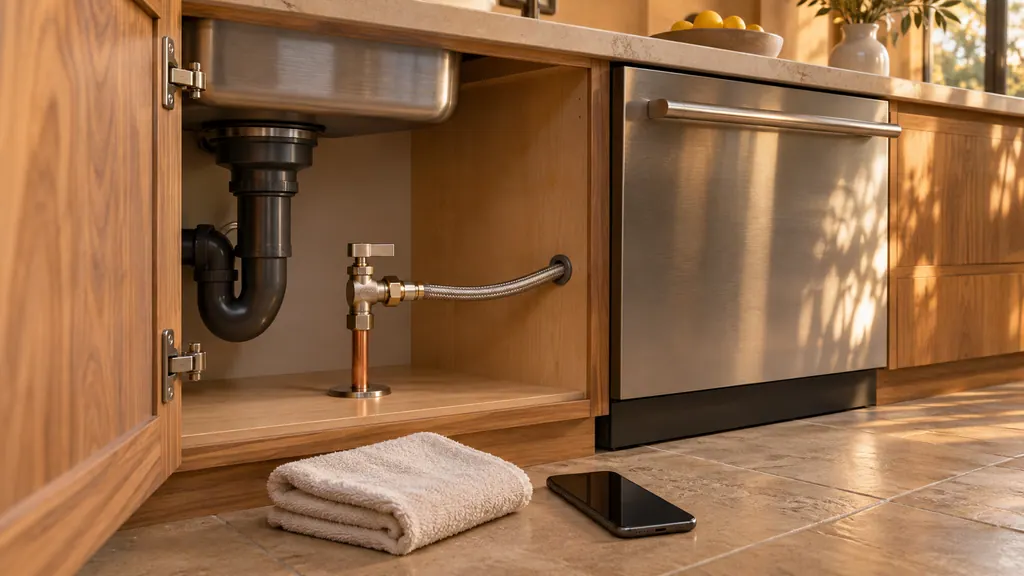
To shut off a Dacor DDW24G9000AP dishwasher for service, hold Start for three seconds to drain, shut the water supply valve, then switch the dishwasher off at its breaker or unplug it. The manual prints these in its leak steps and code table, not as one list. Keep it off until the visit. [1]
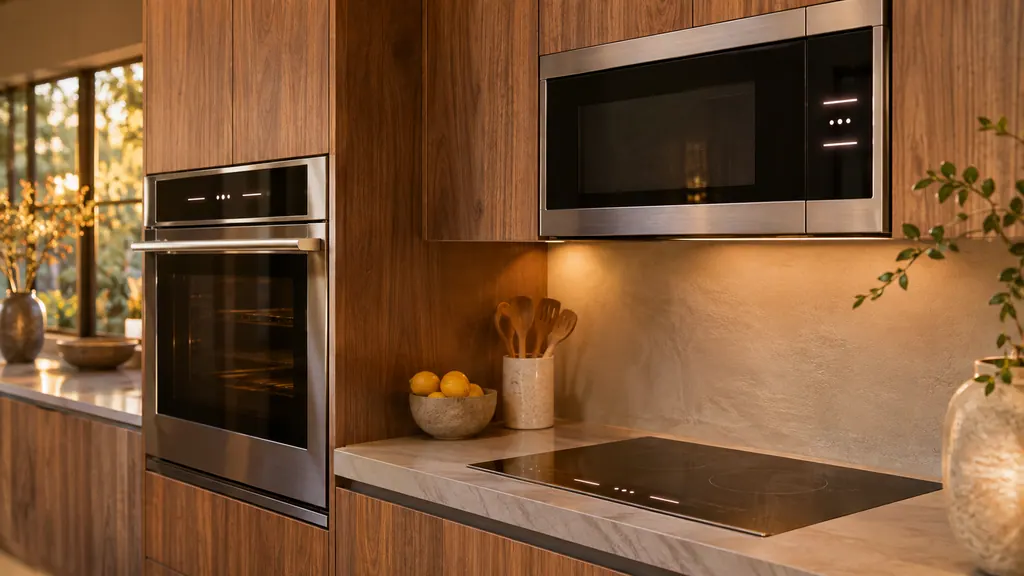
Dacor uses look-alike letters on three appliances. d0, F0 and F2 appear on a wall oven, an induction cooktop and a slim microwave, and each table words them differently. Read the code from the display of the appliance in front of you, then use only that appliance's table and first step. [1][2][3]
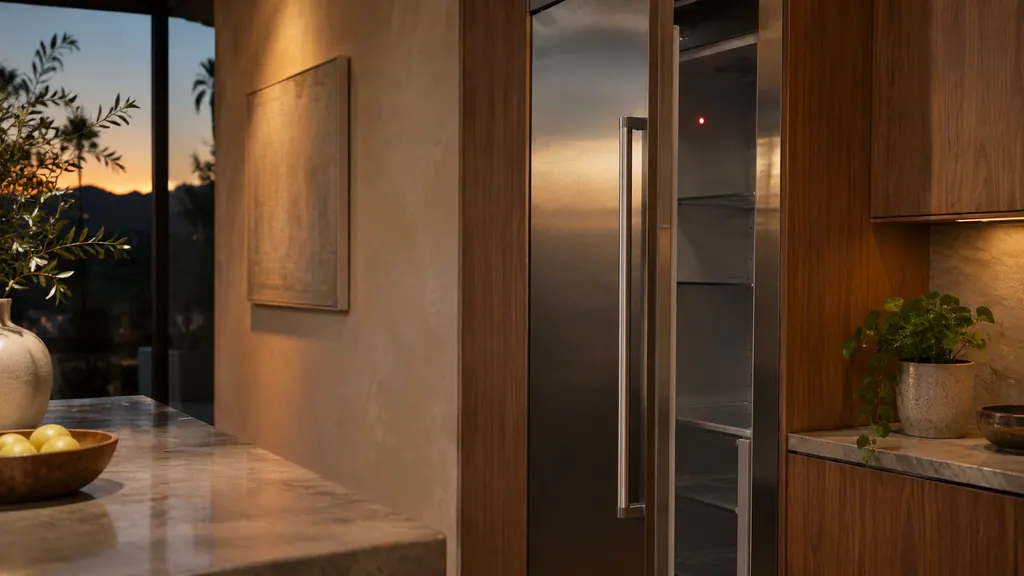
A Dacor refrigerator talks through indicators, not numbered codes. A blinking Door Alarm means a door has stood open past 2 minutes. A red Filter light means a filter is due and needs a reset. A lit Lock disables the panel. "oF" is a retailer display mode in which the unit does not cool. [1][2][3]
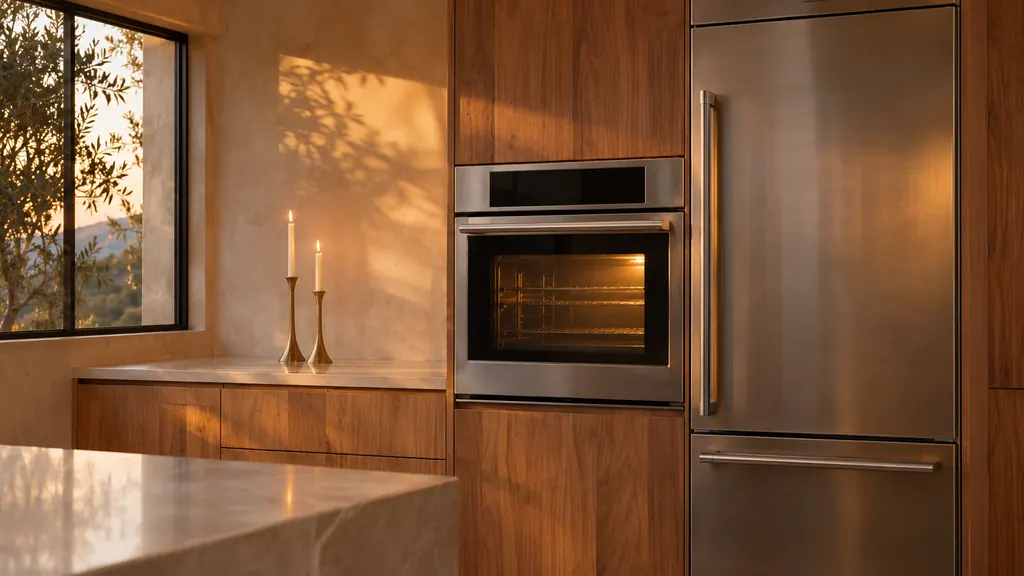
Sabbath mode is set differently on every Dacor appliance. A Modernist wall oven bakes first and then uses Settings > Sabbath. A Heritage wall oven uses #, Bake or Pure Convection, and the 0 or 2 key. Refrigeration holds two buttons for 5 seconds and runs 85 hours. A dishwasher uses the H1 setting. [1][2][3][7]
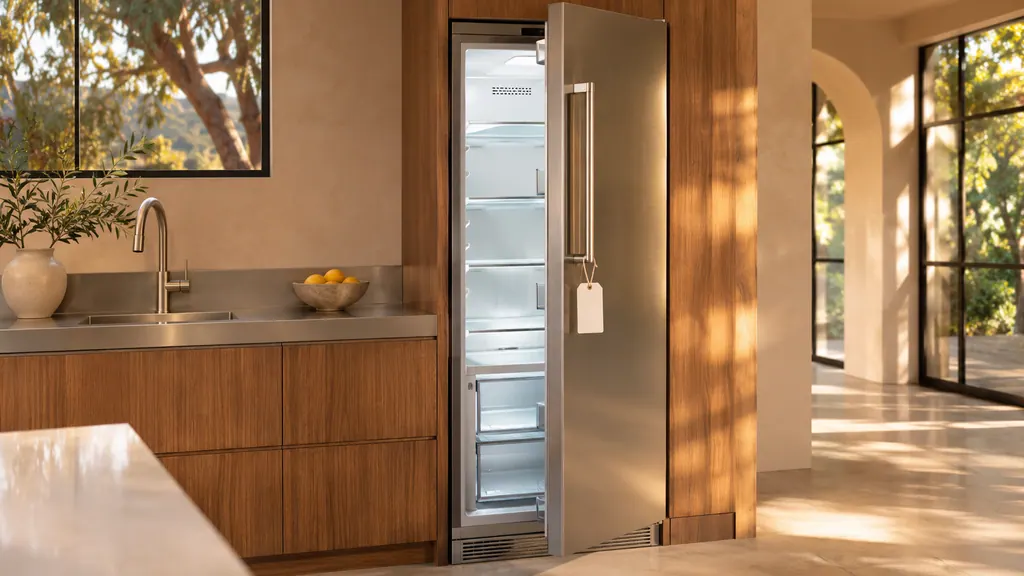
"oF" on a Dacor refrigerator, freezer, wine column or beverage center means Cooling Off mode, a retail display setting: the fan and lights run, but the compressors do not, so the unit does not cool. Hold the model's own three-key combination for 5 seconds to leave it. The side-by-side shows OFF. [1][2][3][4][5]
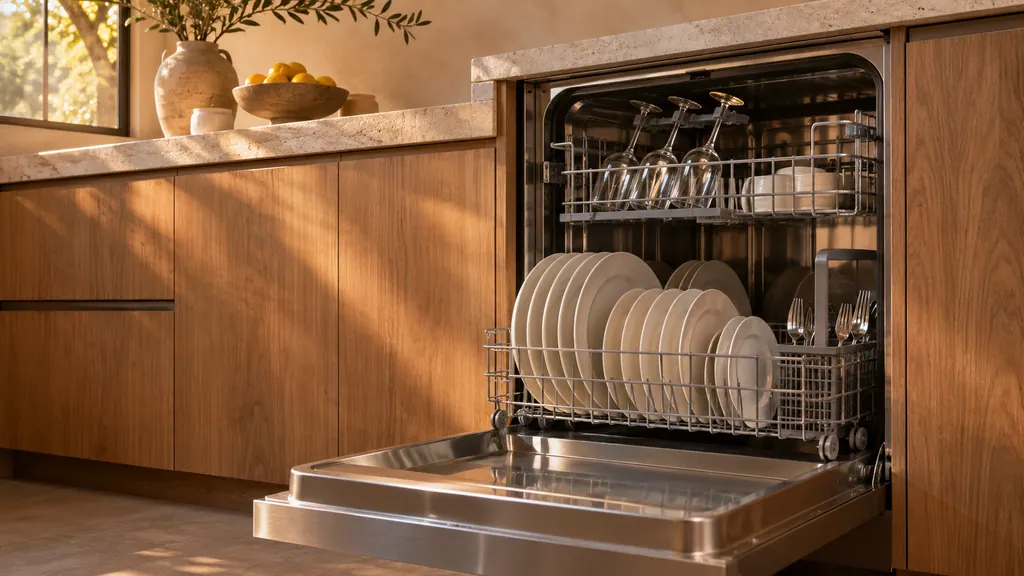
Load pots, pans and dinner plates in the lower rack and cups, glasses and small plates in the upper one, with nothing blocking the nozzles. Choose a cycle first, then add Sanitize, which raises the final rinse to 167 °F, or Delay Start, which waits up to 24 hours. Press Start and close the door. [1]
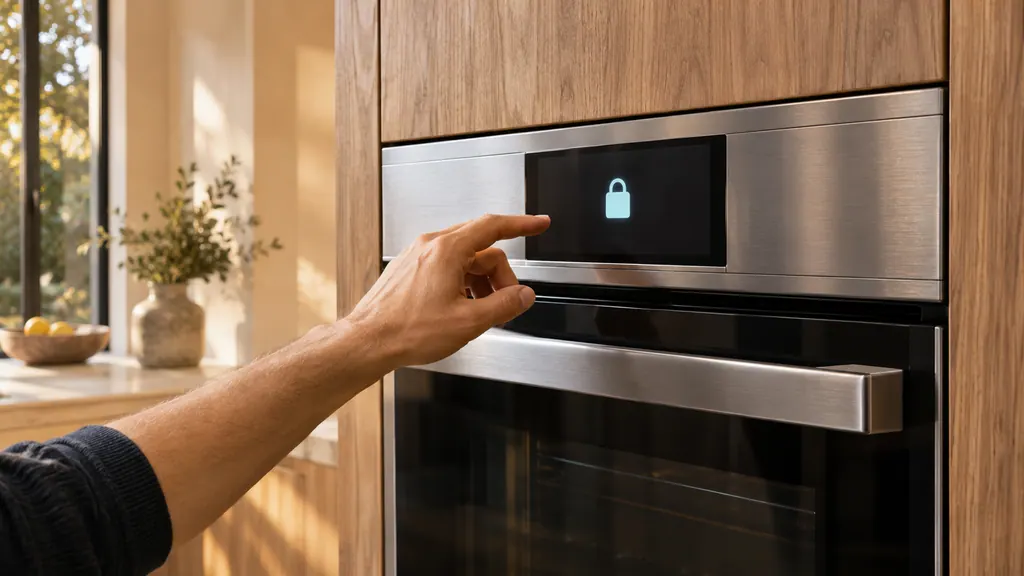
On a Dacor Modernist wall oven, cancel all functions, then keep LOCK held for 3 seconds to turn Control Lockout on, which also locks the door. Hold it for another 3 seconds to turn it off, and allow up to 10 seconds for the doors. The same lock-then-unlock is the manual's answer to a door stuck after a power cut. [1]
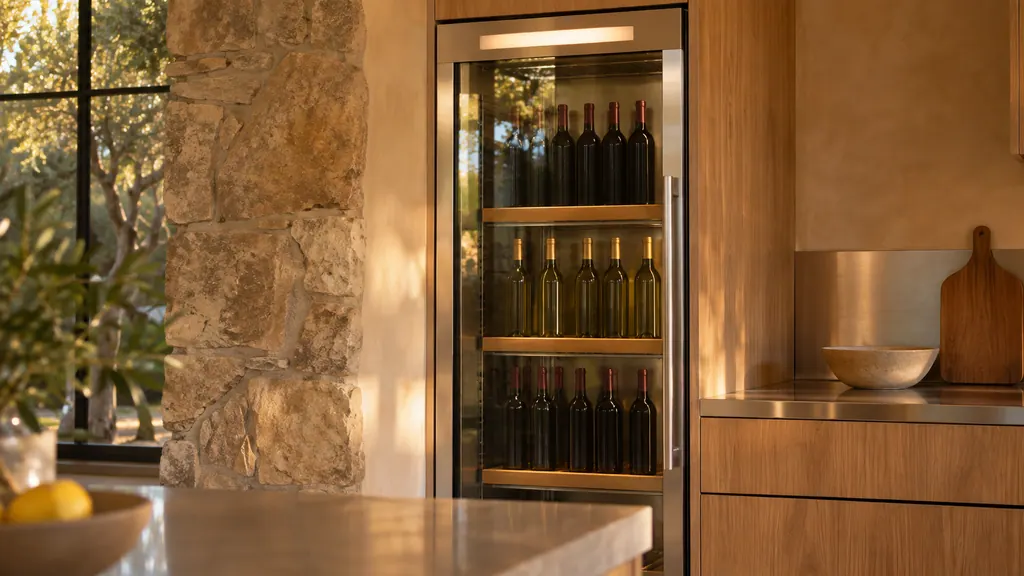
On a Dacor wine column, press the select button for the upper, middle or lower zone, then use the Temp. Control arrows within the 40 °F to 65 °F range. Without a zone selected, the arrows do nothing and the zone buttons blink. The window moves toward the new setting over time; that is normal. [1]
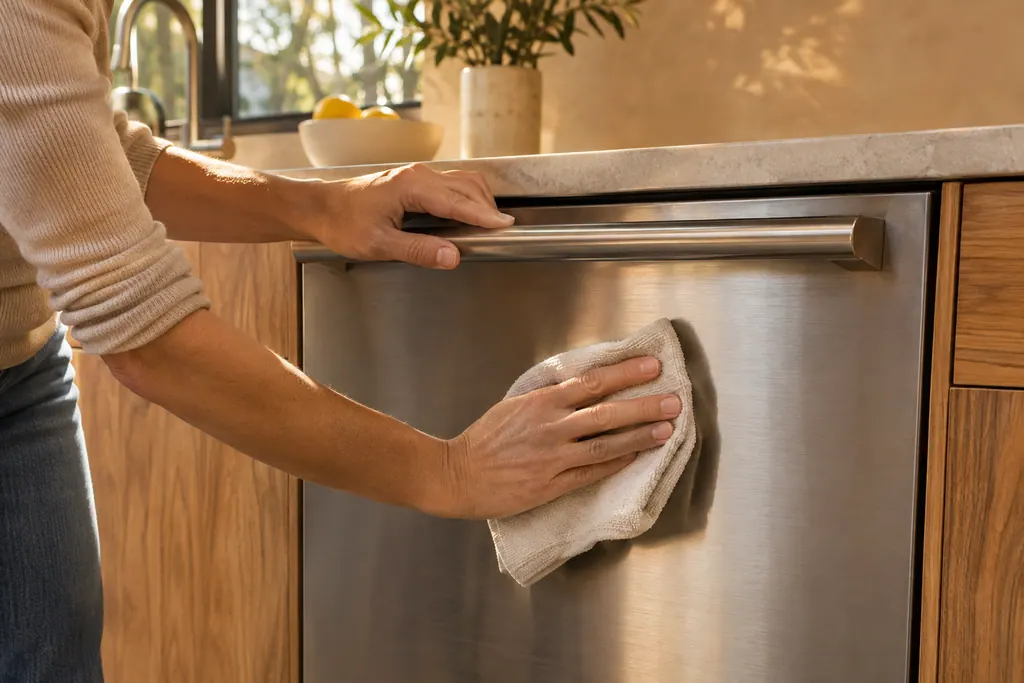
Take out all pans and foil, then run Bake at 400 °F for 1 hour on a Modernist or Pro Range (500 °F on a Heritage wall oven).
Read the full sequenceThe Heritage wall oven manual lists three owner causes for an oven that will not heat: a wrong temperature setting, a delayed start left on, and a meat probe still plugged in when you broil. Check those in that order, then look at the display for a C- code.
When a Dacor oven door stays shut, it is usually locked on purpose: during self-cleaning, or by Control Lockout on a Modernist after a power cut. Wait for the lock to release, or follow the lockout steps. C-d1 and C33 are the door-related codes.
For a Heritage wall oven that will not turn on, the manual lists no power connection, a breaker that tripped or a fuse that blew, a locked control panel, and a power outage. Touch CANCEL/SECURE for 6 seconds to unlock the panel before anything else.
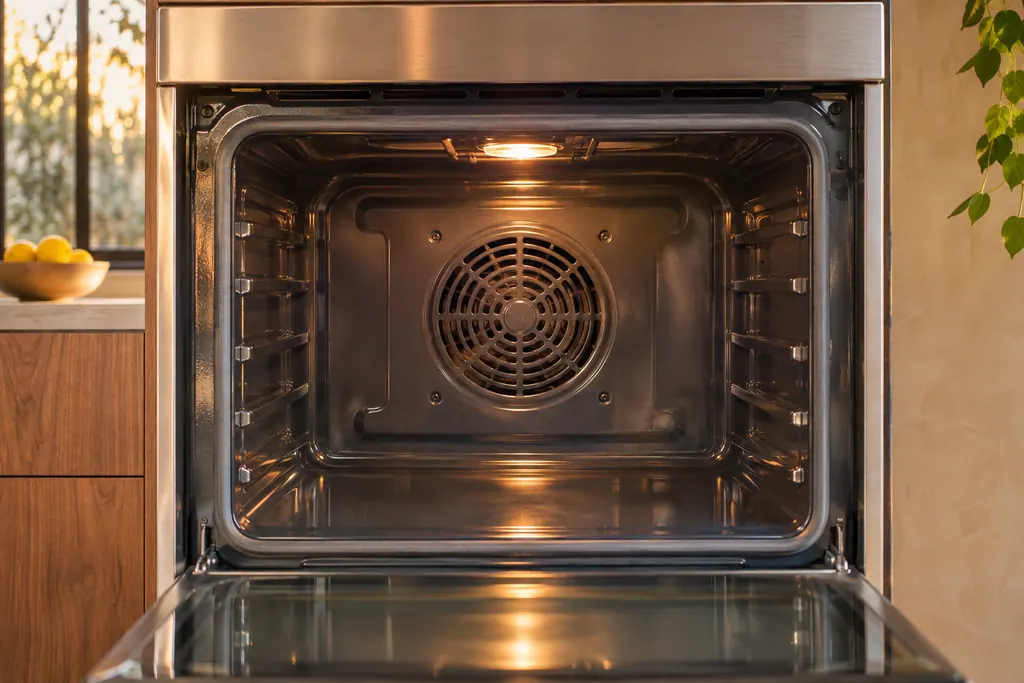
Dacor ovens run a convection fan that cycles on and off while cooking, and a cooling fan that keeps going after the oven is switched off. Both are listed as normal. A real cooling-motor problem shows as C-A2, and the table sends you to service.
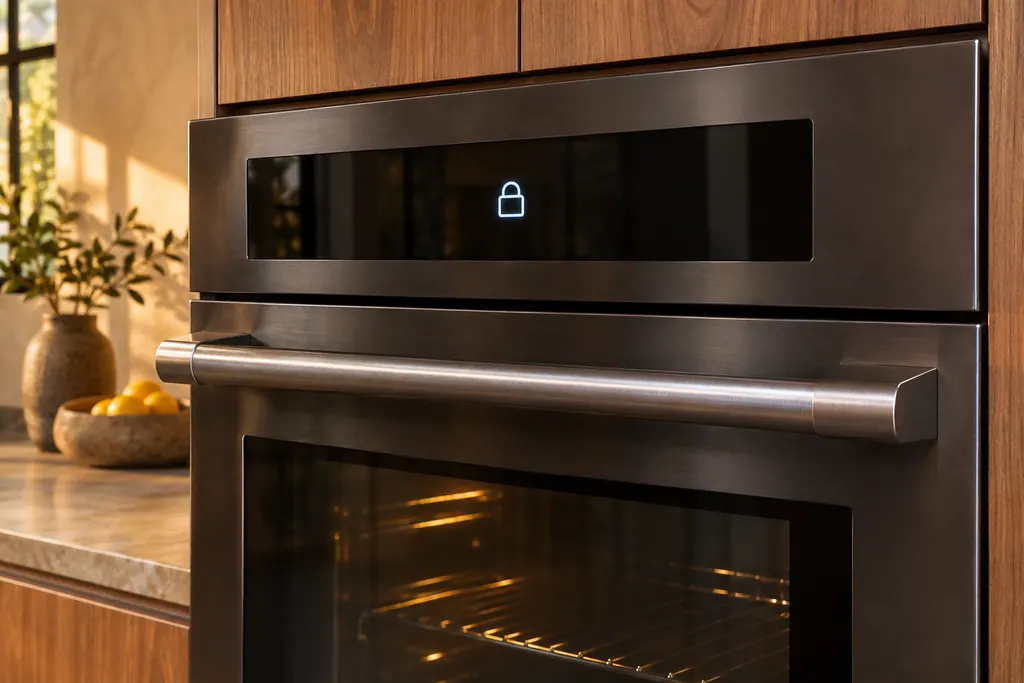
A Dacor wall oven holds its door shut during self-cleaning, and the Modernist Control Lockout locks the door along with the touchpad. After a power cut while the door was locked, the Modernist manual says to switch Control Lockout on and then unlock it. The Heritage manual ties code C33 to an open door.
C-20 on a Dacor oven means the oven sensor is open or short while the oven operates. Press OFF and restart. If it persists, cut all power for at least 30 seconds and reconnect, and book a technician if the code reappears.
C-21 on a Dacor oven means the internal temperature rose abnormally high. Power the oven down and give it time to cool. The 30-inch Transitional guide then says to restart; the other guides share the longer reset ladder.
Experienced technicians examine the appliance before proposing any work. OEM parts are ordered to suit your model.
Dacor handles repairs that its manufacturer warranty covers. We provide a warranty of our own on the work we do.
Care, daily use, troubleshooting and codes. Each guide closes with the Dacor manuals it draws from.
A code on the display points to the codes guide. Odd behavior with no message fits troubleshooting. To stay ahead of trouble, read the care guide.
No. They stay with chores an owner can do safely, like filters and racks. Opening panels or touching wiring, gas or sealed circuits is technician work.
Possibly not. Dacor has reworked its lines across the years, so every guide lists the models it applies to. Compare that list with your unit's label.
Dacor codes, symptoms, parts, repairs
The Heritage wall oven manual lists three owner causes for an oven that will not heat: a wrong temperature setting, a delayed start left on, and a meat probe still plugged in when you broil. Check those in that order, then look at the display for a C- code.
Book a diagnostic for your model at the appliance itself.
Office details and the access notes to pass on.