Inside the appliance
Oven door lock and Control Lockout. In plain English.
A Dacor wall oven holds its door shut during self-cleaning, and the Modernist Control Lockout locks the door along with the touchpad. After a power cut while the door was locked, the Modernist manual says to switch Control Lockout on and then unlock it. The Heritage manual ties code C33 to an open door.
Where it fits.
Oven door lock and Control Lockout in the appliance
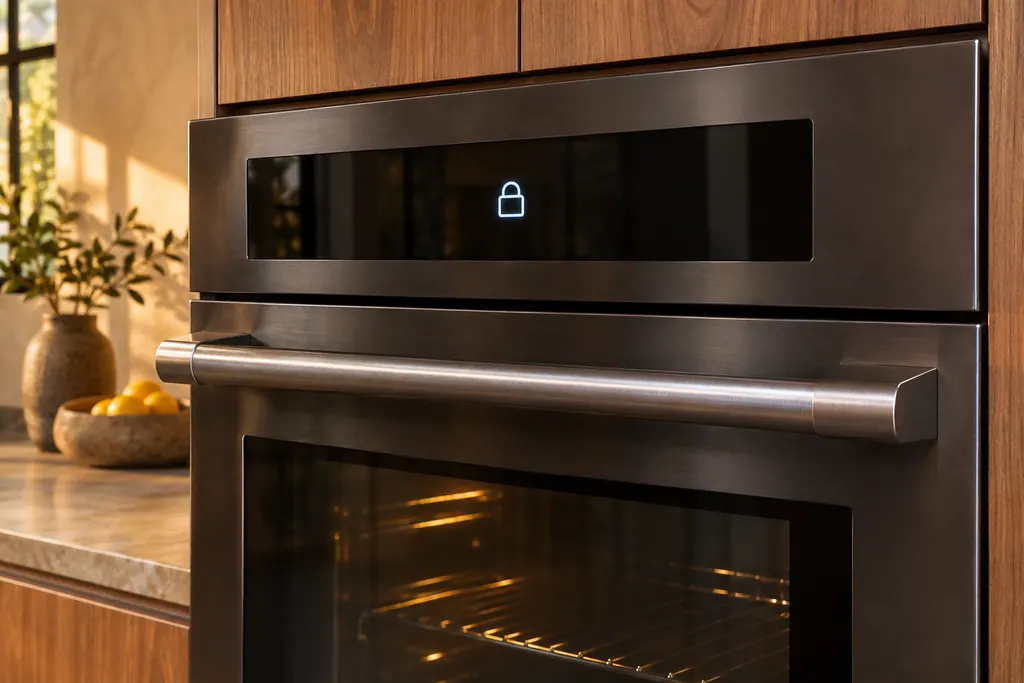
At the oven door and its latch. What you can see is the lock symbol on the display and the LOCK key on the control panel.
The photo shows the type of component. It cannot tell you which replacement fits your model.
What you notice when this system wants attention.
A Oven door lock and Control Lockout concern can arrive with weaker performance or a code that returns. The component is only blamed after testing.
Owner care, within the model instructions.
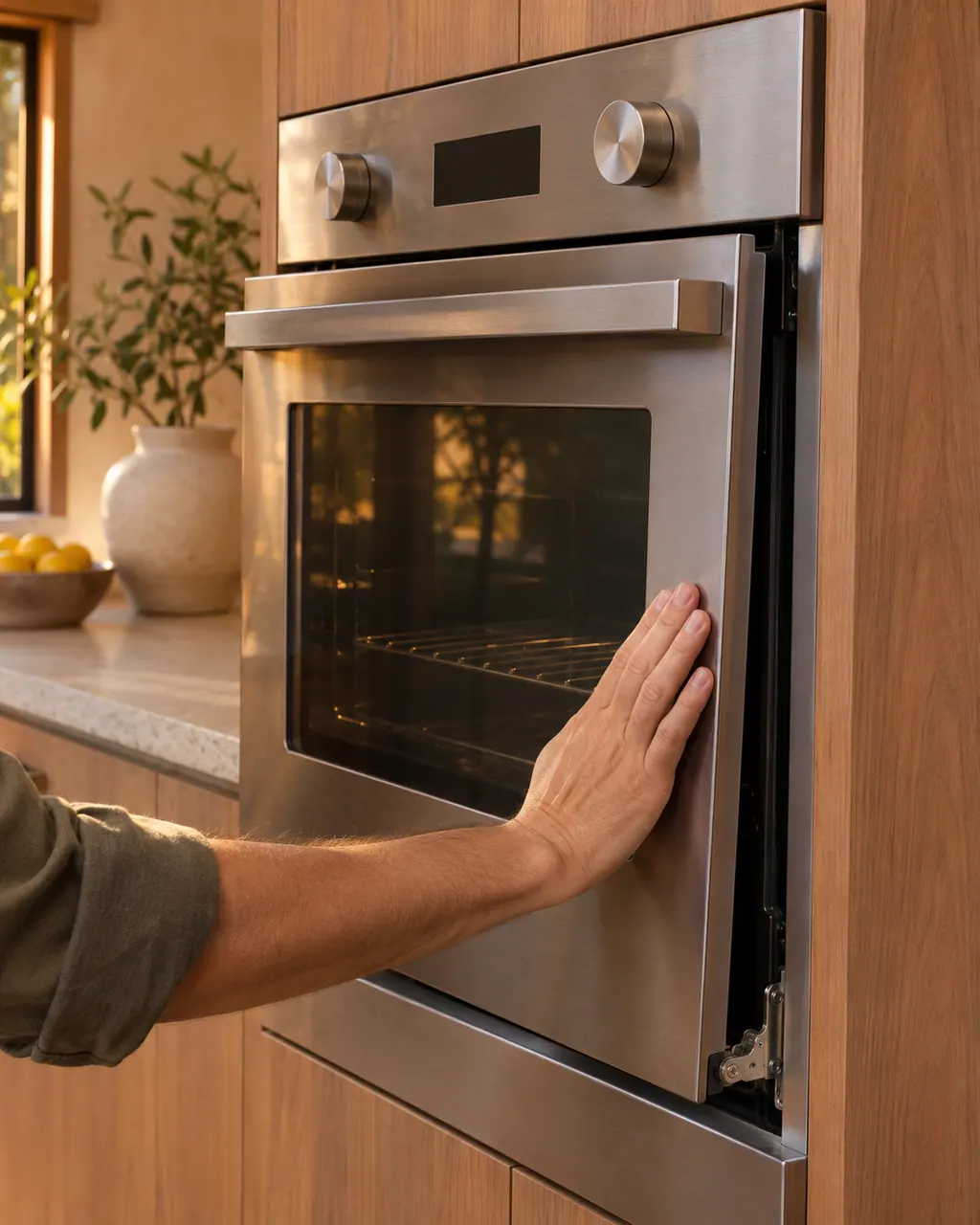
Turn off and unplug the appliance before any check you can make yourself. Beware of pooled water and sharp fragments. Never touch a wet plug or live wiring, take off service panels, or go beyond what your model's guide allows.
- 1
Watch for the lock symbol
On the Heritage wall oven, a lock symbol on the display means the door will not open until self-cleaning ends. Let the cycle end instead of forcing the door.
- 2
Door stuck after an outage
The Modernist table lists a tripped breaker or power failure while the door was locked. Its remedy is to activate Control Lockout, then unlock the control (PDF p.16 explains the key).
- 3
Mind the open door
The Heritage manual says C33 may come from an open door during cooking or broiling. Let the oven cool so the code clears, and avoid leaving the door open for long while broiling.
- 4
Read C-d1 as the lock position
The Modernist wall oven and range tables print C-d1 as a door lock in the wrong position. Press OFF and restart; if it stays, cut power for at least 30 seconds, restore it, and then book a visit.
Cleaning or replacement?
Leave internal testing to a technician.
Schedule a visit when the door remains shut even though the oven is cold and the control is unlocked.
Schedule a visit when C-d1 comes back after the 30-second power disconnect.
Schedule a visit when C33 reappears following a full cool-down.
Arrange a diagnosticSee the neighboring components.
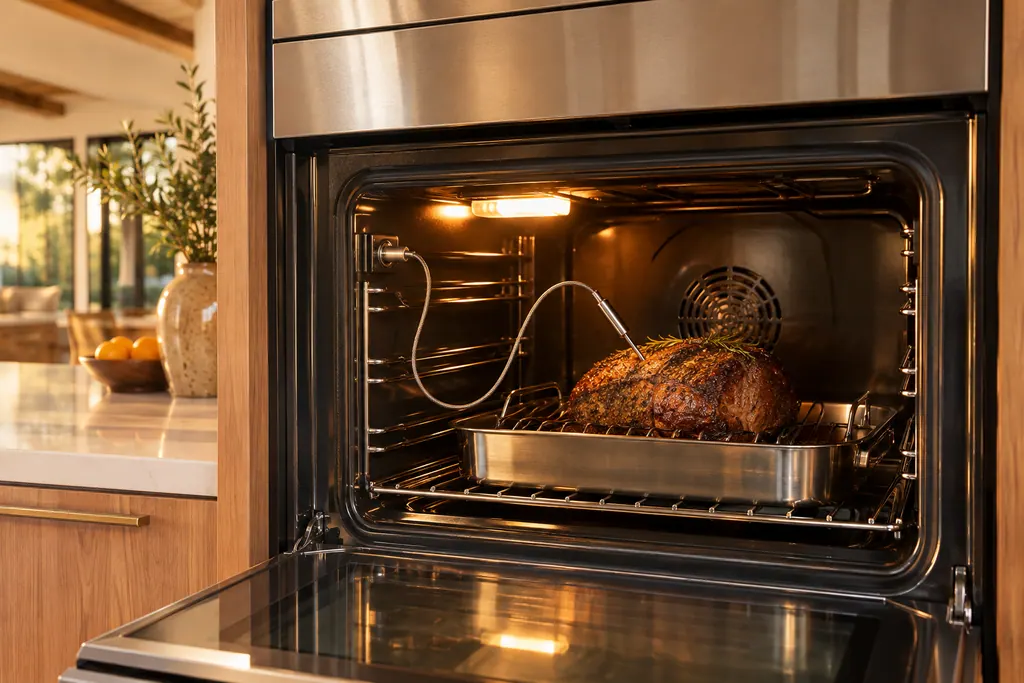
Oven temperature probe
The temperature probe is the plug-in wire that reads the food's internal temperature. Dacor Modernist and Transitional tables print C-23 as a short temp probe sensor while the oven runs. A wet or still-connected probe also stops broil, self-clean and Sabbath modes on the Heritage wall oven.
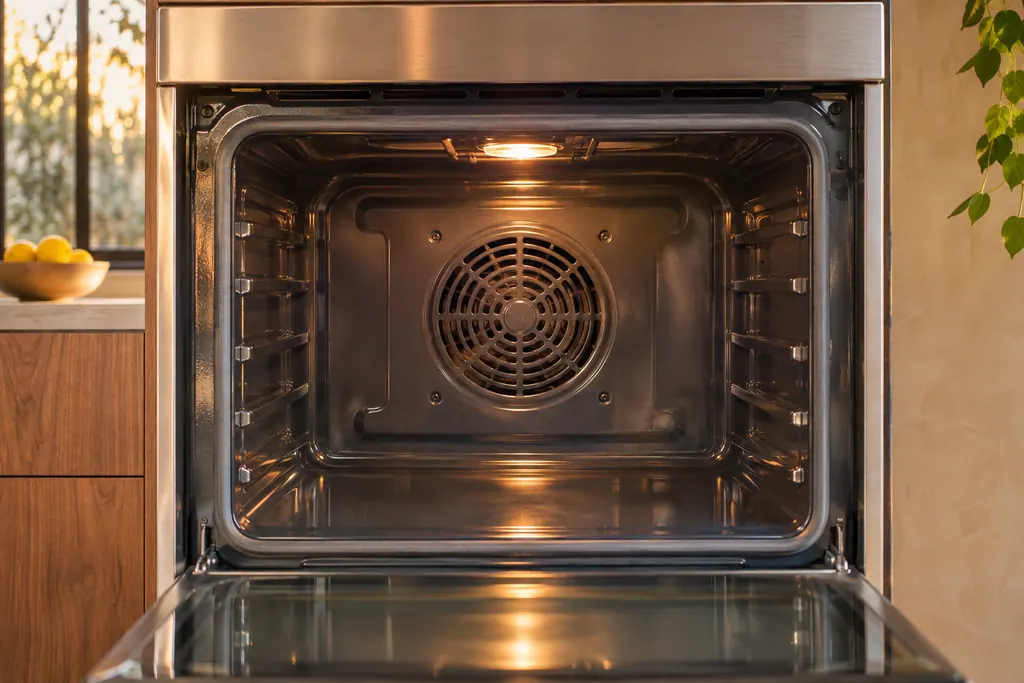
Oven convection and cooling fans
Dacor ovens run a convection fan that cycles on and off while cooking, and a cooling fan that keeps going after the oven is switched off. Both are listed as normal. A real cooling-motor problem shows as C-A2, and the table sends you to service.
Sources and model boundaries.
The Oven door lock and Control Lockout guidance is built on these references. Choose the manual for your own model.
- User Manual, Modernist Built-In Electric Wall Oven DOB30M977
- User Manual, Heritage Wall Oven, Models: HWO127, HWO130, HWO227, HWO230
- User Manual, Modernist Pro Range DOP48M86D**/DOP36M86D**
Rely on the guide for your precise model. Look at how we research these pages.
Why will my Dacor oven door not open?
If a lock symbol shows, the Heritage manual says the door stays shut until self-cleaning ends. After a power cut, the Modernist manual says to switch Control Lockout on and unlock the control.
Does an open door cause C33?
The Heritage wall oven manual says C33 may be caused by an open door during cooking or broiling. Let the oven cool and it should reset. Should it come back, have a technician look.
What does Control Lockout lock?
On the Modernist wall oven it locks the touchpad buttons and the oven door or doors. It must be turned on from standby, with all functions canceled, by touching LOCK for 3 seconds.
Which Dacor ovens print C-d1?
The Modernist wall oven, both Transitional ranges and the 48-inch Modernist range list it as a door lock in the wrong position. The Heritage wall oven manual has no code table, so check yours.
Dacor codes, symptoms, parts, repairs
Link the message to what you do next.
C33
On a Dacor Heritage wall oven (HWO127, HWO130, HWO227, HWO230), C33 can appear when the door stays open during cooking or broiling. Let the oven cool so C33 resets, and do not leave the door open for long while broiling.
Dacor oven not heating
The Heritage wall oven manual lists three owner causes for an oven that will not heat: a wrong temperature setting, a delayed start left on, and a meat probe still plugged in when you broil. Check those in that order, then look at the display for a C- code.
Oven repair
Book a diagnostic for your model at the appliance itself.
Find your metro
Office details and the access notes to pass on.