On this page
- Control Lockout locks the touchpad and the oven door or doors. 1
- It works from standby and only when the oven is under 400 °F. 12
- LOCK held for 3 seconds sets or clears the lock; the doors may take 10 seconds to release. 1
- A stuck door after a power cut: lock, then unlock the control. 12
- Self-clean and Green-clean will not start while it is on. 1
What is Control Lockout on a Dacor wall oven?#
It is a lock on the touchpad that also locks the oven door or doors. The Modernist wall oven manual says it prevents undesired changes to the controls. You turn it on from standby with the oven below 400 °F, and you turn it off by touching LOCK again for 3 seconds. 1
The Modernist Pro range has the same feature with the same wording. 2 The Heritage wall oven has a different lock, called Lock-Out, that uses CANCEL/SECURE. It is covered further down. 3
How do I turn Control Lockout on?#
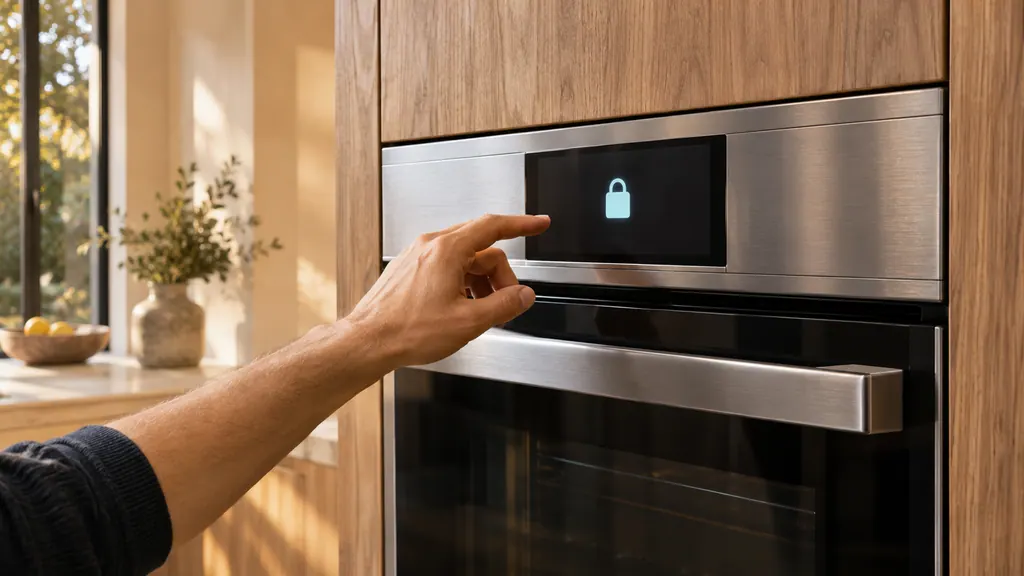
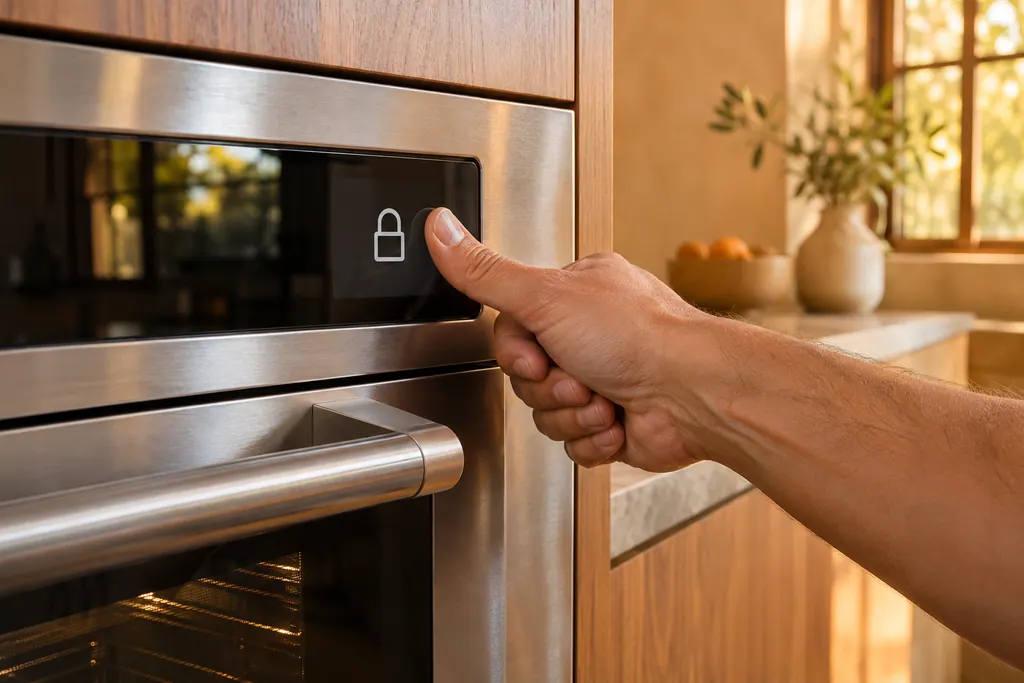
Cancel or turn off every function, then hold the LOCK pad for 3 seconds. The display changes to the Child Lock screen, and a control lock confirmation appears at the bottom. The oven must be in standby and under 400 °F. 12
- 1
- 2
- 3
- 4
The manual puts it plainly: all other functions must be canceled before you activate Control Lockout. 1 If the lock will not take, the likeliest reason is a function still running or an oven that is still above 400 °F.
How do I turn Control Lockout off?#
Hold LOCK for 3 seconds a second time. The control lock confirmation and the lock icon disappear. The manual adds that it may take up to 10 seconds for the doors to unlock, so give the oven time before you try the door. 1
Do not tug at a door that has not released yet. The Heritage manual warns that forcing a locked oven door open can harm the door and its latch, and the Modernist range manual says the same about forcing the door during cleaning. 23
Why will my oven door not open after a power cut?#
If power failed or a breaker tripped while the door was locked, the Modernist manual's answer is to activate Control Lockout and then unlock the control. Do it as listed above and wait up to 10 seconds. 1
The Modernist Pro range lists the same row, with the same cure. 2 It looks odd, locking in order to unlock, and the manuals do not explain why it works. They simply give it as the solution to a door locked during a power failure.
Our oven door problems page lists the other reasons a door stays shut, such as a self-clean lock. If you lost power and the clock flashes, set the time too. The restart guide covers codes after an outage.
What else does Control Lockout block?#
Self-cleaning and Green-cleaning. The Modernist manual says you cannot start a self-clean cycle while the control lockout is active, and that Green-cleaning will not work while Control Lockout is on. Its troubleshooting table lists "cancel oven lockout" as the fix. 1
So if the oven will not self-clean and the display shows the Child Lock screen, unlock first. The same table lists an oven that is too hot for the cycle: let it cool, then reset the controls. 1
Where does the Modernist manual send me, and is it right?#
It points to page 23, but the section is on pages 16 and 17 of the PDF. The contents list and the troubleshooting rows both say "Control Lockout, pg. 23". Page 23 of the same PDF is the gliding rack page. 1
Use the steps above, which come from the Operations section on pages 16 and 17. The Modernist Pro range's own cross-reference, page 49, is correct. 2
How does the Heritage wall oven's Lock-Out work?#
With CANCEL/SECURE. Keep it held 6 seconds; the control-panel keys deactivate, OFF appears, and only CANCEL/SECURE and the oven-light keys still work. On a double oven, either CANCEL/SECURE key locks the panel for both ovens. 3
Activating Lock-Out turns off all active timers. 3 The manual's second step is to touch and hold CANCEL/SECURE for 3 seconds, which it does not explain. The troubleshooting table is clearer: for "oven will not turn on" with the control panel locked, touch CANCEL/SECURE for 6 seconds to reactivate the panel. 3
On the Heritage oven the door lock is separate. The manual ties a locked door to self-clean: if the lock symbol shows, wait for the cycle to end, or touch CANCEL/SECURE, and the door releases when the oven has cooled. 3
Can a locked oven look like a dead one?#
It can. The Modernist control panel list describes LOCK (Control Lockout) as disabling all oven functions when it is held for 3 seconds. A locked touchpad therefore ignores START and the mode keys even though the oven has power. 1
Look for the Child Lock screen or the lock icon before you decide the oven has failed. The button says LOCK and the screen says Child Lock, but both refer to the same setting. 1 If there is no lock icon and the display is dark, the oven will not turn on page has the power checks that come first.
Which details should I record before calling?#
Write down what the display shows, whether it says Child Lock or a lock icon, whether the oven is hot, and whether the door unlocked after 10 seconds. A photo of the screen helps.
- The oven's model, for example DOB30M977 or HWO230.
- Whether a power cut or tripped breaker came first.
- Whether the lock was set on purpose.
- What the oven temperature is, if it shows.
The oven service page shows the work we take on, and the oven will not turn on page covers a control that stays dead. The door lock entry describes the part behind the lock.
Sources#
- User Manual, Modernist Built-In Electric Wall Oven DOB30M977Dacor (Dacor-branded document hosted on image-us.samsung.com) · Part No. 112177 Rev B / DG68-00920A-00 · PDF p.13 (control panel keys), p.16-17 (Control lockout), p.41 and p.43 (self-clean and Green-clean notes), p.63-64 (Troubleshooting)
- User Manual, Modernist Pro Range DOP48M86D**/DOP36M86D**Dacor (Dacor-branded document hosted on image-us.samsung.com) · Part No. 115113 Rev A · PDF p.49 (Using Control Lockout), p.71 (Troubleshooting, door is locked)
- User Manual, Heritage Wall Oven, Models: HWO127, HWO130, HWO227, HWO230Dacor (Dacor-branded document hosted on image-us.samsung.com) · Part No. 113606 Rev A · PDF p.8 (Enabling/Disabling Control Lock-Out), p.13 (self-clean), p.16 (Troubleshooting)