On this page
- The ladder is press OFF and restart, then 30 seconds without power, then service. 134
- A quick breaker flick is not enough: the manuals say at least 30 seconds. 1234
- C-21 asks for a restart only; C-31 and C-A2 say to call for service. 1234
- C-d0 points at the keys: clean them, dry them, turn off and retry. 123
- A clock that blinks after an outage is not a code; set the time again. 5
What is the manual's restart ladder for a Dacor oven or range?#
Three rungs, in order. Press OFF and start the oven again. If the code returns, disconnect all power for at least 30 seconds and reconnect it. If it still returns, the manuals say to call for service, and for us that means book a visit. 134
The Modernist wall oven, the Modernist Pro range and the two Transitional ranges all print this order next to their information codes. The wording of the first rung changes with the controls: a wall oven has an OFF key, while a range may have knobs. 1234
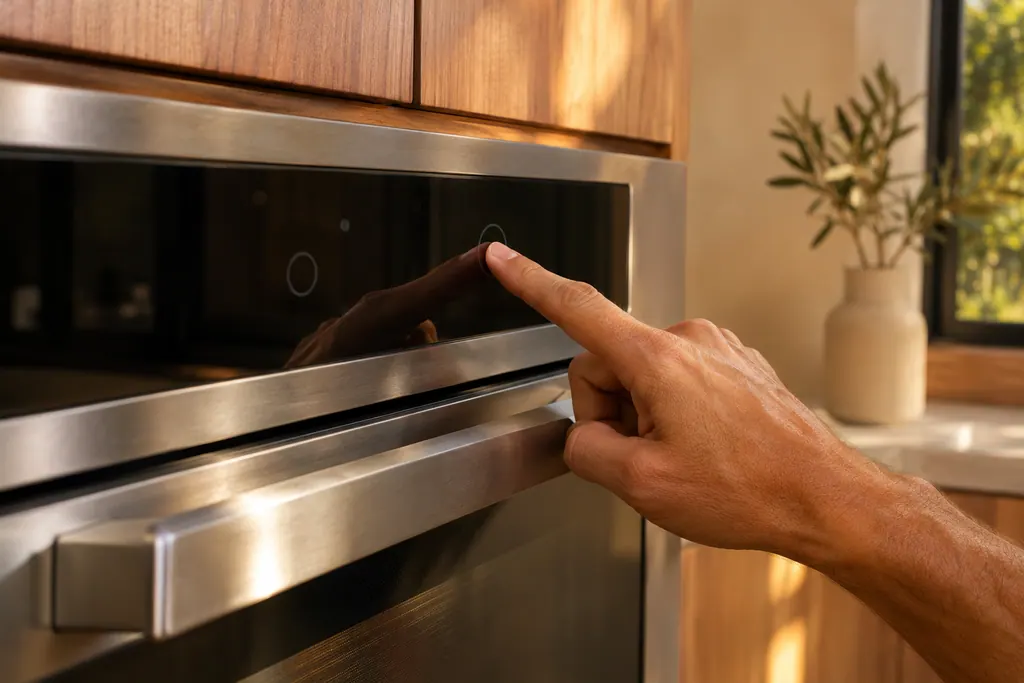
Nothing on this ladder asks you to open the oven, pull a panel or touch wiring. Every rung is something you do at the control panel or at the switch that feeds the oven.
Which key or knob counts as OFF on my model?#
On the Modernist wall oven and the Modernist Pro range it is the OFF key on the display. On the 36-inch dual-fuel range it is both the mode and temperature selector knobs turned to OFF. On the 30-inch gas range the table names the burner knob for some codes. 1234
Here is how the first rung reads in each manual. Use the row that matches the cover of your own manual.
| Manual | First rung in the table | Source |
|---|---|---|
| Modernist wall oven DOB30M977 | Press OFF, and restart the oven | 1 |
| Modernist Pro range DOP48M86 and DOP36M86 | Press OFF, and restart the oven | 4 |
| Transitional 36-inch dual-fuel range DOP36P86DL | Turn both the mode and temperature selector knobs to OFF, then restart | 3 |
| Transitional 30-inch gas range DOP30T840 | Turn the burner knob to Off for most rows; both selector knobs to Off for C-22 | 2 |
The 30-inch gas range table is worded oddly for an oven code, because a burner knob sits on the cooktop. Read the row for your code in your own manual and do what it says. 2
How do I disconnect all power for 30 seconds?#
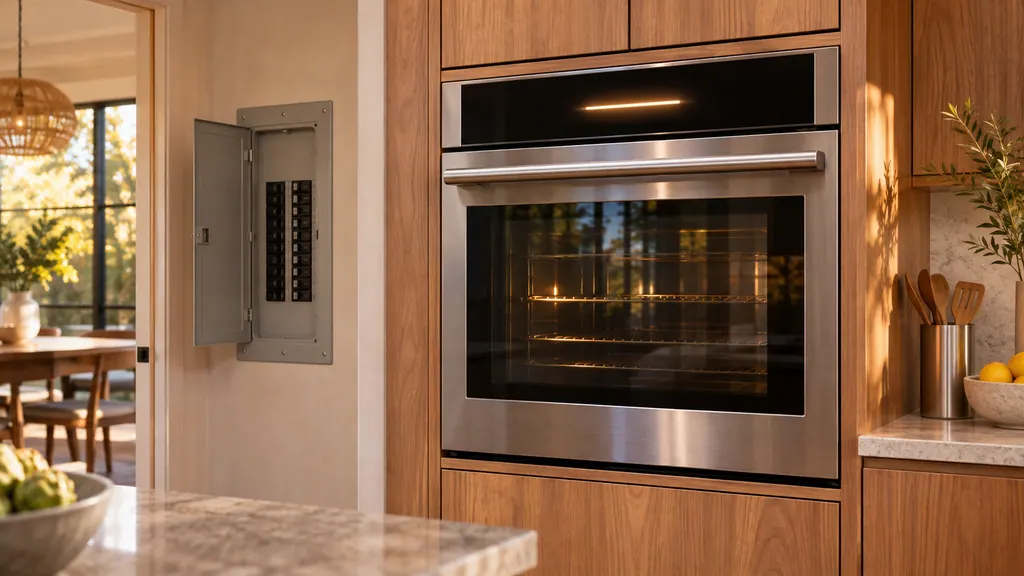
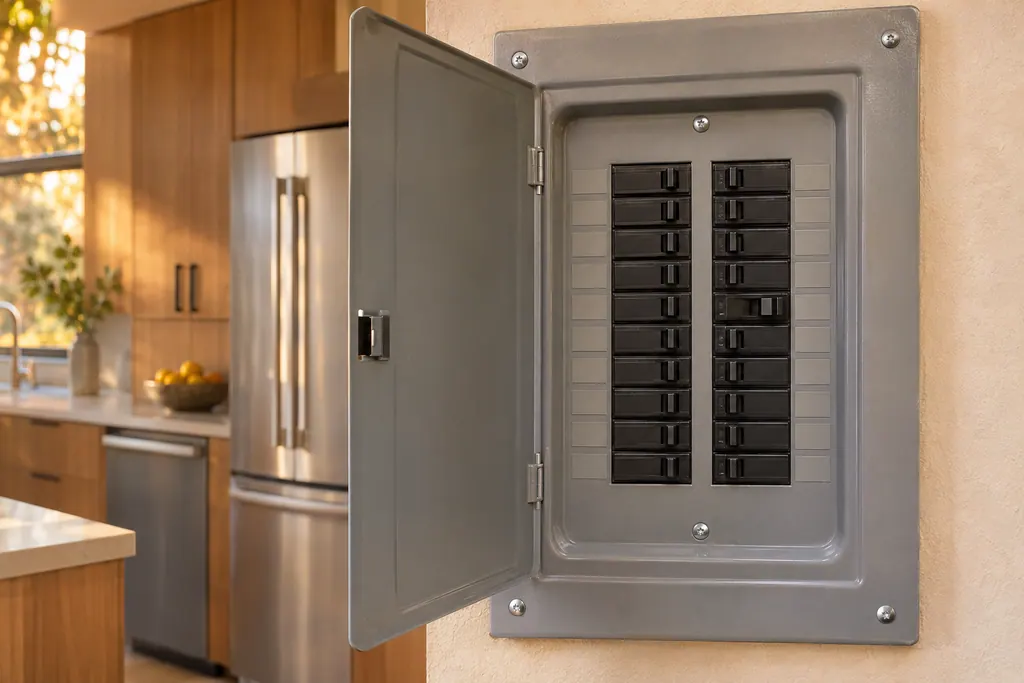
Cut the supply to the oven, count to at least 30 and restore it. The manuals say "disconnect all power to the oven for at least 30 seconds, and then reconnect the power." They do not name the switch, so for a hardwired oven the breaker is the way to do it. 1234
Take the 30 seconds literally. A quick flick of the breaker is shorter than the manuals ask for. Look at a clock, wait until half a minute has gone by, and only then switch the breaker back on.
- 1
- 2
- 3
- 4
Do all the C- codes follow the same ladder?#
No. Most rows use the full ladder, but a few skip it. C-21 only says to restart the appliance. C-31 and C-A2 say to call for service with no restart. C-d0 asks you to clean and dry the buttons first. C-24 has its own reset. 1234
The grouping below comes from the Modernist Pro range table, which sets the rows out most clearly, and the other manuals agree on the rows they share. 4
| What the table says | Codes | Source |
|---|---|---|
| Press OFF, restart, then 30 seconds without power, then call | C-d1, C-F0, C-F2, C-20, C-23, C-30, C-70, C-72 | 4 |
| Restart the appliance | C-21 | 234 |
| Call for service | C-31, C-A2 | 1234 |
| Clean the buttons, dry them, turn off and retry | C-d0 | 123 |
| Open the door, wait 60 seconds, reset, check the vents | C-24 | 23 |
The oven code library has a row for every one of these, with what the display text means. This guide is only about the order of the steps.
What is different about C-d0 and C-24?#
C-d0 is about the keys: the manuals say the control key was short for 1 minute. Clean the buttons, make sure no water is on or around them, turn the oven off and try again. C-24 is about airflow: check that no vent or air passage is blocked by foil. 123
For C-24, the reset is to disconnect power, or press the Off key after the oven door has been open for at least 60 seconds. Then check whether aluminum foil or other material is covering an oven vent or air passage, and take it away. 23 See the C-d0 row and the C-24 row.
Does a clock that flashes after an outage count as a code?#
No. A flashing time is not an information code. The Heritage wall oven manual lists "time flashes on display" under a power failure or power turned off, and the fix is to set the time again. 5
That manual gives a similar answer for "time on display not correct" and says the clock cannot be set during a cooking cycle, so turn the oven off first. 5 For a door that will not open after an outage, see the Control Lockout guide.
Which notes should I make before calling?#
Write down the code exactly as the display shows it, including the lower-case letter in C-d0 and C-d1, and what the oven was doing when it appeared. Then note which rungs you tried, and the model name printed on the front of your owner's manual. 14
A short list helps whoever comes out:
- The exact code, and whether it came back after the restart.
- Whether the oven was idle, preheating, baking or self-cleaning when it appeared.
- Whether the display or keys were wet or recently cleaned. C-d0 points at the keys.
- Whether a new cord or new wiring went in recently. The 36-inch dual-fuel range has a separate row for a power cord installed improperly, which asks for each line of the cord to be checked at the terminal block. 3
- The times you left the power off, so the visit starts after the 30 seconds, not before.
When should I stop restarting and book a visit?#
After the third rung, or at once for the call-only rows. The manuals do not tell you to keep cycling the power. A code that returns after a 30-second power-off is the point where they hand over to service. 134
Repeated restarts can hide a pattern that matters to a technician, such as a code that only appears during preheat. Keep the notes instead, and book when the second rung has not held.
The oven service page shows the work we take on on wall ovens, and the range service page covers freestanding ranges. If the oven shows nothing at all, the oven will not turn on page has the checks for that.
Sources#
- User Manual, Modernist Built-In Electric Wall Oven DOB30M977Dacor (Dacor-branded document hosted on image-us.samsung.com) · Part No. 112177 Rev B / DG68-00920A-00 · PDF p.64 (Troubleshooting, Information codes)
- User Manual, Gas Pro Range DOP30*840**Dacor (Dacor-branded document hosted on image-us.samsung.com) · DG68-01458A-00, 2023-01-17 (EN+ES+FR) · PDF p.102-103 (Information codes, Oven)
- User Manual, Dual Fuel Pro Range DOP36P86DL*Dacor (Dacor-branded document hosted on image-us.samsung.com) · DG68-01105E-00, 2020-07-06 (EN+ES+FR) · PDF p.54-55 (Troubleshooting, Information codes)
- User Manual, Modernist Pro Range DOP48M86D**/DOP36M86D**Dacor (Dacor-branded document hosted on image-us.samsung.com) · Part No. 115113 Rev A · PDF p.71 (Information codes)
- User Manual, Heritage Wall Oven, Models: HWO127, HWO130, HWO227, HWO230Dacor (Dacor-branded document hosted on image-us.samsung.com) · Part No. 113606 Rev A · PDF p.16 (Troubleshooting, flashing time and incorrect time)