What it means
C-d0 on a Dacor Modernist wall oven or Transitional range means a control key was held down or shorted for 1 minute. Clean the buttons, make sure no water sits on or around them, turn the oven off and try again.
Dacor oven C-d0 / Control panel
C-d0 on a Dacor Modernist wall oven or Transitional range means a control key was held down or shorted for 1 minute. Clean the buttons, make sure no water sits on or around them, turn the oven off and try again.
Also shown as C-d0
C-d0 on a Dacor Modernist wall oven or Transitional range means a control key was held down or shorted for 1 minute. Clean the buttons, make sure no water sits on or around them, turn the oven off and try again.
Wipe the control panel with a soft damp cloth.
C-d0 persists after cleaning, wiping and a retry.
Your Dacor tick-list / held on this device
Wipe the control panel with a soft damp cloth.
Dry any water or steam film on and around the keys.
Switch the oven off, wait a moment and then set it again to see whether the key code clears.
If the issue persists, the Modernist guide says to contact Dacor Customer Assurance; we offer a visit.
Tell us the model and which checks you have done, then open your request from here.
Book a visitThis drawing is schematic, since the inside of a Dacor changes from model to model. Press an outlined part for its photo and the check that goes with it.
Component reference
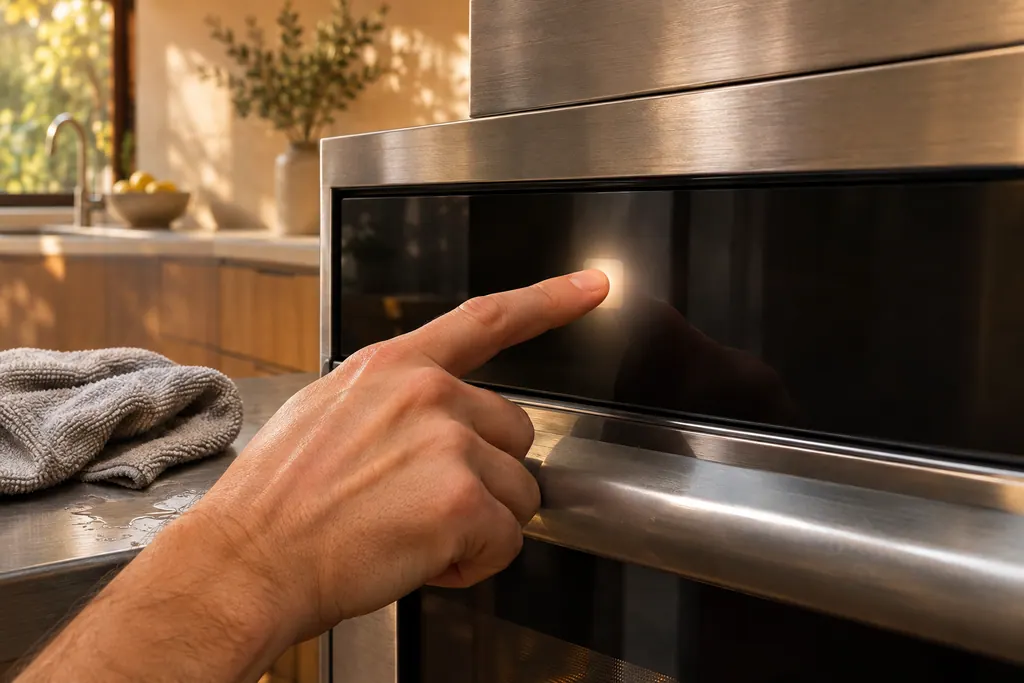
The touch panel on a Dacor oven is where wet or dirty keys cause trouble.
Read the definitionA control key was shorted for 1 minute. The oven treats it as a stuck key.
Read the supporting manualThe guide points at dirty buttons and moisture. Nothing else is listed.
Read the supporting manualThe microwave code is control buttons touched for over 1 minute and has its own remedy.
Read the supporting manualManufacturer document
Dacor (Dacor-branded document hosted on image-us.samsung.com)
Part No. 112177 Rev B / DG68-00920A-00 / p.64 (own row)
Manufacturer document
Dacor (Dacor-branded document hosted on image-us.samsung.com)
DG68-01458A-00, 2023-01-17 (EN+ES+FR) / p.102
Manufacturer document
Dacor (Dacor-branded document hosted on image-us.samsung.com)
DG68-01105E-00, 2020-07-06 (EN+ES+FR) / p.54
Printed for the Modernist wall oven DOB30M977 (p.64) and the Transitional 30-inch and 36-inch ranges (pp.102, 54). The Modernist 48-inch range table starts at C-d1 and does not list it.
Moisture is the listed cause. Steam condensing on the panel counts, so wipe the panel dry before you try again.
Its table starts at C-d1 and does not list C-d0. The code is printed for the Modernist wall oven and the Transitional ranges.
The guide only says to turn the oven off and retry. It does not call for a power cut for C-d0.
Book a visit when C-d0 persists after the buttons are cleaned, the moisture is wiped off and the oven has been retried.
Dacor codes, symptoms, parts, repairs
C-F2 on a Dacor oven means communication between the Main board and the Touch control panel was interrupted. Restart and cut power for half a minute; if the panel code is still there, call us.
The Heritage wall oven manual lists three owner causes for an oven that will not heat: a wrong temperature setting, a delayed start left on, and a meat probe still plugged in when you broil. Check those in that order, then look at the display for a C- code.
The touch panel on a Dacor oven is where wet or dirty keys cause trouble. The Modernist table prints C-d0 when a control key reads as held for a minute. Wiping the buttons dry and switching the oven off usually comes first. The Heritage manual adds a 6-second CANCEL/SECURE touch to wake a locked panel.
Book a diagnostic for your model at the appliance itself.
Office details and the access notes to pass on.