What it means
C-F2 on a Dacor oven means communication between the Main board and the Touch control panel was interrupted. Restart and cut power for half a minute; if the panel code is still there, call us.
Dacor oven C-F2 / Communication
C-F2 on a Dacor oven means communication between the Main board and the Touch control panel was interrupted. Restart and cut power for half a minute; if the panel code is still there, call us.
Also shown as C-F2
C-F2 on a Dacor oven means communication between the Main board and the Touch control panel was interrupted. Restart and cut power for half a minute; if the panel code is still there, call us.
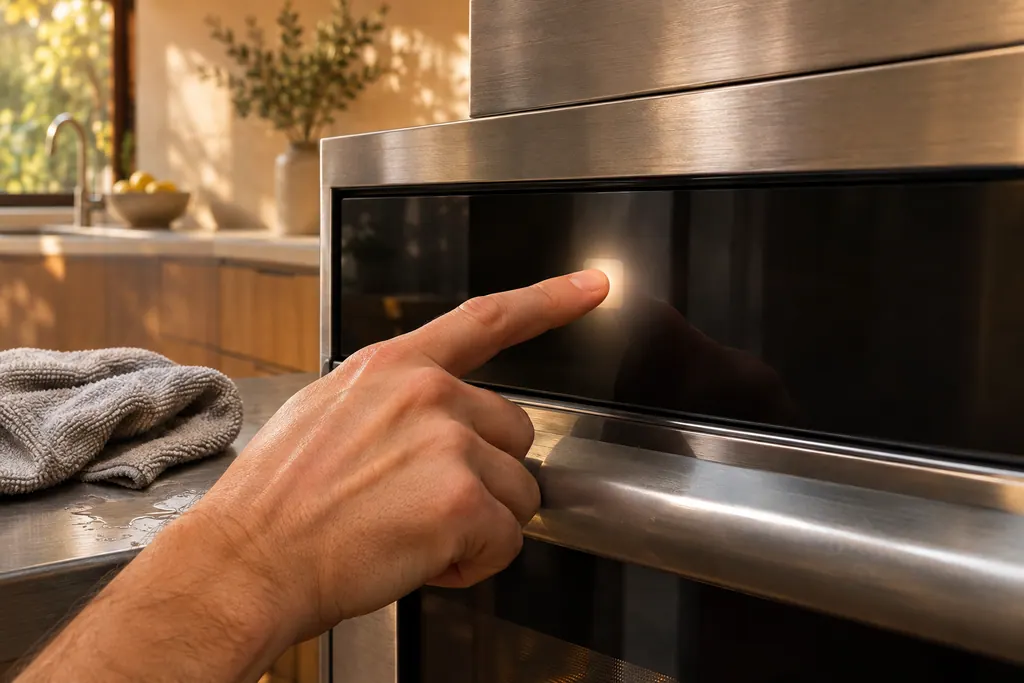
Turn the oven off at the controls and start it again to see whether the panel code clears.
C-F2 remains after a restart and a 30-second power cut.
Your Dacor tick-list / held on this device
Turn the oven off at the controls and start it again to see whether the panel code clears.
If C-F2 persists, cut all power for at least 30 seconds and reconnect.
Wipe any moisture or residue off the touch panel with a soft cloth, then try the keys again.
Give us the code C-F2 and the model number when you book so the visit can be planned.
Tell us the model and which checks you have done, then open your request from here.
Book a visitThis drawing is schematic, since the inside of a Dacor changes from model to model. Press an outlined part for its photo and the check that goes with it.
Component reference
The touch panel on a Dacor oven is where wet or dirty keys cause trouble.
Read the definitionThe main board and the touch panel stopped communicating. The oven cannot read your keypresses.
Read the supporting manualC-F0 is the link between the Main and Sub boards. C-F2 is the link to the touch panel. They share one solution.
Read the supporting manualNo. A stuck key is C-d0.
Read the supporting manualManufacturer document
Dacor (Dacor-branded document hosted on image-us.samsung.com)
Part No. 112177 Rev B / DG68-00920A-00 / p.64
Manufacturer document
Dacor (Dacor-branded document hosted on image-us.samsung.com)
DG68-01458A-00, 2023-01-17 (EN+ES+FR) / p.102
Manufacturer document
Dacor (Dacor-branded document hosted on image-us.samsung.com)
DG68-01105E-00, 2020-07-06 (EN+ES+FR) / p.54
Manufacturer document
Dacor (Dacor-branded document hosted on image-us.samsung.com)
Part No. 115113 Rev A / p.71
Printed in the Modernist wall oven, both Transitional ranges and the Modernist 48/36-inch range, with the same solution as C-F0.
No. That is a failed link to the touch IC on a cooktop.
No. That is a touch button malfunction on the microwave.
The guides do not say whether the oven bakes with C-F2. The touch panel may not accept commands, so book a visit.
Book a visit when C-F2 remains after a restart and a power cut of at least 30 seconds.
Dacor codes, symptoms, parts, repairs
C-F0 on a Dacor oven means communication between the Main and Sub PBA, the circuit boards, was interrupted. Restart, cut all power for 30 seconds, and call us if the board code reappears.
The Heritage wall oven manual lists three owner causes for an oven that will not heat: a wrong temperature setting, a delayed start left on, and a meat probe still plugged in when you broil. Check those in that order, then look at the display for a C- code.
The touch panel on a Dacor oven is where wet or dirty keys cause trouble. The Modernist table prints C-d0 when a control key reads as held for a minute. Wiping the buttons dry and switching the oven off usually comes first. The Heritage manual adds a 6-second CANCEL/SECURE touch to wake a locked panel.
Book a diagnostic for your model at the appliance itself.
Office details and the access notes to pass on.