Diagnostics and repair
Experienced technicians examine the appliance before proposing any work. OEM parts are ordered to suit your model.
The care journal
Small habits that keep a Dacor kitchen running well: oven interiors, cooktop surfaces, refrigerator filters and anything else within safe reach.
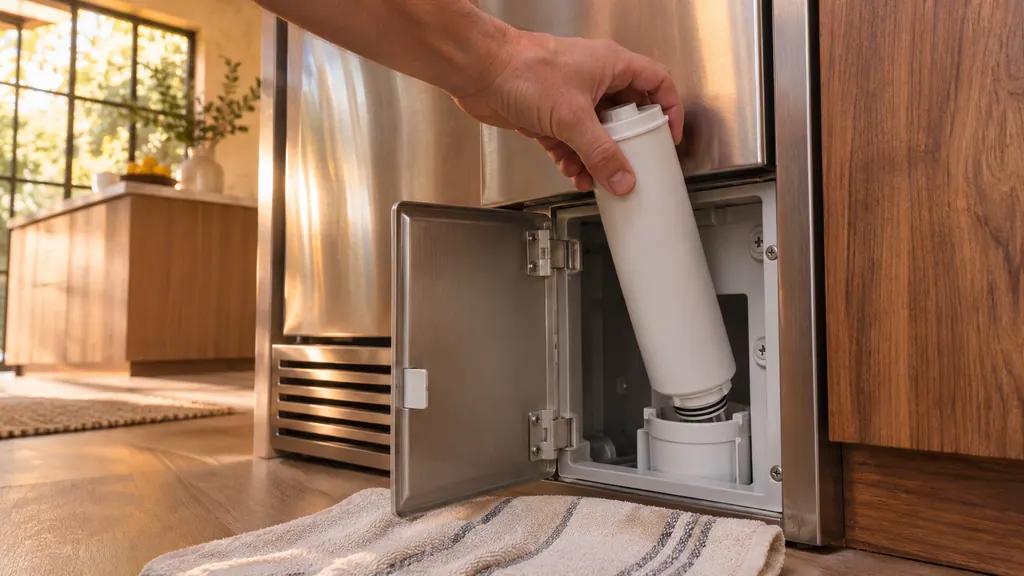
When the Dacor filter indicator blinks red, shut off the water supply, open the filter cover, turn the old filter counterclockwise out and fit a new approved one. Then keep Filter Reset pressed for 3 seconds (Water on a side-by-side) and run the dispenser for about 7 minutes. [1][2][3]
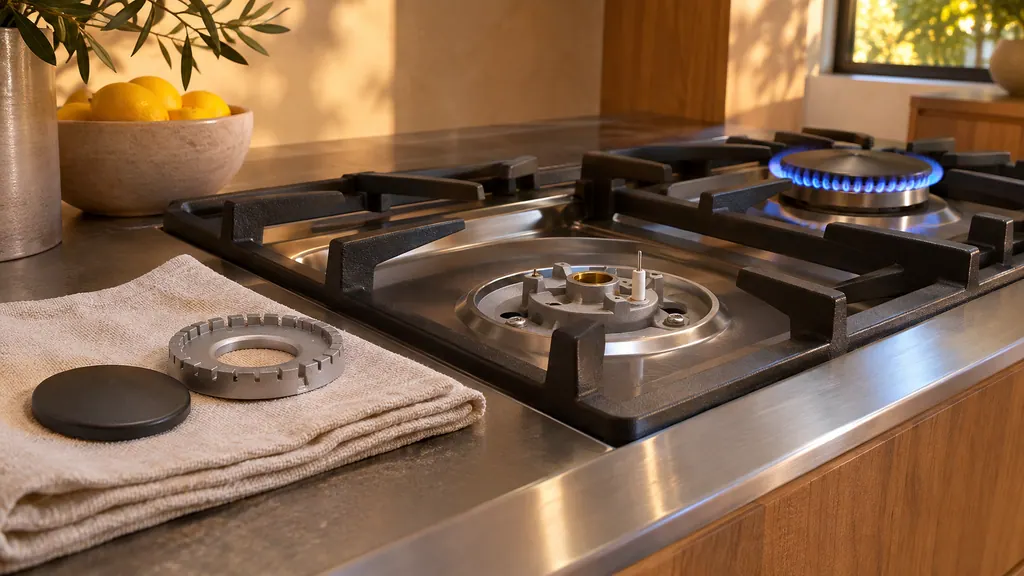
Clean Dacor burner caps and heads in hot soapy water, never in the dishwasher, and clear the ports with a pin. Wipe the electrode tip and ceramic stem with a dry cloth and no water. Refit the parts correctly, then test the burner: a steady blue flame is right. Should gas be present in the air, leave the building first. [1]
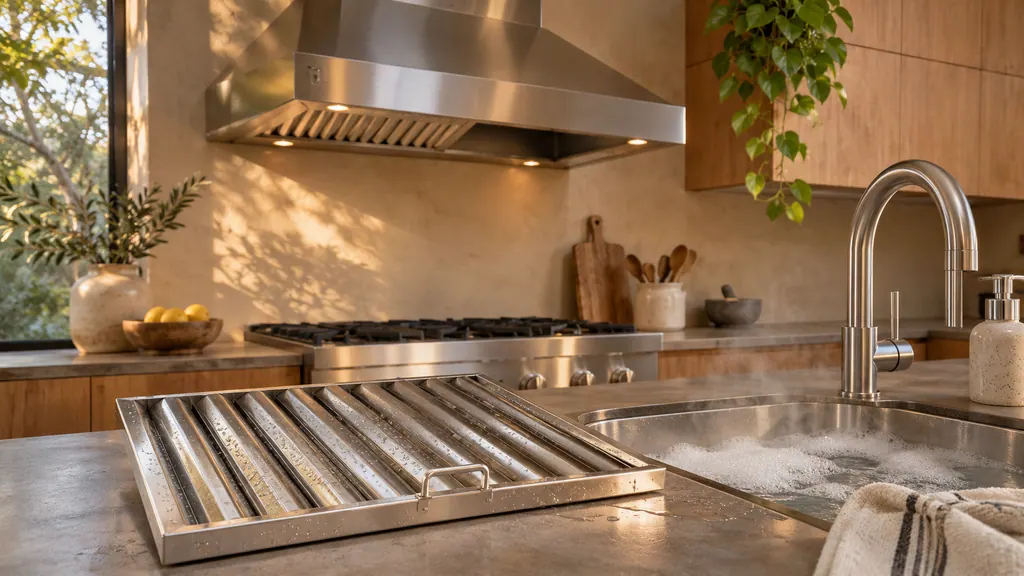
A blinking Low button on a Dacor wall hood is the filter reminder: it blinks every 50 hours of fan use. Switch the hood off at power, pull out each filter, wash it in a dishwasher or hot detergent solution, refit it, then hold POWER for 3 seconds to reset the alarm. [1]
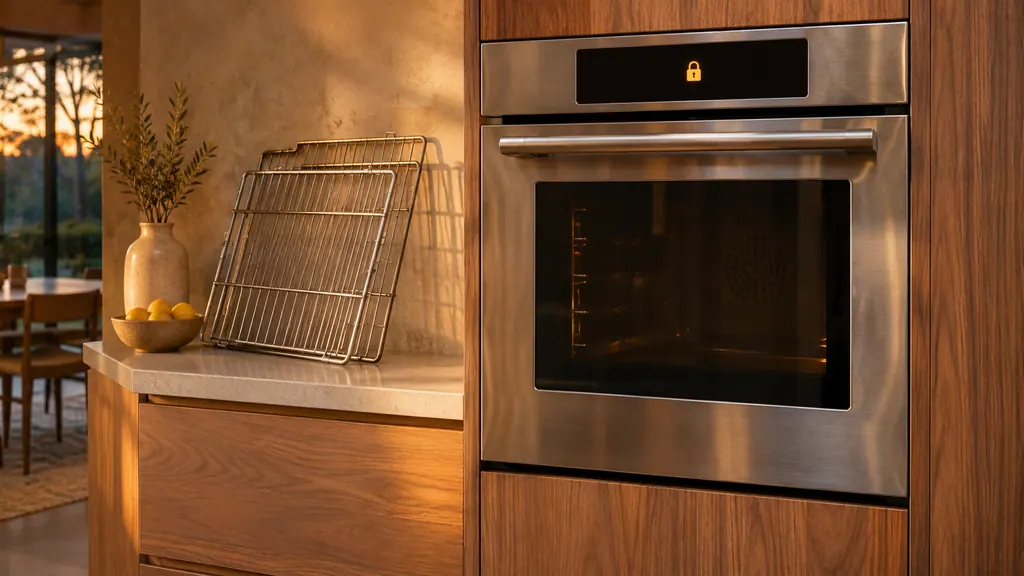
To self-clean a Dacor Heritage wall oven, remove the racks, loose objects and the meat probe, wipe the door with vinegar-water, dab the gasket gently, run a kitchen fan, then tap SELF CLEAN and START/CONTINUE. The door locks itself, the cycle takes about 2 1/2 hours, and the latch releases when the oven has cooled. [1]
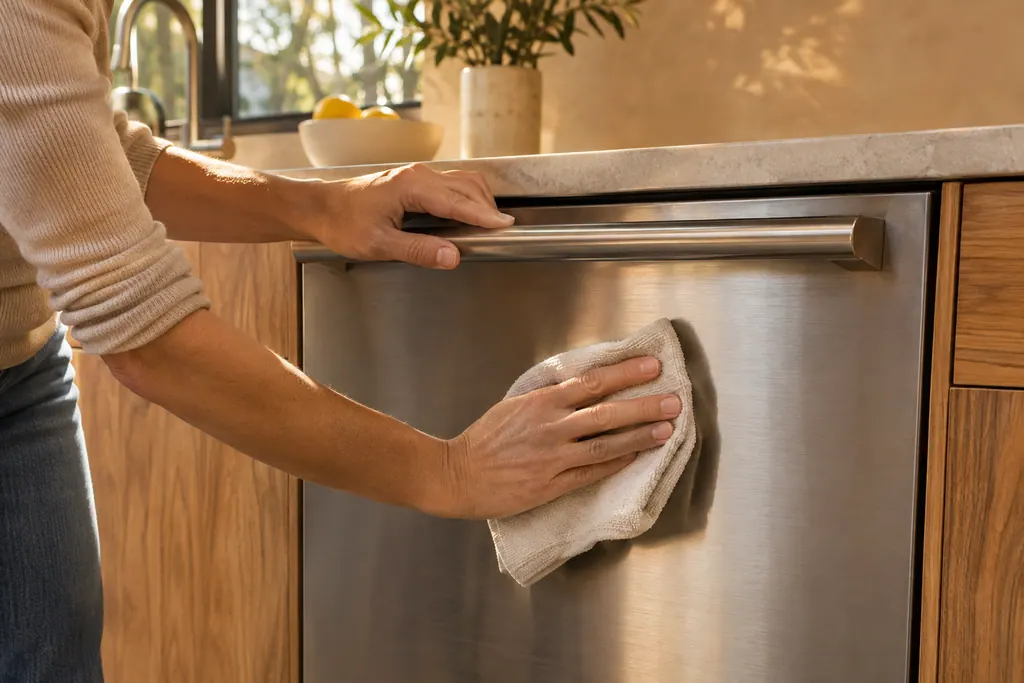
Run Self Clean or Intensive with the tub empty, once a month.
Read the full sequence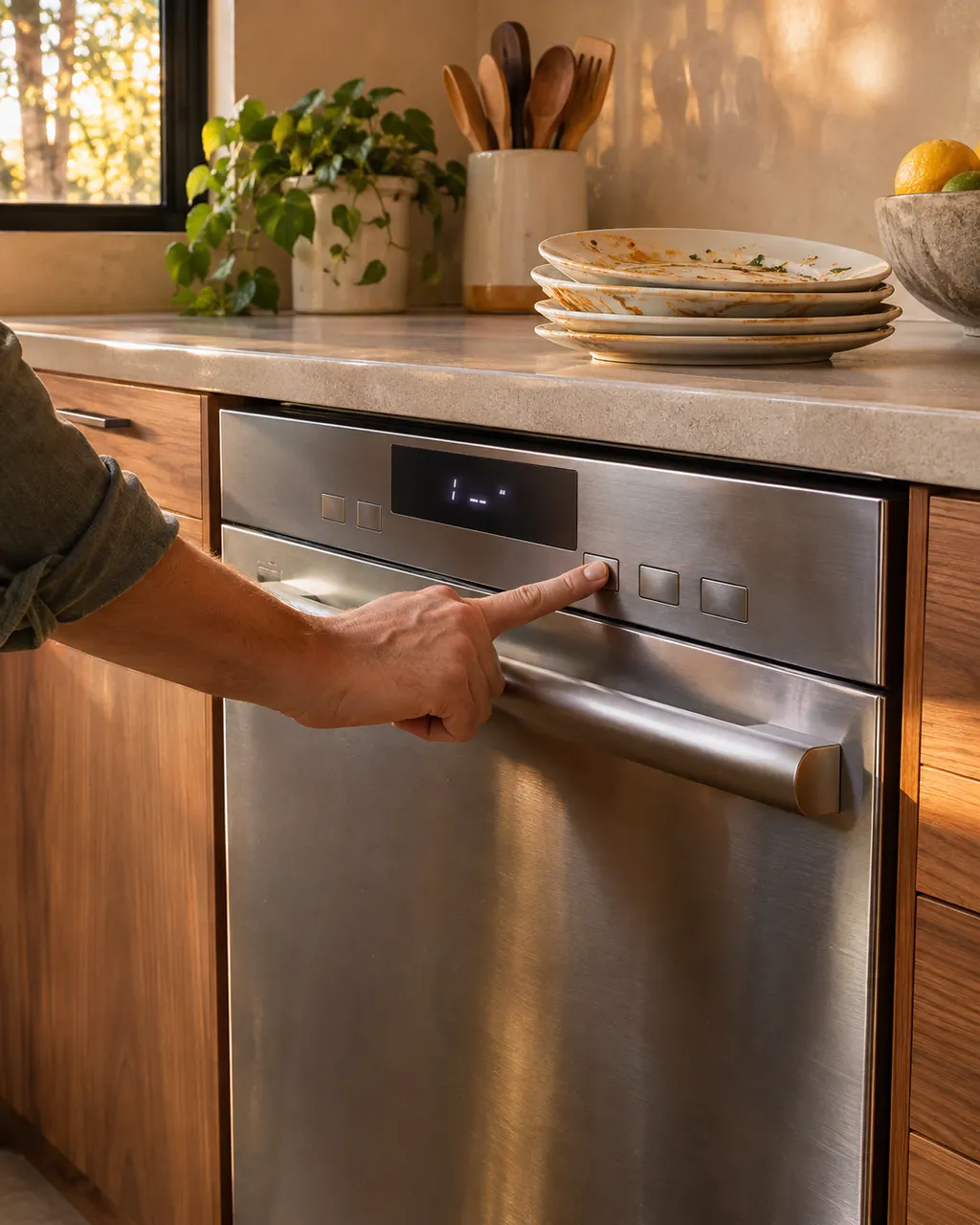
On a Dacor DDW24G9000AP, the manual lists a door not fully latched, the upper rack not joined to its duct nozzle, Start (Reset) not pressed, no cycle chosen, an unplugged cord, and a closed water valve. Run those six checks before calling.
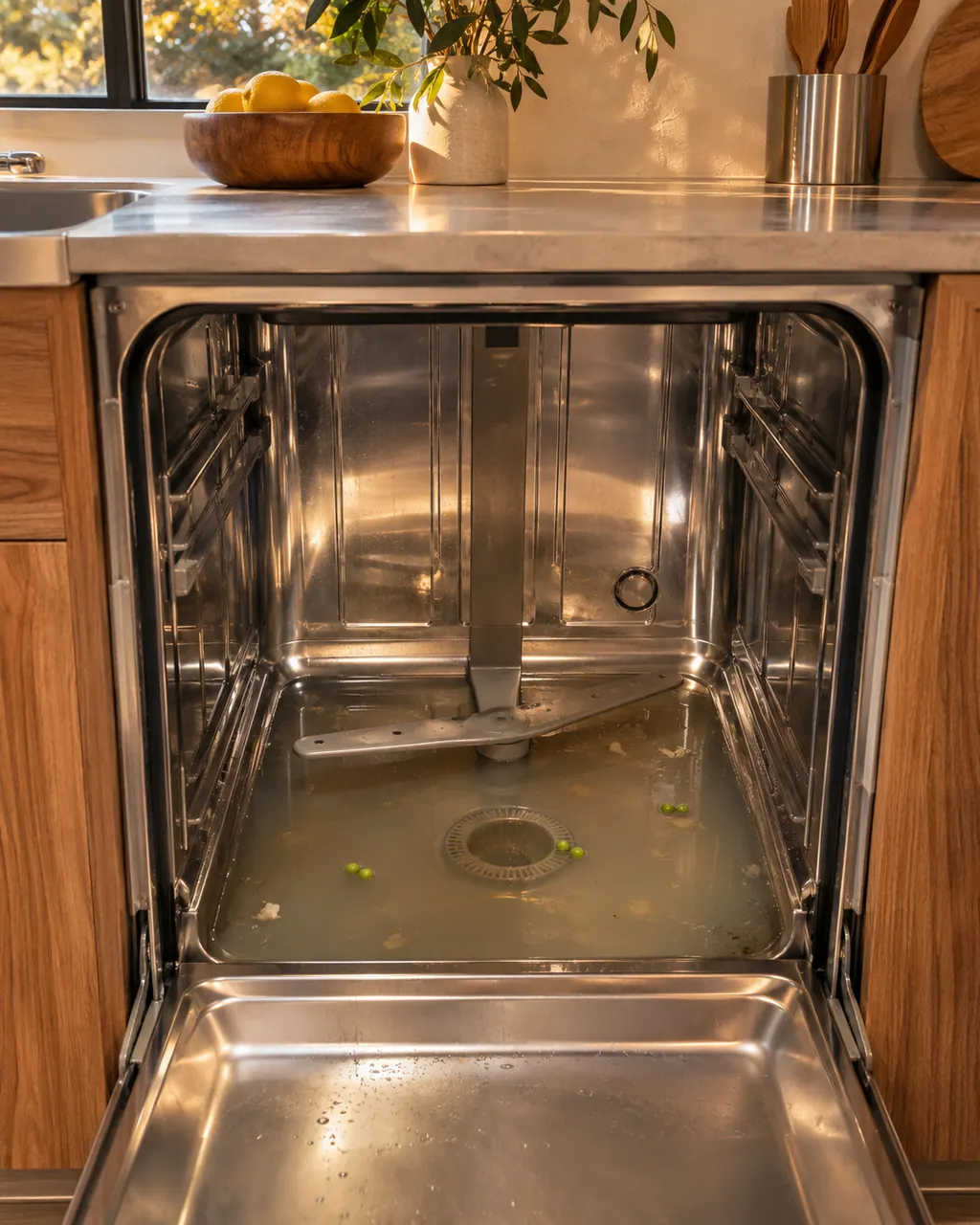
For standing water in a Dacor DDW24G9000AP, the manual points to a folded or clogged drain hose and a clogged drain system, and says to clean the drain pump by removing its cover. A 5C code points to the same places.
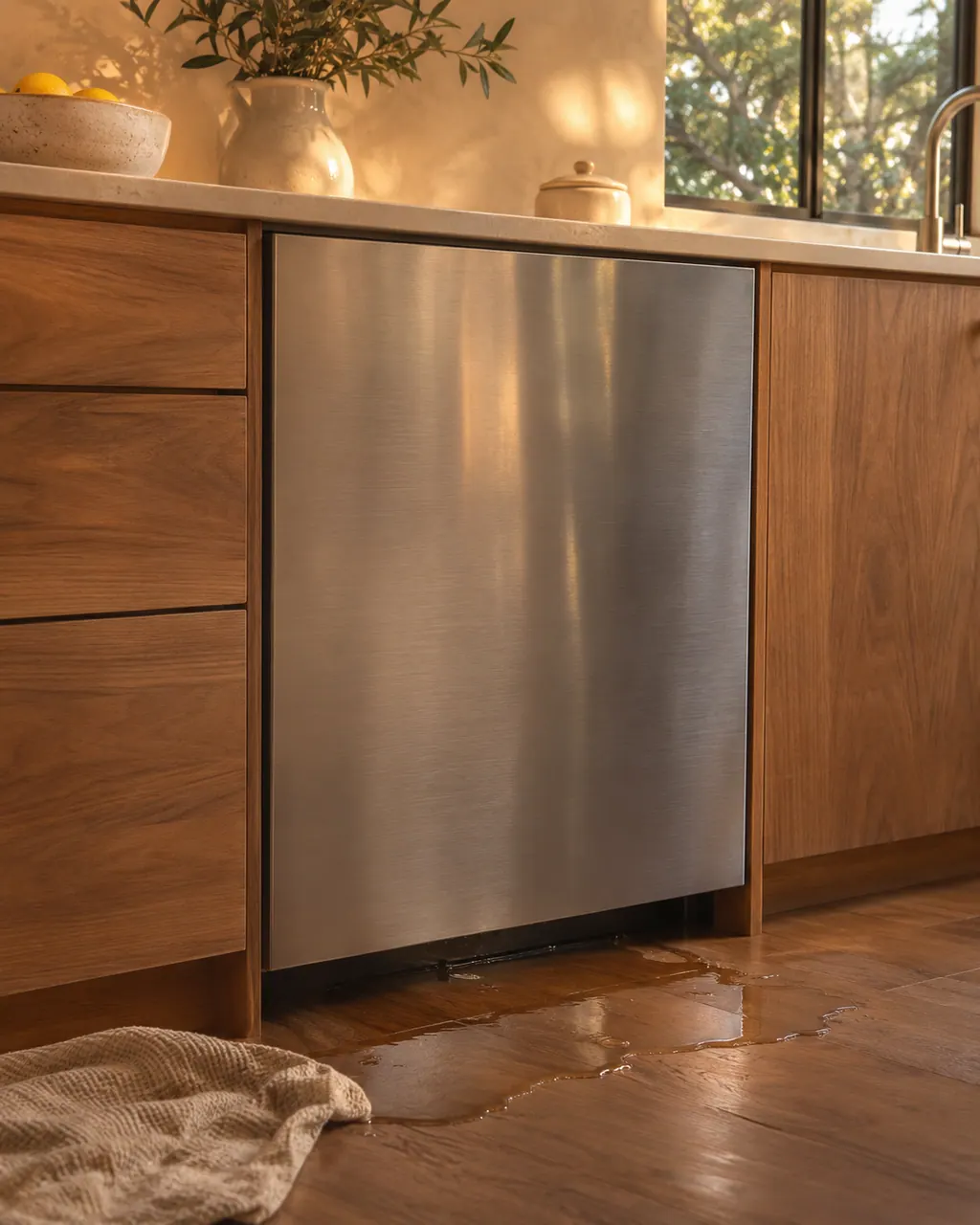
The DDW24G9000AP manual covers leaks in its install steps, not its troubleshooting table: check both ends of the water line and the drain connector, and wipe the water leakage sensor. An LC code means shut the water valve and turn off the breaker.
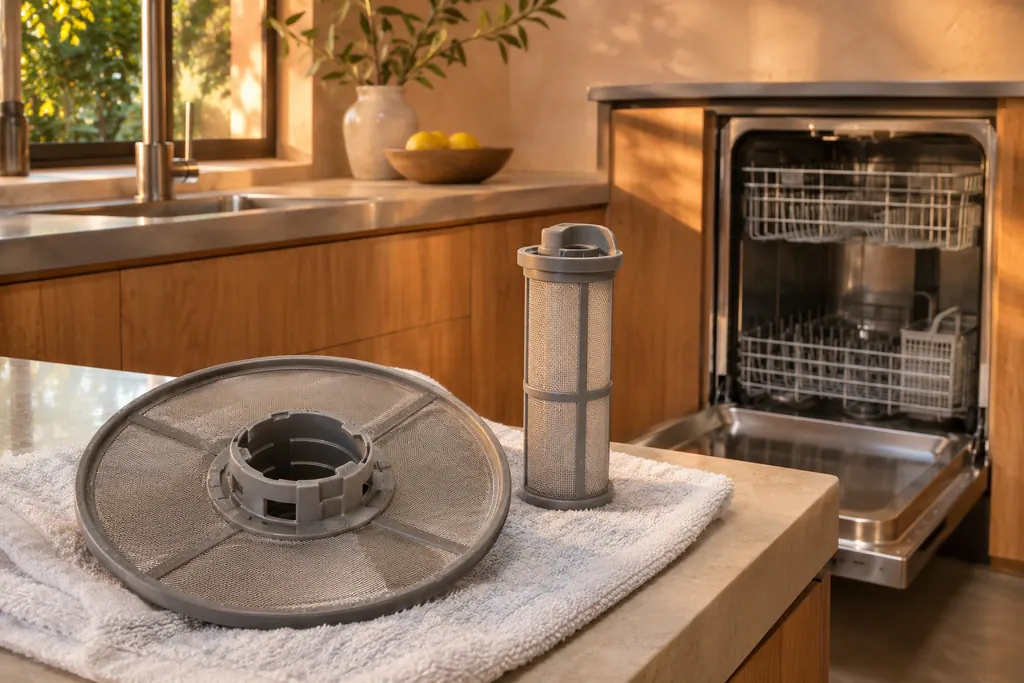
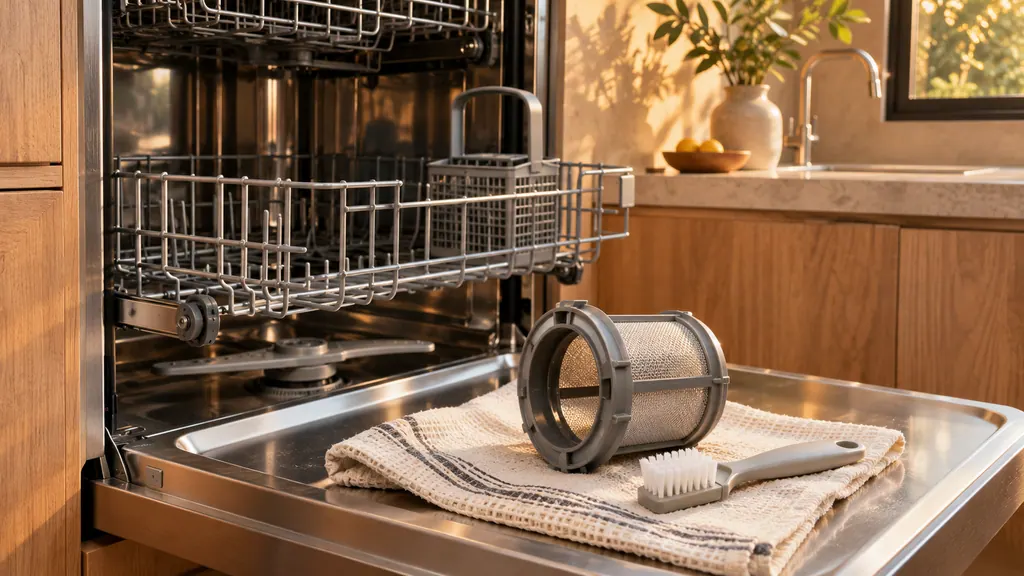
The Dacor DDW24G9000AP has a coarse filter and a cylindrical micro filter under it, locked by a handle in the tub floor. The manual says to clean them every month. Food left on dishes, or a weak clean, points here first.
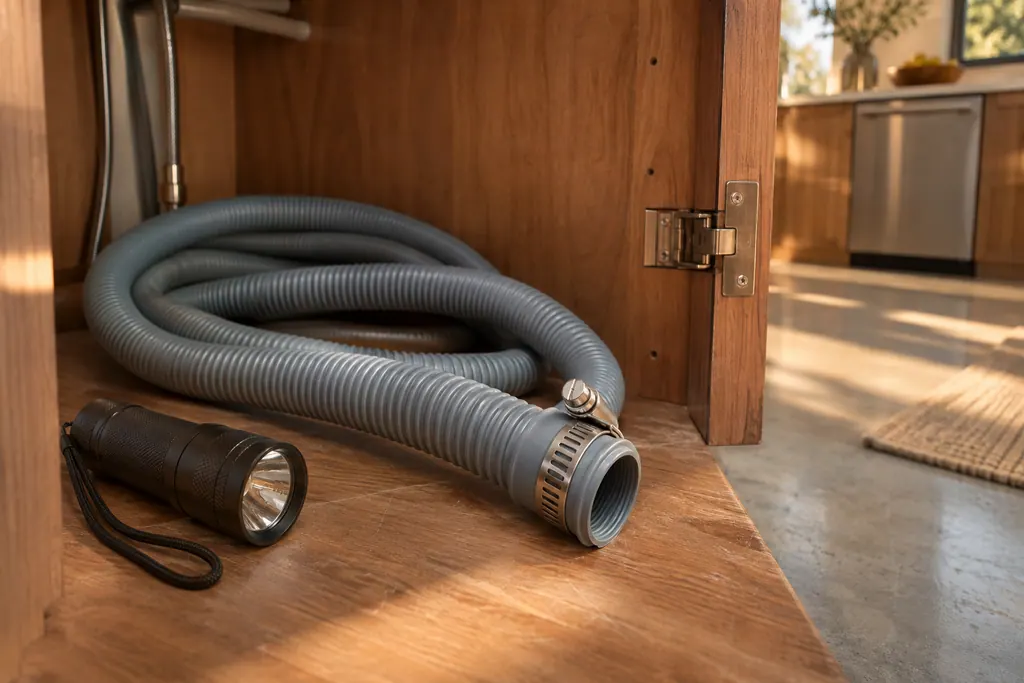
The drain hose is the exit path for used wash water. The Dacor manual lists a folded or clogged hose when water remains after a cycle, and an obstructed hose for bad odors. It sends obstruction removal to a technician. An LC reading means shutting the water and the breaker off.
A drain problem is what the DDW24G9000AP reports with 5C. Shut the water supply valve, then check whether the drain hose is clogged or folded and whether the drain hole inside the pump is clogged. A technician visit is next if it continues.
The low-water level check is what 1C stands for on the DDW24G9000AP. Check whether the filter is clogged, use dishwasher detergent, load dishes evenly, then turn the dishwasher off and on and try again. A technician visit is next if it continues.
Experienced technicians examine the appliance before proposing any work. OEM parts are ordered to suit your model.
Dacor handles repairs that its manufacturer warranty covers. We provide a warranty of our own on the work we do.
Check it every few weeks, sooner if plates go in unrinsed. A blocked filter slows draining, and rinsing it takes about a minute.
Wipe up loose spills once the cavity is cool, then follow your manual for the clean cycle. Thick residue can smoke, so lift it off first.
Wash the grease filters as often as your manual advises. A clogged filter weakens airflow and adds to grease build-up.
No. Care clears grease, crumbs and limescale. A worn component or a dead board still needs a technician.
Dacor codes, symptoms, parts, repairs
The Heritage wall oven manual lists three owner causes for an oven that will not heat: a wrong temperature setting, a delayed start left on, and a meat probe still plugged in when you broil. Check those in that order, then look at the display for a C- code.
Book a diagnostic for your model at the appliance itself.
Office details and the access notes to pass on.