On this page
- The filter alarm light, the Low button, blinks every 50 hours of fan use. 1
- Clean grease filters at least every two months, or more often if needed; never run the hood without them. 1
- Filters and drip trays can go in a dishwasher or hot detergent solution. 1
- Hold the POWER button for 3 seconds to reset the filter alarm. 1
- Unplug the hood or switch off its breaker before cleaning. 1
What does the blinking Low button on a Dacor hood mean?#
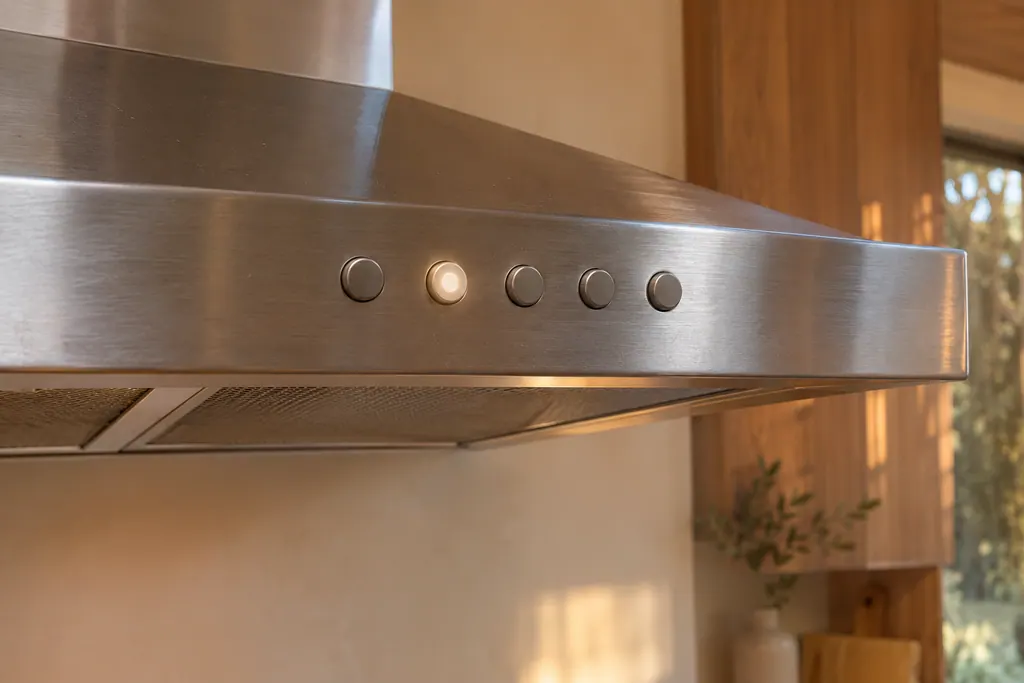
It is the filter reminder. The Pro-Canopy and chimney hood guide says that for every 50 hours of fan use, the filter alarm light, which is the Low button, blinks to show that the filters may need to be cleaned. 1
So the blink is a timer, and not a measure of how greasy the filters are. It is a reminder to look. A hood used for heavy frying may need the filters cleaned earlier than the alarm, and the safety page sets a minimum of every two months, or sooner if needed. 1
| Sign | Guide's explanation | Action |
|---|---|---|
| Low button blinks | 50 hours of fan use; filters may need cleaning 1 | Clean the filters, then reset the alarm |
| Bluetooth icon blinks | Pairing mode, or trouble connecting to a compatible cooktop 1 | Not the filter alarm; see the ConnectOn rows |
| Fan weak, filters clogged | Clogged filters 1 | Clean or replace the filters |
| Fan weak, filters clean | Damper jammed shut or ducting clogged 1 | A qualified installation professional |
Which hoods does the guide cover?#
The Use and Care guide covers the Pro-Canopy wall hood (DHDU990C), the chimney wall hood (DHDU990W) and the chimney island hood (DHDU990I). The filter steps and the alarm are shared, and the drip tray step is for Pro-Canopy models only. 1
The same guide describes two fan performance modes, Normal and Power, switched by holding High and Boost for 3 seconds. It says not to switch to Power mode without a qualified person, because a make-up air system may be required. 1 That is an installer's decision, and it does not change the cleaning routine.
How do I take the filters out?#
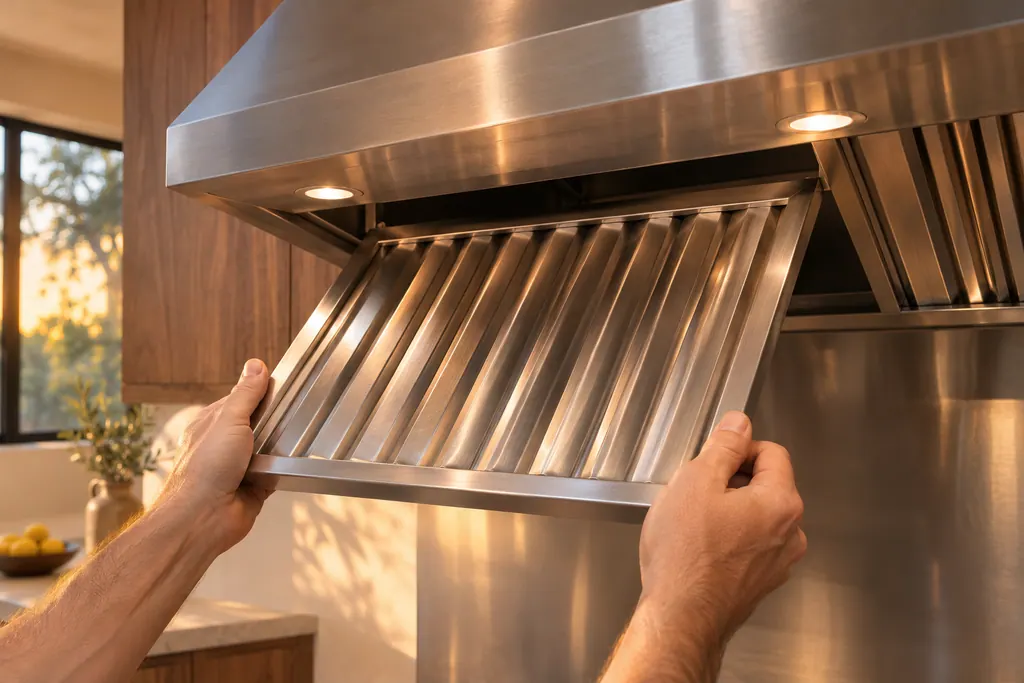
Use two hands. Grasp the filter handles, pull them toward the front of the hood, then pull down on the rear handle to remove the filter. Repeat for each filter. On a Pro-Canopy model, take out the drip tray as well. 1
Unplug the hood or switch its breaker off in the fuse box before you clean, then allow it to cool fully, since it gets hot in use. The maintenance page also says never to use flammable liquids or solvents, and not to use steam cleaners. 1
How do I wash and refit them?#
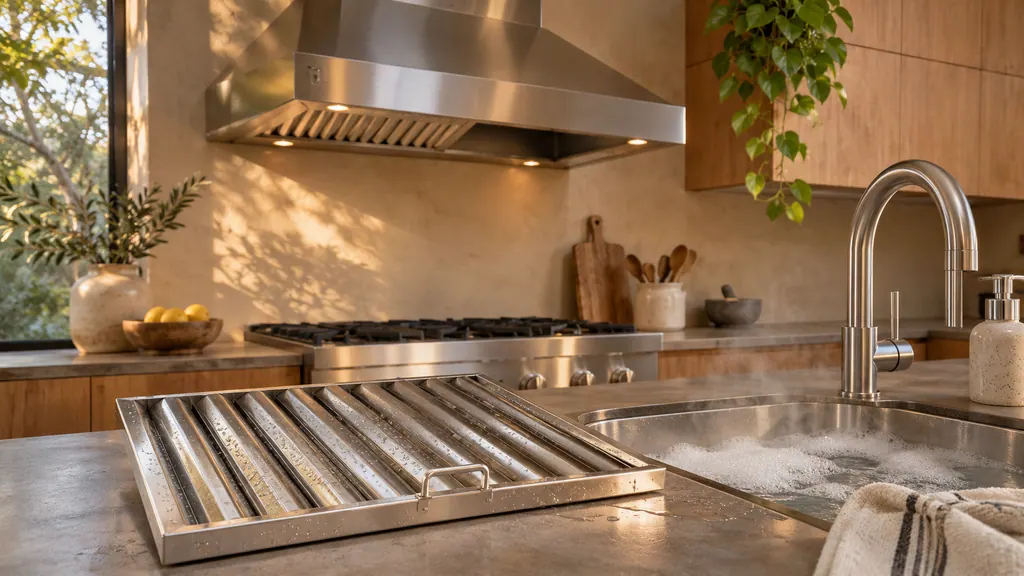
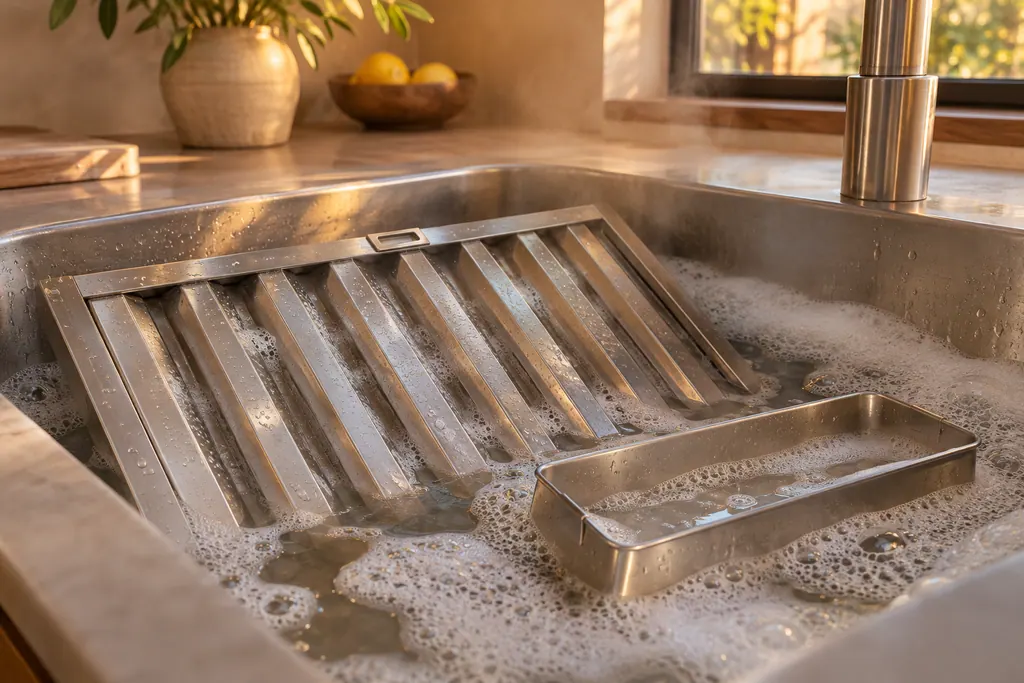
Wash the filters and the drip trays in a dishwasher or in a hot detergent solution. Then refit each filter by placing its front edge into the hood, pushing up on the back of the handle and setting the rear of the filter into the drip tray to secure it. 1
On Pro-Canopy models, put the drip tray back in its original position first and tighten the drip tray screws. 1 The manual's warning is blunt: grease left on filters can melt and move into the vent. 1
- 1
- 2
- 3
- 4
- 5
- 6
How often should the filters be cleaned?#
At least every two months, or as often as needed. The fire safety page says grease deposits in the filter can ignite, so you should clean them at least every two months and never run the hood without the filter. 1
Never work with a naked flame near the hood, such as flambéing, because grease deposits in the filter can catch fire. 1 During a cooktop fire the guide asks you, where possible, not to run the ventilation, but not to reach through the fire to switch it off. 1
Why is my hood weak after cleaning?#
Look at the fan speed first, then the filters, then the duct. The manual's table for a fan that is not drawing heat and smoke properly lists a fan speed that is too low, clogged filters, and a damper jammed shut or clogged ducting. 1
For clogged filters the manual's answer is to call for service to supply the filters and change them. 1 For the damper or ducting it says to consult a qualified installation professional, and a footnote says Dacor does not make, warrant or service the ducting that vents to the outside. 1 An installer or a technician reaches that part, not the owner.
Is the blinking Bluetooth icon related?#
No. The Bluetooth icon blinks while the hood is in pairing mode with a compatible Dacor cooktop, and it can blink or shut off if the hood has trouble connecting. 1 The filter alarm is the Low button.
To pair, press the ConnectOn button for 3 seconds. To reset Bluetooth, hold Light and ConnectOn for 5 seconds. 1 Our ConnectOn entry explains the feature.
How do I clean the outside of the hood?#
Use liquid detergent soap and water, or an all-purpose cleanser, on a damp soft cloth or non-abrasive sponge, then rinse with clean water and wipe dry to avoid water marks. Do not use cleaning agents containing bleach. 1
Avoid harsh or abrasive cleaners, cleaners with a high alcohol content, hard abrasive pads, and high-pressure or steam cleaners. 1 Steel wool and soap-filled scouring pads are out for the exterior, too. 1 Rinse any new sponge thoroughly before use, and only clean the hood with a damp cloth, since moisture can cause an electric shock. 1
Why does the fan switch itself on or off?#
Three rows in the troubleshooting table explain it. If a timer was set, the fan turns off after the set time, up to 99 minutes. If ConnectOn is on, or the hood is paired by Bluetooth with a Dacor cooktop that is on, the exhaust fan starts by itself. 1
Press POWER to turn it off. The fan also turns off when the heat has cooled down if the auto-on feature is working. If auto-on does not work as intended, the manual says to disconnect power and call for service. 1 None of these is a filter problem, so the Low button will not help you decide.
What does the warranty say about filters?#
Consumable parts such as filters and LED lamps are not covered by the hood warranty, except as the warranty notes. They are the purchaser's responsibility. 1 That is another reason to keep the filters clean, and to replace a damaged one.
The strip LED is different: it can be replaced by a service technician only. 1 If the lights fail while the control panel is lit and the fan works, the manual says to call for service. 1
What should I have ready before a visit?#
Say which hood you have (Pro-Canopy or chimney), how long since the filters were last cleaned, what the Low button is doing and how the fan behaves at each speed. Add whether the ducting is new, long or has a damper you can see.
If the filters were last washed in a dishwasher, mention that too, along with what the water in the filter tray looked like.
- Does the Low button blink again right after the reset?
- Is the fan weak at every speed, or only at Low?
- Do the lights work?
- Was the hood moved, or the duct changed, recently?
Our hood service page covers what we look at, and the grease filters entry describes the part.
Sources#
- Use and Care, Pro-Canopy Wall Hood DHD**U990C*/DA, Chimney Wall Hood DHD**U990W*/DA, Chimney Island Hood DHD**U990I*/DADacor (Dacor-branded document hosted on image-us.samsung.com) · LIB018047 · PDF p.4 (Proper Installation and Maintenance), p.5 (Fire Safety), p.8 (Hood connectivity, Reset the filter alarm), p.10 (Maintenance), p.11 (Filters and drip tray), p.12 (Troubleshooting), p.14 (What is not covered)