Diagnostics and repair
Experienced technicians examine the appliance before proposing any work. OEM parts are ordered to suit your model.
The care journal
Use more of the modes, settings and accessories that your Dacor appliance already offers.
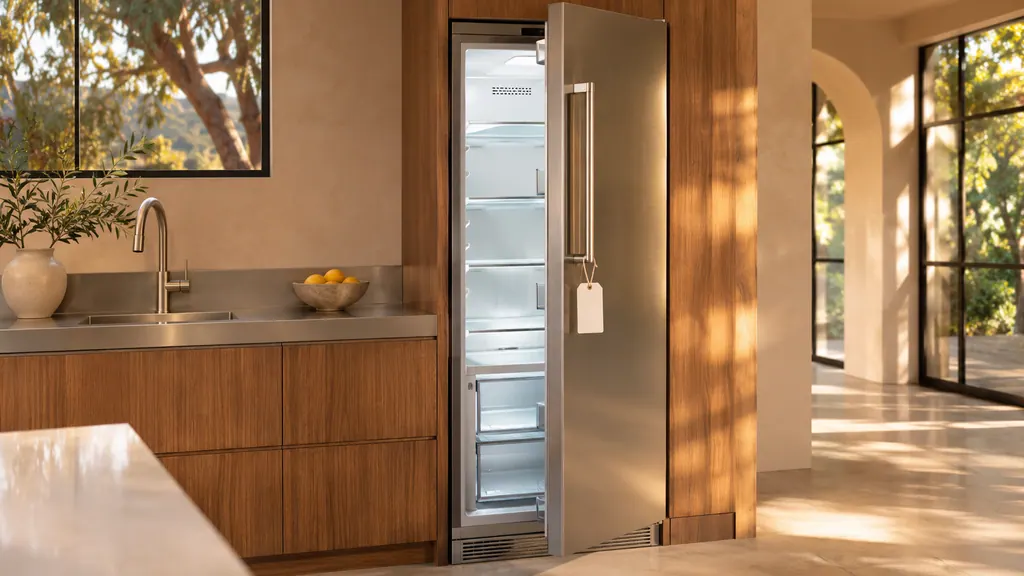
"oF" on a Dacor refrigerator, freezer, wine column or beverage center means Cooling Off mode, a retail display setting: the fan and lights run, but the compressors do not, so the unit does not cool. Hold the model's own three-key combination for 5 seconds to leave it. The side-by-side shows OFF. [1][2][3][4][5]
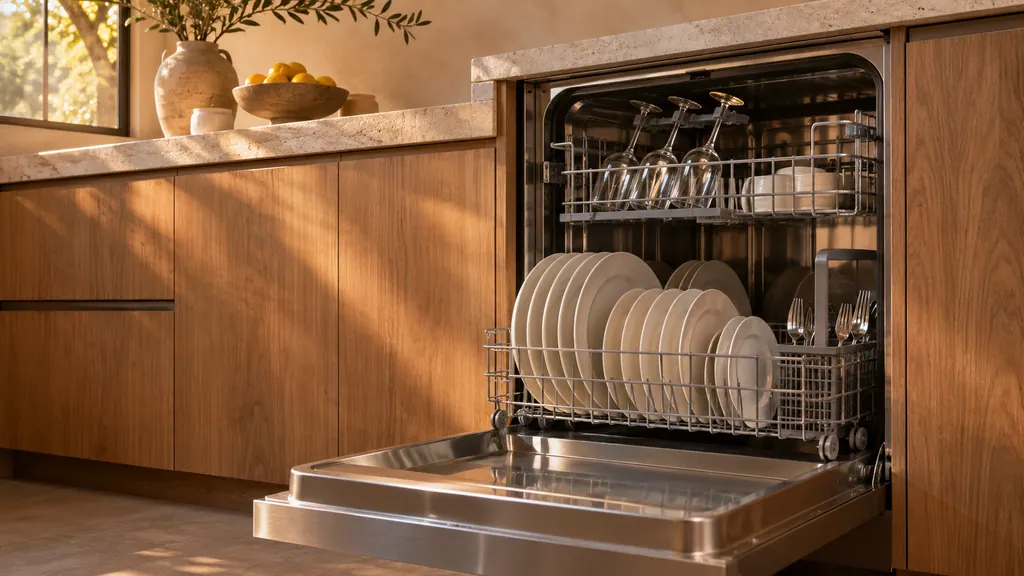
Load pots, pans and dinner plates in the lower rack and cups, glasses and small plates in the upper one, with nothing blocking the nozzles. Choose a cycle first, then add Sanitize, which raises the final rinse to 167 °F, or Delay Start, which waits up to 24 hours. Press Start and close the door. [1]
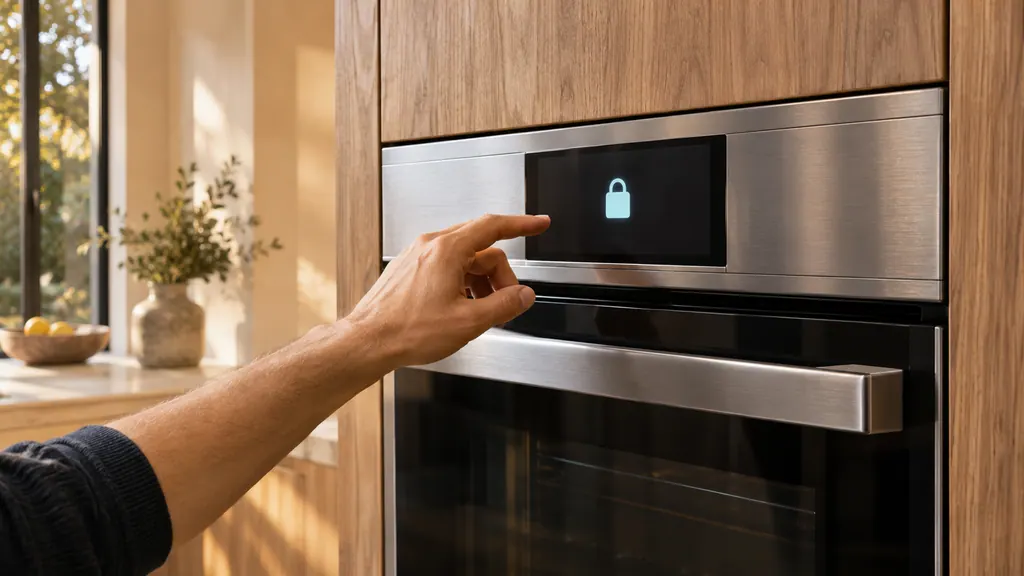
On a Dacor Modernist wall oven, cancel all functions, then keep LOCK held for 3 seconds to turn Control Lockout on, which also locks the door. Hold it for another 3 seconds to turn it off, and allow up to 10 seconds for the doors. The same lock-then-unlock is the manual's answer to a door stuck after a power cut. [1]
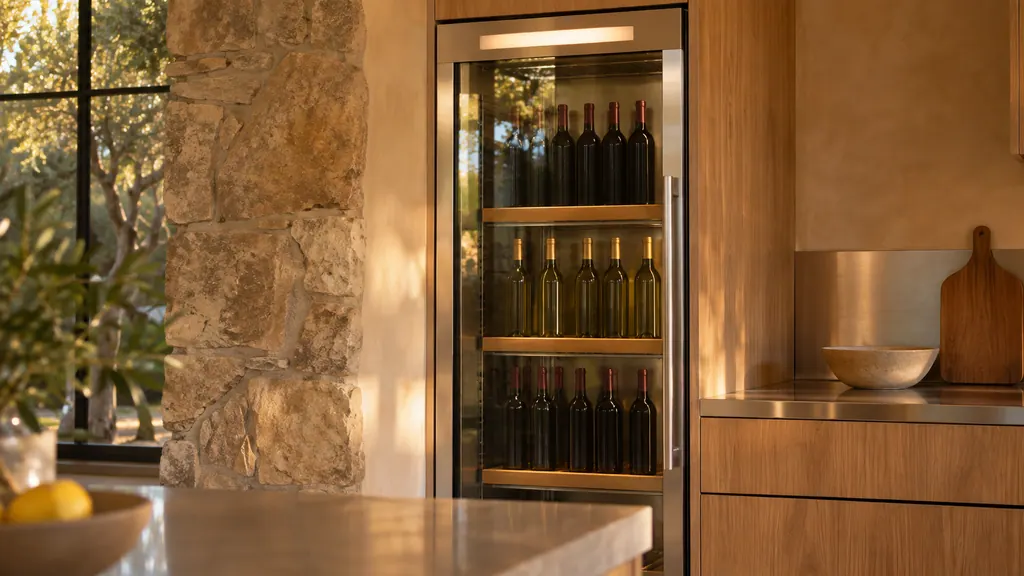
On a Dacor wine column, press the select button for the upper, middle or lower zone, then use the Temp. Control arrows within the 40 °F to 65 °F range. Without a zone selected, the arrows do nothing and the zone buttons blink. The window moves toward the new setting over time; that is normal. [1]
Match the appliance and manual before you press anything. The key combinations are not interchangeable.
Read the full sequenceThe Heritage wall oven manual lists three owner causes for an oven that will not heat: a wrong temperature setting, a delayed start left on, and a meat probe still plugged in when you broil. Check those in that order, then look at the display for a C- code.
When a Dacor oven door stays shut, it is usually locked on purpose: during self-cleaning, or by Control Lockout on a Modernist after a power cut. Wait for the lock to release, or follow the lockout steps. C-d1 and C33 are the door-related codes.
For a Heritage wall oven that will not turn on, the manual lists no power connection, a breaker that tripped or a fuse that blew, a locked control panel, and a power outage. Touch CANCEL/SECURE for 6 seconds to unlock the panel before anything else.
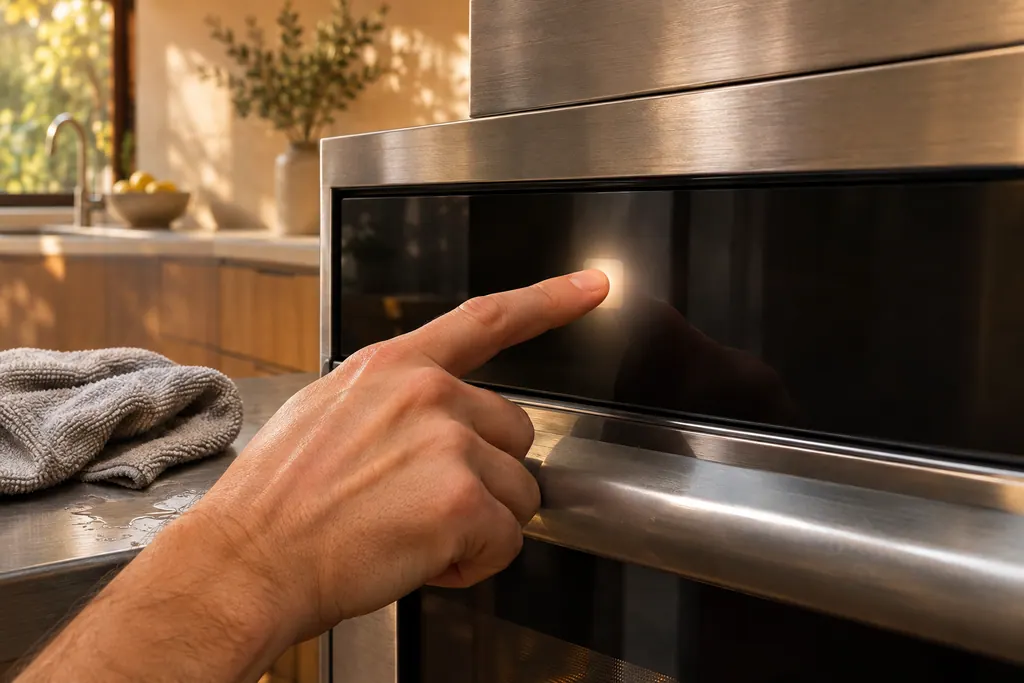
The touch panel on a Dacor oven is where wet or dirty keys cause trouble. The Modernist table prints C-d0 when a control key reads as held for a minute. Wiping the buttons dry and switching the oven off usually comes first. The Heritage manual adds a 6-second CANCEL/SECURE touch to wake a locked panel.
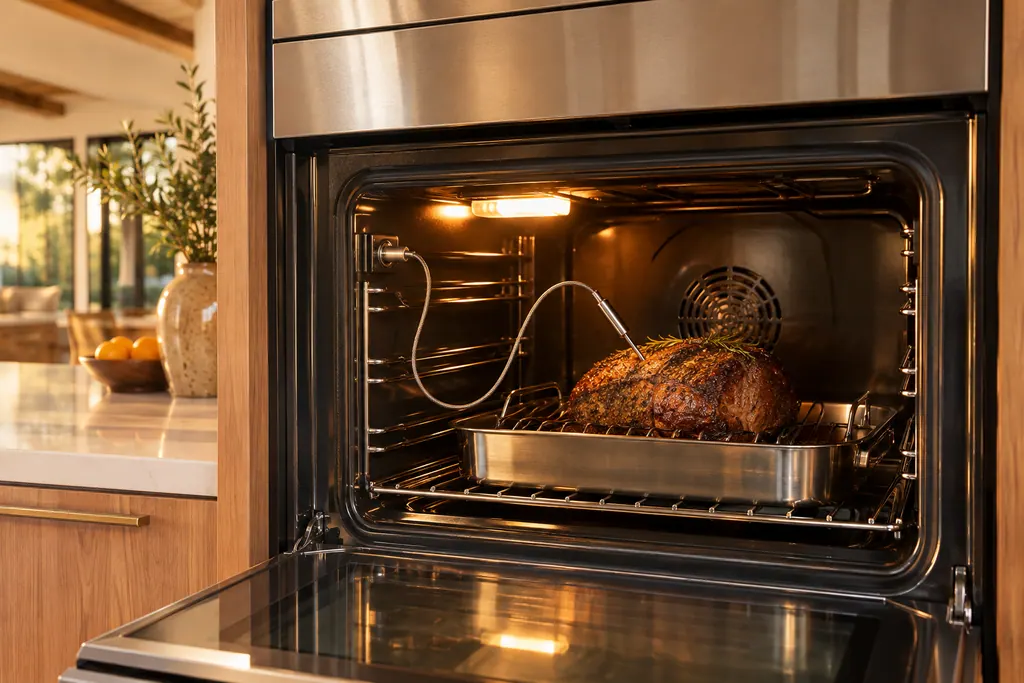
The temperature probe is the plug-in wire that reads the food's internal temperature. Dacor Modernist and Transitional tables print C-23 as a short temp probe sensor while the oven runs. A wet or still-connected probe also stops broil, self-clean and Sabbath modes on the Heritage wall oven.
Experienced technicians examine the appliance before proposing any work. OEM parts are ordered to suit your model.
Dacor handles repairs that its manufacturer warranty covers. We provide a warranty of our own on the work we do.
No. They explain daily use plainly and point to your manual for model details, which prevails.
The lock stays engaged until the oven cools. If it is still shut once cool, or after a power cut, read the door lock entry or book a visit.
Check your manual. Rough cookware can scratch the glass, and a spill left to bake on is harder to lift.
A door or drawer may be sitting ajar. Remove anything pressing on the gasket and push it fully shut. A persistent alarm calls for a visit.
Dacor codes, symptoms, parts, repairs
The Heritage wall oven manual lists three owner causes for an oven that will not heat: a wrong temperature setting, a delayed start left on, and a meat probe still plugged in when you broil. Check those in that order, then look at the display for a C- code.
Book a diagnostic for your model at the appliance itself.
Office details and the access notes to pass on.