On this page
- Each of the three zones has its own select button and temperature window. 1
- The range printed for each zone is 40 °F to 65 °F (4 °C to 18 °C); the Temp. Control entry prints 0 °F in one place. 1
- Arrows pressed without a zone selected change nothing and make the zone buttons blink. 1
- The window moves gradually toward the new setting; do not reset it. 1
- Stack bottles only on the bottom rack of the bottom zone and the top rack of the middle zone. 1
How do I choose the temperature of a zone on a Dacor wine column?#
Press the select button for the zone you want, then use the Temp. Control arrows to raise or lower it. The upper, middle and lower zones each have their own select button and their own temperature window. The manual gives a range of 40 °F to 65 °F (4 °C to 18 °C) for each. 1
If you press the arrows without choosing a zone first, nothing changes and all three zone select buttons blink. Choose a zone, then adjust. 1
What are the three zones and where is the panel?#
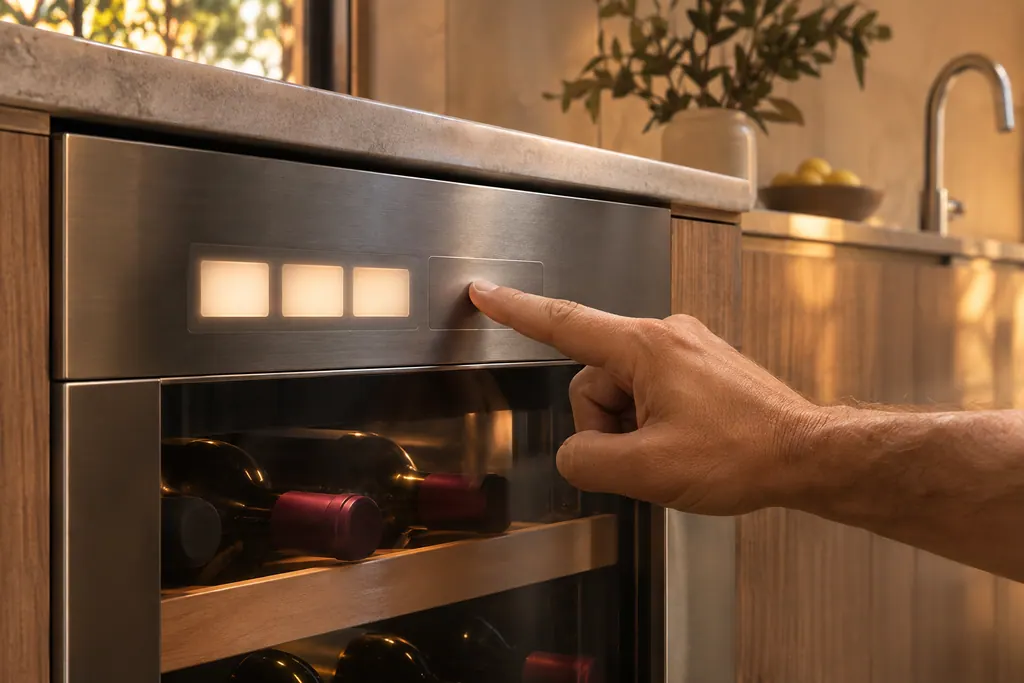
The column is split into an upper, a middle and a lower zone, each with a select button and a temperature window on one control panel. The panel also carries network, cabinet light, presenter light, deodorizer reset, door alarm, lock and two mode controls. 1
The numbered list on the manual's panel page runs: network connection, cabinet light, presenter light, then the three zone select buttons with their temperature windows, Temp. Control, Deodorizer Reset, Door Alarm, Lock, Cooling Off and Sabbath mode. 1
How do I change a zone, step by step?#
Select the zone, press the Temp. Control arrows, and watch its window. A tap changes the setting by 1 °F (or 1 °C), and holding an arrow for more than 2 seconds keeps it moving until you let go. 1
- 1
- 2
- 3
- 4
- 5
The numbers are not final at once. The manual says that after a change the panel shows the current temperature, which moves gradually toward the set value, and that this takes time and is normal. You do not need to set the temperature again because the window has not reached your number. 1
What if the manual's temperature range looks inconsistent?#
It does, in one place. Each zone select entry gives 40 °F to 65 °F (4 °C to 18 °C), but the Temp. Control entry prints "0 °F ~ 65 °F (4 °C ~ 18 °C)" with the same metric figures. The metric range matches the first, so treat 40 °F as the low end. 1
The same entry says the arrows move in steps of 1 °F (1 °C). The range printed under the zone select entries is the one to work with. 1
Why does the panel go dark or ignore me?#
Because the door, the Lock or moisture is in the way. With the door closed the zone buttons and windows switch off, and after 10 minutes the whole display does. After Lock is released, the display turns off after 10 seconds without a button press, except Lock, the zone selects and the windows. 1
Lock itself is set by holding it for 3 seconds. While it is on, pressing any button makes the indicator blink. Hold it again for more than 3 seconds to release it; the lock returns if no button is pressed for the next minute. 1
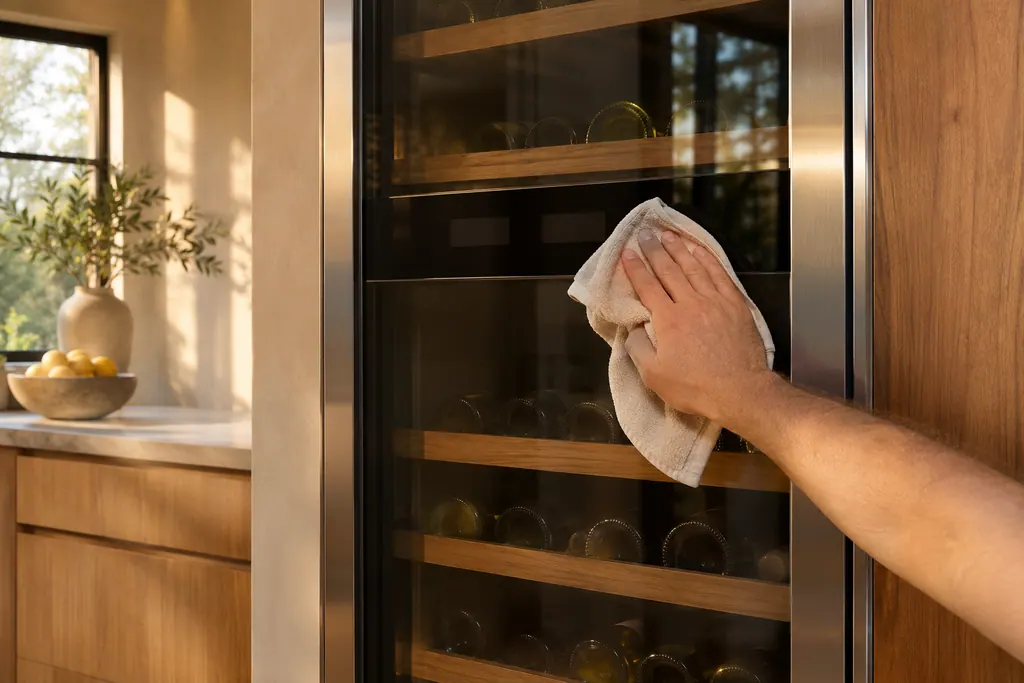
The manual also warns that if the control panel has moisture or liquid on it, it may fail. Wipe it with a dry cloth and try again. 1
What do the lights and the door alarm do?#
The cabinet light and the presenter light each have four levels, Off and 1 to 3. The cabinet light is set to level 3 by default, and the presenter light to off. The door alarm sounds after a door has been open longer than 2 minutes. 1
If the door is left open for more than 10 minutes, the LED lamps turn off. 1 The manual lists this as how the lamps behave. The alarm is on by default, and holding Door Alarm for 3 seconds switches the display between Celsius and Fahrenheit. 1
Which shelves can hold stacked bottles?#
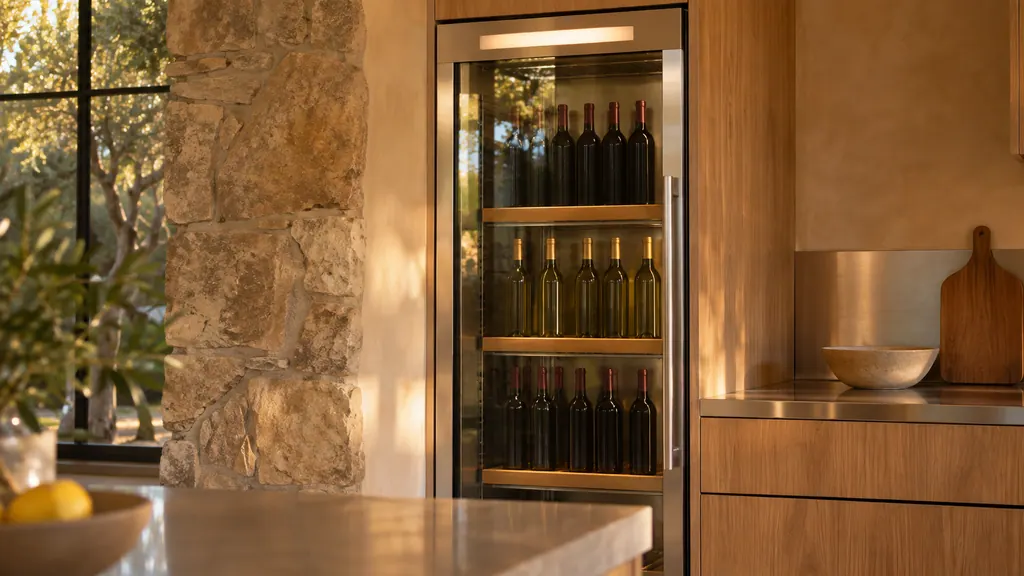
Only two. The manual says to stack wine bottles only on the bottom rack of the bottom zone, in a maximum of two rows, and on the top rack of the middle zone. Do not pull out the bottom shelf when bottles are loaded. 1
The load capacity table lists a total of 100 bottles for Type A and 97 for Type B. If you use the bottle presenters on the top rack of the middle zone, the manual says to fix that rack with a screwdriver. 1 Bottles larger than standard on the bottom shelf of a zone need protection when you pull out the rack above, so they do not fall. 1
What if a zone is warm or the column is not cooling?#
Start with the settings above, then the manual's temperature rows: power cord, temperature setting, a heat source or direct sunlight nearby, and an overloaded column whose wine blocks the vents. Its fixes are to set the temperature lower, move the heat source, and not block ventilation. 1
Check the display for "oF" first, because Cooling Off mode stops the compressors. Our Cooling Off guide gives the keys for the wine column. Separately, its odor row says a smell may simply be the natural oak of the wooden wine rack. 1
What details help the technician?#
Say which zone is wrong, the set temperature and what the window shows, and how long ago you changed it. Add whether the display shows oF or a lock, and whether the column has bottles blocking the vents.
- The model, for example DRW24980, from the manual's cover.
- The three zone settings you chose.
- Whether the panel was wiped dry and Lock released.
- Whether the column sits in sun or beside a heat source.
The wine cooler service page shows the work we take on. For indicators and alarms on the panel, see the guide to a refrigerator with no code, and for the weekend setting, the Sabbath mode guide.
Sources#
- User Manual, Built-In Wine Cellar DRW24980RAP/LAPDacor (Dacor-branded document hosted on image-us.samsung.com) · DA68-03607F-01 · PDF p.19-23 (Control panel, zone select, Temp. Control, Lock, Cooling Off), p.26-28 (SmartThings table, load capacity, stacking), p.39 (Troubleshooting)