On this page
- The manuals have no numbered code table for the column, side-by-side or beverage center. 123
- Door Alarm sounds once a door is open over 2 minutes, and is on by default. 1245
- Filter light: replace the filter, then hold its reset pad for 3 seconds. 12
- Control Lock disables the panel; on the side-by-side it also stops ice and water. 12
- "oF" or "OFF" means Cooling Off mode, where the compressors do not run. 124
Does a Dacor refrigerator show error codes?#
Not in the manuals we hold. The column refrigerator, the side-by-side and the undercounter beverage center print symptom tables, indicators and sound lists, with no table of numbered codes. What they show on the panel are lights, blinks and a few words. 123
That makes the indicators the whole vocabulary of the panel. This guide takes them in turn: Door Alarm, the Filter indicator, Control Lock, "oF" and Self Check. Our refrigerator code page explains why no code list exists, and the Door Alarm row covers the alarm itself.
What does the Door Alarm tell me?#
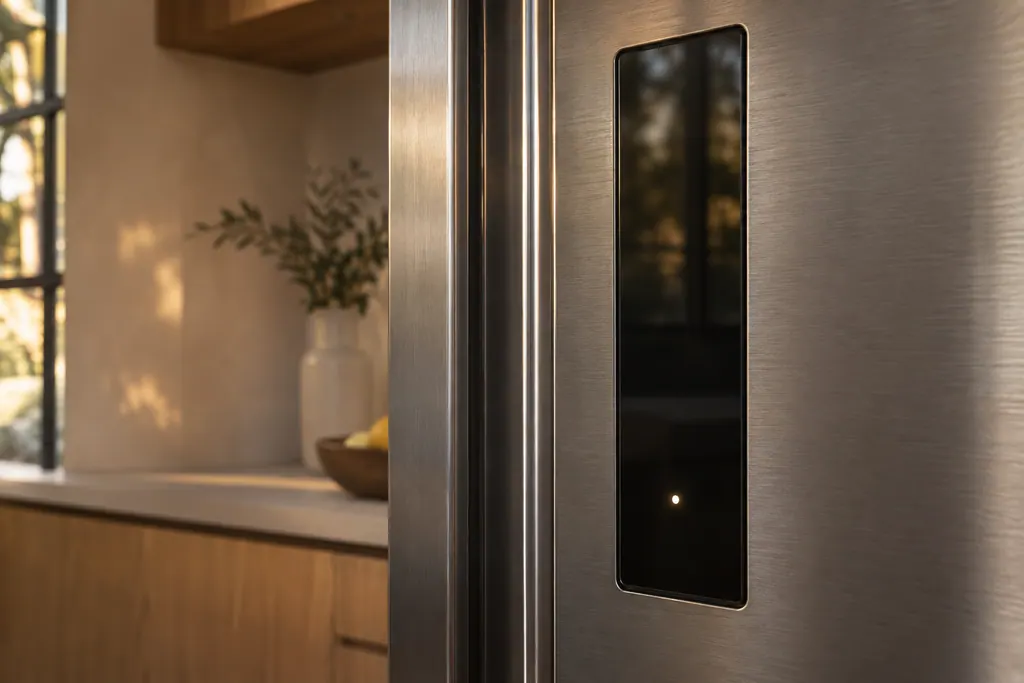
That a door was left ajar. On the column refrigerator, the column freezer, the side-by-side and the wine column, the alarm sounds and its light blinks once a door stays open past 2 minutes. It is on by default. 1245
The undercounter beverage center sounds after 2 minutes, then again every minute while the door stays open. 3 If the sound comes with the door shut, push the door closed firmly; nothing in the manuals describes a door alarm that sounds with the door closed.
The same button can switch the alarm off. Pressing Door Alarm enables or disables it, and holding it for 3 seconds switches the temperature scale between Celsius and Fahrenheit. 1 If you have silenced the alarm and forgotten, that explains a refrigerator that no longer calls out an open door.
What does the red Filter indicator mean?#
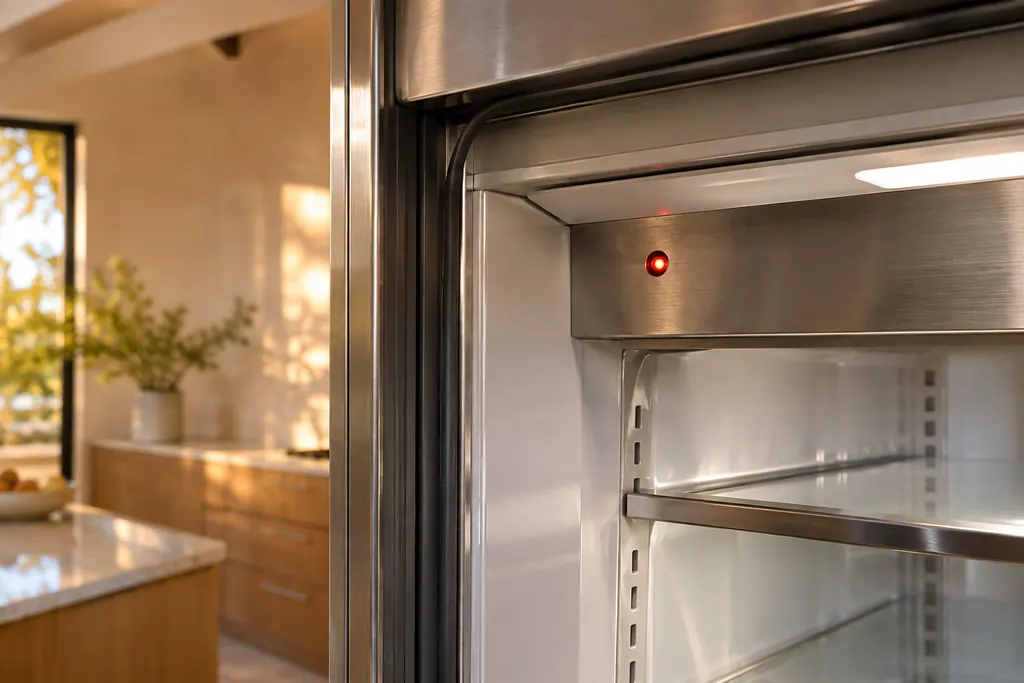
A filter has reached the end of its stated life. On a column refrigerator the Filter indicator blinks red after about 18 months for the deodorizer filter and about 6 months, or roughly 300 gallons, for the water filter. Replace the filter, then hold its reset button for 3 seconds. 1
The two filters have separate reset buttons on the column refrigerator: Deodorizer Reset for the deodorizer, Filter Reset for the water filter. On the side-by-side, the water button does double duty, and you hold Water for 3 seconds to reset the water filter. 12
If water dispenses poorly, the manual says the water filter is most likely clogged, even when the indicator is not blinking, and to replace it. 12 It also asks for approved filters only, because unapproved ones may leak and damage the refrigerator. 1
The water filter entry and the deodorizer filter entry describe the two parts, and the ice maker not working page covers the case where a clogged filter slows the ice and water.
Why is my refrigerator panel not responding?#
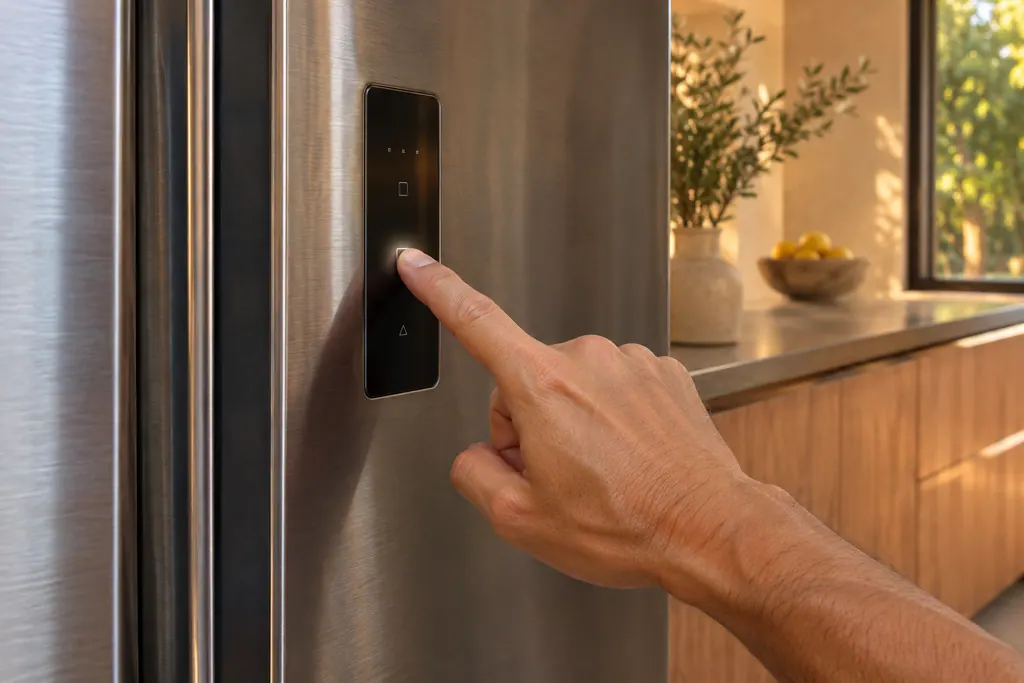
Control Lock may be on. Holding Control Lock for 3 seconds disables the main panel and lights the Lock indicator. On the side-by-side it also stops ice and water from dispensing, even if you press the dispenser lever. 12
To unlock, hold the button again for more than 3 seconds. The column manual adds a catch: Control Lock is reactivated if no button is pressed for the next minute. 1 The beverage center locks itself when no button is pressed for 1 minute, shows a lock icon and blinks it five times with a buzzer if you press a key. 3
Moisture matters too. The column manual says that if the panel has moisture or liquid on it, it may fail, and to wipe it with a dry cloth and try again. 1
- 1
- 2
- 3
- 4
What does "oF" on the display mean?#
It means Cooling Off mode, the retailer display setting: the fan and lights work, but the compressors stay idle, so the unit does not cool. The temperature display shows "oF" until the mode is exited. 145
This is the one panel message that looks like a failure and is not. The side-by-side shows "OFF" instead of "oF". 2 Our Cooling Off guide gives the key combination for each model and how to exit.
What are Self Check and the high temperature alarm?#
Both live in the SmartThings app, not on the panel. Self Check detects abnormal operation and, on the side-by-side, shows diagnostic data that can be passed on for service. The app also raises an abnormally high temperature alarm and a door opening alarm. 1245
If you suspect the refrigerator is running warm, the app's temperature alarm is a record to look at. The manuals do not turn Self Check into a code list. They describe it as a check that detects abnormal operation. 12
Why does the display not match the temperature I set?#
Because it shows the real inside temperature until the box reaches your setting. The column manual says that after a change the panel shows the real inside temperature until it matches the set one, and that this takes time and is normal. 1
Do not keep resetting the temperature. The manual says you need not set it again. For a unit that stays warm after a day, see the refrigerator not cooling page.
Why will a beverage center not restart right after a power cut?#
It wants a pause. The beverage center manual says that after it is unplugged, or power is lost or turned off, you must wait 3 to 5 minutes before restarting it, and that it will not start if you try sooner. 3
The same page says a unit that is new, or has not been used for a long time, may show a temperature that differs from the set one on its display at first, and that the reading returns to normal after it has run for a while. 3 It also notes a temperature memory: after a power interruption the unit keeps the previous setting. 3
What does -- / -- mean on a wine column?#
On the wine column, "-- / --" appears in the Wi-Fi address check, not as a failure. The manual says the temperature panel shows it for an unknown MAC address, or if a Wi-Fi connection is not established or has been lost. 5
The manual starts that check by holding Cabinet Light and Door Alarm for 6 seconds, so it describes the display as part of the Wi-Fi check.
Which details should I jot down first?#
Note which indicator was lit, how long it stayed on, whether the unit is cold, and whether a filter was changed or a lock pressed. Those three facts usually decide whether a visit is needed.
- The indicator or word on the panel: Door Alarm, Filter, Lock, oF or OFF.
- When the filter was last changed, if known.
- Whether the compartments are cold or warm when you check.
- The model name from the manual's cover.
Our refrigerator service page shows the work we take on, and the refrigerator problems page lists the symptoms we see most.
Sources#
- User Manual, Built-In Fridge DRR24980*** / DRR30980*** / DRR30990*** / DRR36980***Dacor (Dacor-branded document hosted on image-us.samsung.com) · DA68-03607B-07 (BRR9000M), 2020-12-11 · PDF p.19-24 (Control panel, Door Alarm, Filter Reset, Control Lock, Cooling Off), p.27 (SmartThings), p.44 (Troubleshooting)
- User Manual, Built-In Refrigerator DYF42SBI***Dacor (Dacor-branded document hosted on image-us.samsung.com) · DA68-03581A-04, 2020-12-11 · PDF p.21-27 (Control panel, Door Alarm, Control Lock, Filter Reset, Cooling Off), p.30 (Self Check)
- User Manual, Undercounter Beverage Refrigerator DRR24G7400**Dacor (Dacor-branded document hosted on image-us.samsung.com) · BRR5500D, 2024-06-10 · PDF p.20-21 (Lock, Demo Mode, door open alarm)
- User Manual, Built-In Freezer DRZ18980*** / DRZ24980*** / DRZ30980*** / DRZ30990*** / DRZ36980***Dacor (Dacor-branded document hosted on image-us.samsung.com) · DA68-03607A-08 (BRR9000M), 2020-12-11 · PDF p.21-24 (Door Alarm, Filter Reset, Cooling Off), p.27 (SmartThings alarms)
- User Manual, Built-In Wine Cellar DRW24980RAP/LAPDacor (Dacor-branded document hosted on image-us.samsung.com) · DA68-03607F-01 · PDF p.22-23 (Door Alarm, Lock, Cooling Off), p.26 (SmartThings alarms)