Start from the symptom
Dacor refrigerator not cooling.
The Dacor column and side-by-side manuals start with the plug, the temperature setting, heat nearby, 5 cm of clearance behind and beside the unit, and food blocking the vents. A unit in Cooling Off mode shows "oF" and its compressors do not run.

Start with safe observations.
Turn off and unplug the appliance before any check you can make yourself. Beware of pooled water and sharp fragments. Never touch a wet plug or live wiring, take off service panels, or go beyond what your model's guide allows.
- 1
Power and setting
Confirm the cord is plugged in properly. For a warm cabinet the manuals say to set the temperature lower; for over-cooling, set it higher.
- 2
Heat and clearance
Keep the refrigerator out of direct sun and away from heat, with at least 5 cm clear at the rear and sides.
- 3
Vents and loading
An overloaded cabinet or food against the vents can leave it warm. Do not block ventilation.
- 4
Vacation mode
On the 42-inch side-by-side, vacation mode can keep temperatures warm. Deactivate it.
- 5
Cooling Off mode
On the column refrigerator, a display reading "oF" and a chime means Cooling Off (Shop) mode, where the fan and lights run but the compressors do not. Hold the three reset buttons for 5 seconds to leave it.
- 6
Door seal and frost
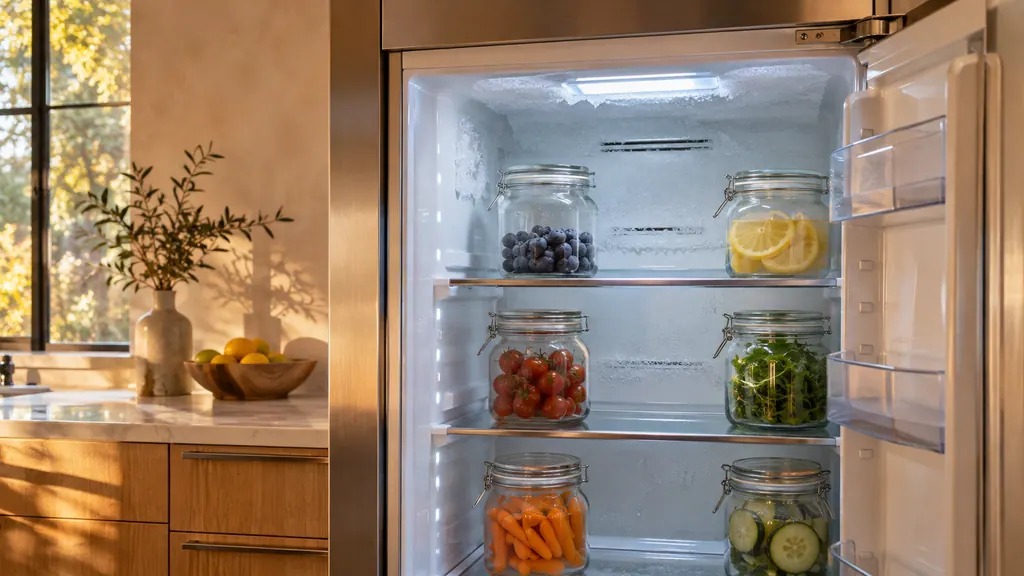
Frost on the walls points to a door not closing properly; clean the gasket. Frost at the vents means food is blocking them.
- 7
Freezer alarm
The column freezer has an abnormally-high-temperature alert. The manual describes the alert only, so use the checks above and schedule us if the alert returns.
Systems a technician may investigate.
These parts are tied to the symptom. Seeing it does not show that any one of them has failed.
If the display adds a code.
Read the related care guide.
Frost inside a Dacor refrigerator? Start at the vents.
The Dacor manuals list two frost causes. Frost around the vents means food is blocking them, so move it away from the rear wall. Frost on the interior walls means the door is not closing properly, so check nothing holds it open and clean the door gasket. [1][2]
Odd noise from a Dacor refrigerator? Check the list.
The Dacor manuals call these sounds normal: an engine-like noise as a run starts or ends, clicking or buzzing or chirping or whirring from the fan, and sizzling during defrost. The beverage center adds refrigerant rattle, gurgling and popping walls. An unlevel unit is not on that list. [1][2][3][4]
When observation becomes a service request.
Leave internal testing to a technician.
Warmth continues after the setting, clearance, vent and mode checks. Schedule a technician and keep perishables in a cooler meanwhile.
Arrange a diagnosticSources and model boundaries.
The Dacor refrigerator not cooling guidance is built on these references. Choose the manual for your own model.
- User Manual, Built-In Fridge DRR24980*** / DRR30980*** / DRR30990*** / DRR36980***
- User Manual, Built-In Refrigerator DYF42SBI***
- User Manual, Built-In Freezer DRZ18980*** / DRZ24980*** / DRZ30980*** / DRZ30990*** / DRZ36980***
Rely on the guide for your precise model. Look at how we research these pages.
Why is my Dacor refrigerator warm?
The manuals list a loose plug, a wrong setting, heat or sun nearby, too little rear or side clearance, and food blocking vents. Work through those first.
What does "oF" on the display mean?
On the column units it shows Cooling Off mode, a retail display setting with no compressor running. Press and hold the three reset buttons for 5 seconds to exit.
How much space does it need around it?
The manuals say at least 5 cm at the rear and sides, so the cabinet can shed heat.
Is a warm interior wall a problem?
On the side-by-side, the manual says a hot interior wall is heat-proof piping at the front corners that prevents condensation, not a system failure.
Dacor codes, symptoms, parts, repairs
Link the message to what you do next.
Door alarm
On Dacor column refrigerators, column freezers and wine columns, the door alarm sounds and the alarm indicator blinks if a door stays open more than 2 minutes. It is on by default. The beverage center sounds after 2 minutes, then every minute.
Dacor refrigerator ice maker not working
On a Dacor side-by-side or column freezer, wait 12 hours after installation, then confirm the ice maker is switched on, no Control Lock or Child Lock is active, and the freezer is cold enough. A buzzing ice maker usually has no water line connected yet.
Door gasket and door seal
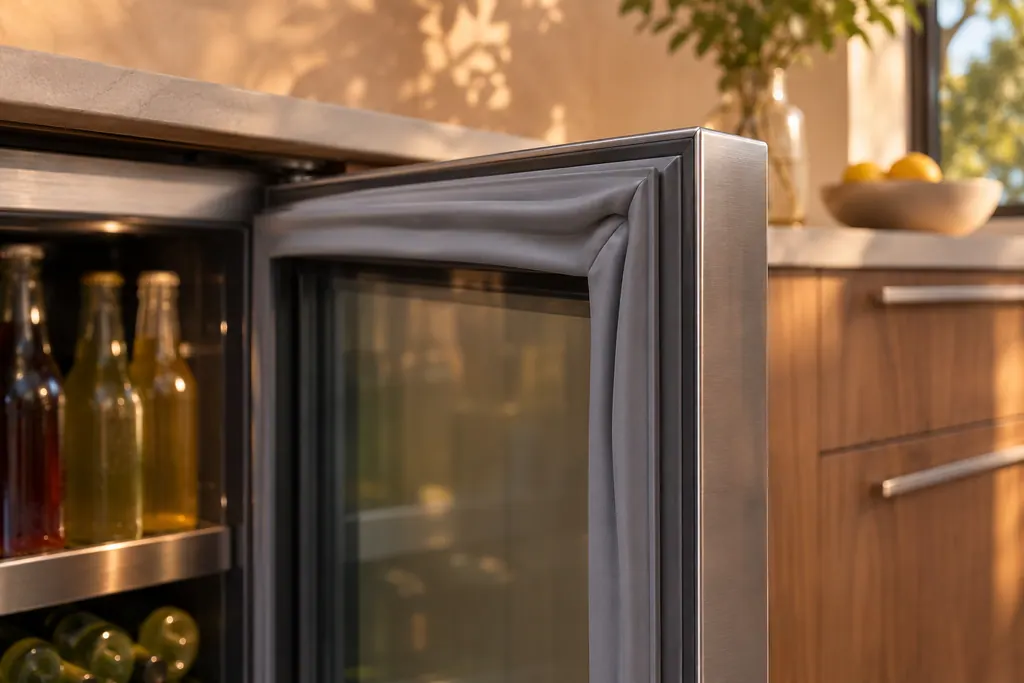
A gasket is the flexible strip that seals the cabinet door. Dacor's column refrigerator manual links frost on the interior walls to a door that has not closed fully and says to clean the gasket. The beverage center manual lists a gasket that does not seal as a cause of warm cabinets and frequent cycling.
Refrigerator repair
Book a diagnostic for your model at the appliance itself.
Find your metro
Office details and the access notes to pass on.