On this page
- Cooling Off mode stops the compressors; the fan and lights keep working. 124
- Each model has its own three-key hold, and the same hold exits. 1234
- The beverage center uses Temperature Up and Lock for 3 seconds. 5
- Release Control Lock or Lock before you try the keys. 14
- A Modernist oven in Demo mode lights up but does not heat. 6
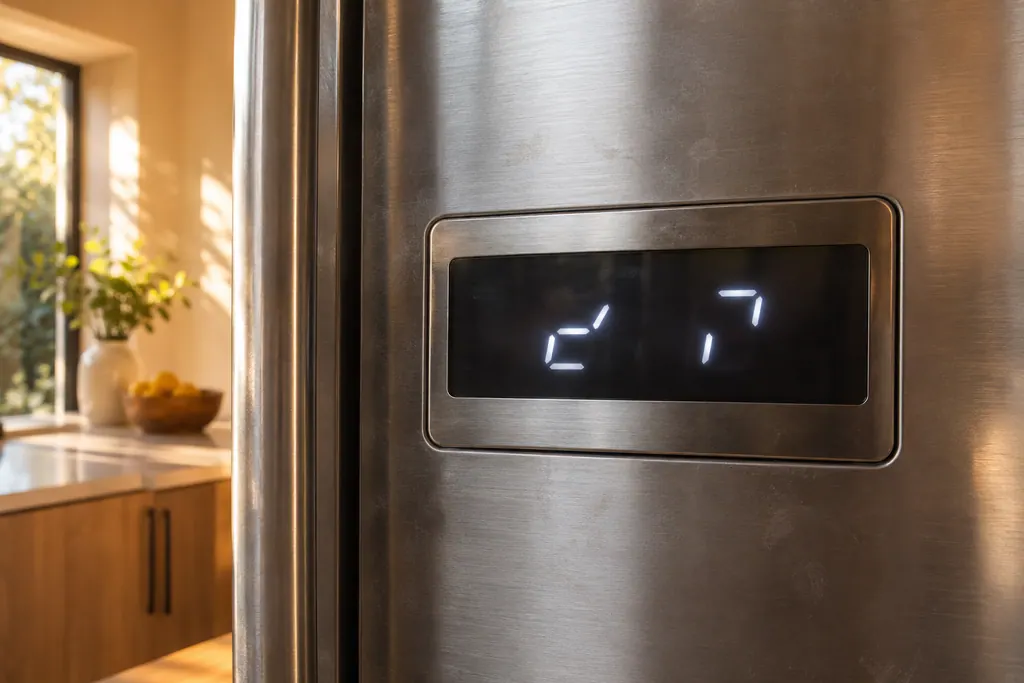
What does "oF" mean on a Dacor refrigerator display?#
It means the unit is in Cooling Off mode, which the manuals also name Shop or Demo mode. The manuals say it is designed for retailers displaying the unit on a sales floor: the fan motor and lights work normally, but the compressors stay idle, so the unit does not cool. 1245
If a Dacor column refrigerator, column freezer, wine column or beverage center is warm and its temperature window shows "oF" instead of a number, it is in this mode. It is not a failure, and the cure is a key press, not a repair.
Which keys turn Cooling Off on and off?#
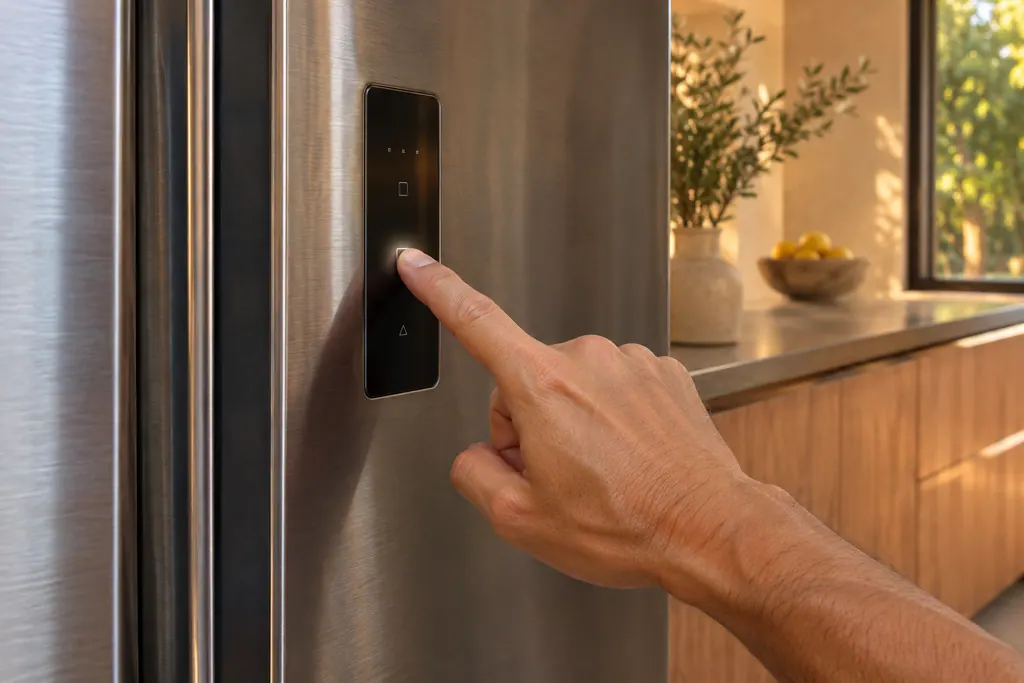
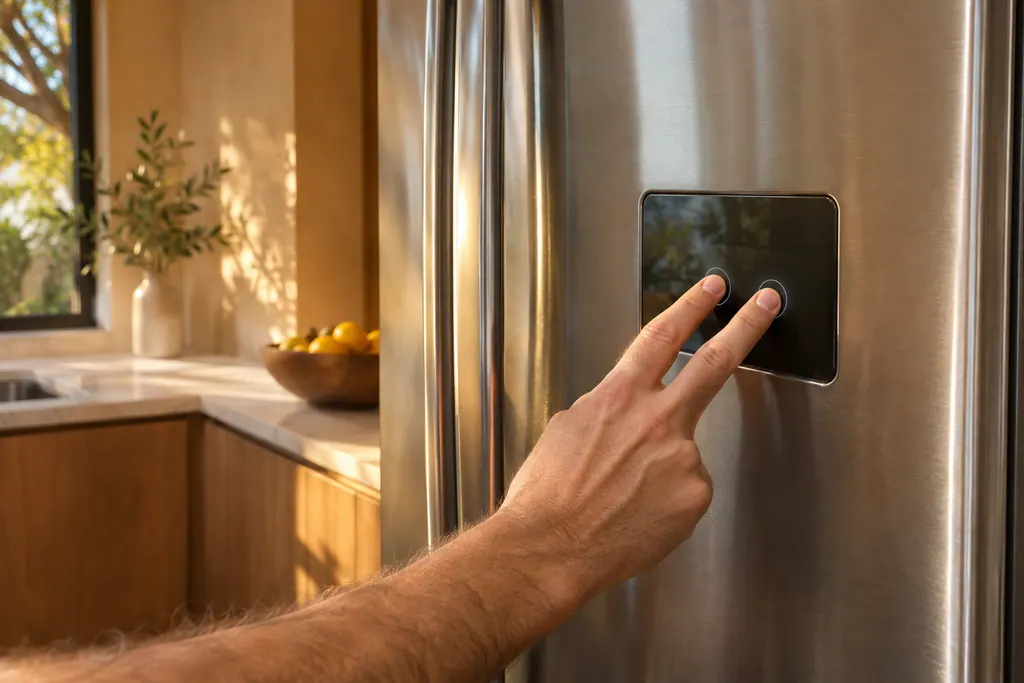
Each model has its own three-key hold, and the same hold exits. Column refrigeration uses Deodorizer Reset, Filter Reset and Override. The wine column uses Cabinet Light, Presenter Light and Lock. The side-by-side uses Fridge, Freezer and Energy Saver. 134
Hold the keys together for 5 seconds. A chime sounds, and the display shows "oF" on entering, or the current temperature on leaving. 124 Match your appliance in this table before you press anything.
| Appliance | Keys held together | Time | Display on entering | Source |
|---|---|---|---|---|
| Column refrigerator | Deodorizer Reset, Filter Reset, Override | 5 seconds | oF | 1 |
| Column freezer | Cocktail Ice, Standard Ice, Filter Reset (18-inch: Ice Maker, Override, Filter Reset) | 5 seconds | oF | 2 |
| Side-by-side | Fridge, Freezer, Energy Saver | 5 seconds | OFF | 3 |
| Wine column | Cabinet Light, Presenter Light, Lock | 5 seconds | oF | 4 |
| Undercounter beverage center | Temperature Up, Lock | 3 seconds | oF | 5 |
The side-by-side prints "OFF" on the panel, with a capital F, where the others print "oF". Do not read that as the refrigerator being switched off. 3
How do I leave Cooling Off mode?#
Hold the same keys for the same time again. The chime sounds and the temperature window returns to the current temperature. If the Control Lock or Lock indicator is lit, release the lock first, because the manuals say to deactivate it before the mode can be entered or left. 1245
- 1
- 2
- 3
- 4
- 5
Why would a Dacor be in Cooling Off mode at home?#
The manuals only say what the mode is for: retail display. They do not say how a unit ends up in it at home, and we do not guess. They do show that it is entered by holding a key combination for a few seconds. 14
What matters is the check. If a refrigerator or a wine column is warm and the display shows "oF", try the exit before anything else. If the display shows a normal temperature, the mode is not your problem.
What if the unit is warm and the display shows a temperature?#
Then Cooling Off mode is not the cause, and the usual checks apply. The column manual lists a temperature that is too warm or a unit that does not operate, with causes such as the power cord, the temperature setting, a nearby heat source, too little clearance and blocked vents. 1
Its table suggests setting the temperature lower, keeping the unit away from direct sun or a heat source, leaving at least 5 cm at the rear and sides, and not overloading it so food blocks the vents. 1 Our refrigerator not cooling page goes through them.
Do Dacor ovens have a display mode like this?#
Yes, a Demo mode on the Modernist wall oven, and it also stops the heat. The manual says it is for retail display only and that the heating element does not operate. You switch it on and off in Settings, and an indicator shows on the screen. 6
To change it, tap SETTINGS > Demo mode and choose ON or OFF in the right-hand screen. 6 If a Modernist oven lights up and does everything but heat, look at the Settings menu for the Demo mode setting. Our oven not heating page covers the wider checks.
Do Dacor microwaves have a demo mode too?#
Two of them do, with their own keys. On the Modernist drawer microwave, touch SETUP/HELP five times and hold START/EASY MINUTE for 3 seconds, and the display reads DEMO ON, and the drawer does not heat. On the Heritage convection microwave, touch Clock, then 0, then hold START/INSTANT ON for 3 seconds. 78
Demo mode on the Heritage microwave lets you try the pads with no power in the oven, so a countdown that runs very fast is a sign to look for it. Its manual tells you to touch Clock, then 0 and Stop/Clear to cancel, or to unplug the microwave and reconnect it. 8 On the drawer model, hold SETUP/HELP five times, then touch START/EASY MINUTE when the display shows DEMO OFF. 7
What should the technician hear from me?#
Tell us whether the display showed "oF" or "OFF" and whether the exit keys worked. If they did and the unit cools, the visit is over before it starts. If the mode would not exit, or the unit is warm with a number on the display, that is what we need to hear.
- The appliance and the model on the manual's cover.
- What the display showed when you first noticed the problem.
- Which keys you held, for how long, and whether the chime sounded.
- Whether a lock indicator was lit.
The refrigerator service page, the wine cooler service page and the beverage center service page list what we repair. For the other lights and alarms on these panels, see the guide to a refrigerator with no code.
Sources#
- User Manual, Built-In Fridge DRR24980*** / DRR30980*** / DRR30990*** / DRR36980***Dacor (Dacor-branded document hosted on image-us.samsung.com) · DA68-03607B-07 (BRR9000M), 2020-12-11 · PDF p.24 (Cooling Off), p.42 (Troubleshooting, Temperature)
- User Manual, Built-In Freezer DRZ18980*** / DRZ24980*** / DRZ30980*** / DRZ30990*** / DRZ36980***Dacor (Dacor-branded document hosted on image-us.samsung.com) · DA68-03607A-08 (BRR9000M), 2020-12-11 · PDF p.24 (Cooling Off)
- User Manual, Built-In Refrigerator DYF42SBI***Dacor (Dacor-branded document hosted on image-us.samsung.com) · DA68-03581A-04, 2020-12-11 · PDF p.27 (Cooling Off)
- User Manual, Built-In Wine Cellar DRW24980RAP/LAPDacor (Dacor-branded document hosted on image-us.samsung.com) · DA68-03607F-01 · PDF p.23 (Cooling Off)
- User Manual, Undercounter Beverage Refrigerator DRR24G7400**Dacor (Dacor-branded document hosted on image-us.samsung.com) · BRR5500D, 2024-06-10 · PDF p.20-21 (Demo Mode)
- User Manual, Modernist Built-In Electric Wall Oven DOB30M977Dacor (Dacor-branded document hosted on image-us.samsung.com) · Part No. 112177 Rev B / DG68-00920A-00 · PDF p.50 (Settings, Demo mode)
- Modernist Microwave In-A-Drawer User ManualDacor (Dacor-branded document hosted on image-us.samsung.com) · Part No. 112243 Rev A · PDF p.17 (Demonstration Mode)
- Convection Microwave Oven Use and Care Manual, Model DCM24Dacor (Dacor-branded document hosted on image-us.samsung.com) · Part No. 106442 Rev. C · PDF p.24 (Demonstration Mode), p.26 (Service Call Check)