On this page
- A Modernist wall oven allows Bake only in Sabbath mode and stays off after a power cut. 1
- A Heritage wall oven allows Bake and Pure Convection and returns to Sabbath mode after a power cut. 2
- Refrigeration Sabbath mode lasts 85 hours and survives a power cut. 3456
- A plugged-in meat probe stops Sabbath mode on a Heritage oven. 2
- The DDW24G9000AP dishwasher uses setting H1 and turns its lights and sounds off. 7
How do I turn on Sabbath mode on a Dacor appliance?#
It depends on the appliance and the model. A Modernist wall oven starts Bake and then uses Settings > Sabbath. A Heritage wall oven uses the # key, a cook mode and the 0 or 2 key. Refrigeration uses two buttons held together for 5 seconds. A dishwasher uses a settings code. 1234567
The key combinations are not interchangeable, so the table starts with the appliance and the manual it comes from.
| Appliance | How the manual starts Sabbath | Source |
|---|---|---|
| Modernist wall oven (DOB30M977) | Start Bake, then Settings > Sabbath | 1 |
| Heritage wall oven (HWO127, 130, 227, 230) | Tap #, pick BAKE or PURE CONV, adjust with 0 or 2, START/CONTINUE | 2 |
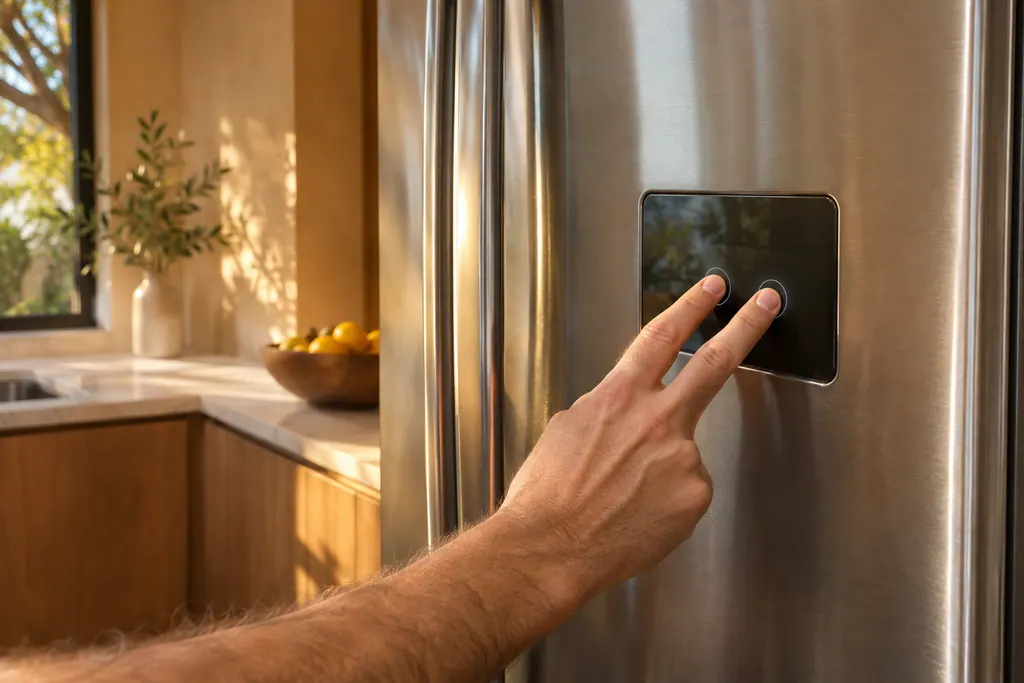
| Column refrigerator | Hold Fridge and Door Alarm together for 5 seconds | 3 |
| Column freezer | Hold Freezer and Door Alarm together for 5 seconds | 4 |
| Side-by-side (Shabbat mode) | Hold Energy Saver and Lighting together for 5 seconds | 5 |
| Wine column | Hold Presenter Light and Deodorizer Reset together for 5 seconds | 6 |
| Dishwasher DDW24G9000AP | Settings: press Sanitize to H1, then turn the dishwasher off | 7 |
The undercounter beverage center also has a Sabbath mode, entered with two buttons held for 3 seconds, and its display shows "Sb on". 8 The keys are drawn as symbols in the manual, so check the picture for your unit.
How does Sabbath work on a Modernist wall oven?#
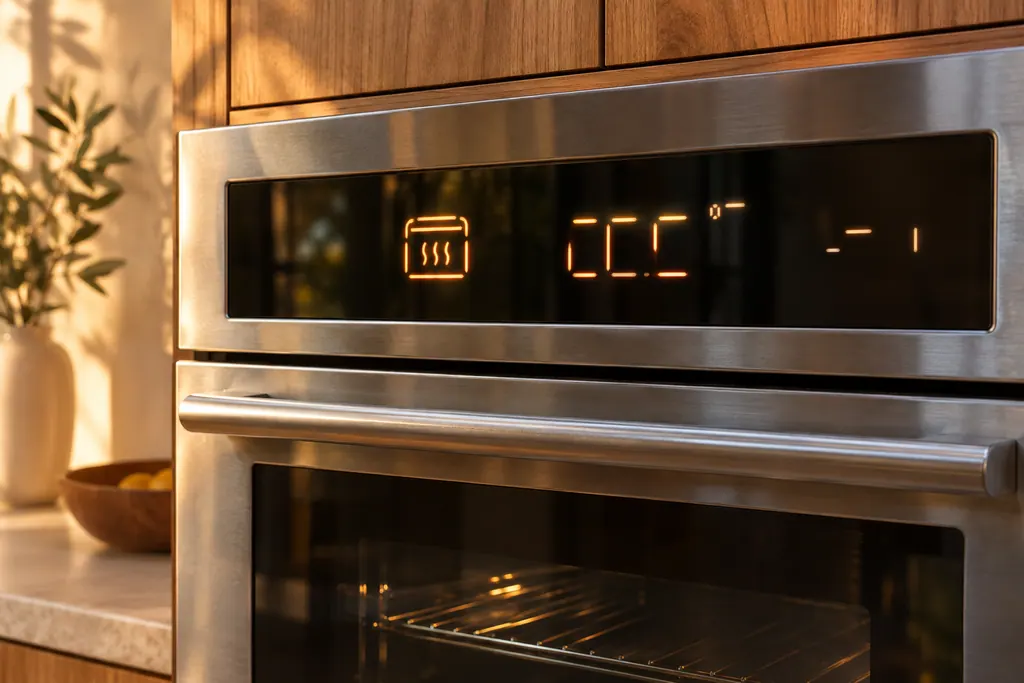
You set Bake first, start it, and then switch Sabbath on from Settings. The manual says Sabbath is for baking only, the oven stays on until Sabbath is turned off, and the 12-hour energy-saving shut-off no longer applies. 1
- 1
- 2
- 3
- 4
- 5
You may change the temperature after baking starts, but the display does not change and no tone sounds, and the oven takes 15 seconds to recognize a change. The manual says to use the adjustment only on Jewish holidays. 1
Give the oven time. The manual says not to open the door or change the temperature for 30 minutes after entering Sabbath mode, so the oven can reach its set temperature. For best performance the fan runs only while the temperature is rising. 1
How is a Heritage wall oven different?#
It restricts you more. In Sabbath mode only Bake and Pure Convection can be used, the oven lights are disabled, and the only active keys are CANCEL/SECURE, START and the 0 and 2 keys. The display shows SAb. 2
To start it, tap #, tap BAKE or PURE CONV, tap 0 or 2 repeatedly to change the pre-selected temperature, then tap START/CONTINUE. On a double oven, do this for one oven, then repeat the last three steps for the other. 2
The manual lists limits worth knowing before you start:
- Touch all keys within 6 seconds of each other, or the control panel clears. 2
- On a double oven, one oven cannot run in normal mode while the other is in Sabbath mode. 2
- Sabbath will not work if the meat probe is plugged in; the probe icon blinks. 2
- Time-delay cooking cannot be used, and active timers are canceled when Sabbath is selected. 2
- The 12-hour timer is automatically disabled while Sabbath is active. 2
CANCEL/SECURE stays active, so you can turn off Sabbath mode and the oven. Tapping 2 then START/CONTINUE raises the temperature by 25 °F (15 °C) while the oven is cooking. 2 The manual's sentence on lowering with the 0 key stops mid-line at the end of its page, so we do not repeat it.
What happens in a power cut with Sabbath on?#
The two wall ovens disagree. The Modernist manual reports that when power fails the oven shuts itself off, does not turn itself on when power returns, and shows Sabbath on the screen without operating. 1 The Heritage manual says the oven returns to Sabbath mode at its previous temperature. 2
Which one applies depends on your oven's manual, not on a general rule. Refrigeration keeps Sabbath on: the column manual says that even after the refrigerator powers off and restarts, Sabbath mode remains active, and you must switch it off yourself. 3
How long does refrigeration Sabbath mode last?#
For 85 hours, then it turns off by itself. The column refrigerator, column freezer, side-by-side and wine column all say the mode stays active for 85 hours once activated. The beverage center says the same. 34568
In this mode the buttons, the display and the lamps are under control. To leave early, hold the same two buttons for 5 seconds again. 3456 If the Control Lock indicator is on, turn it off first. 36
Where two refrigerators are installed as a pair, the column manual says to set or change Sabbath for each one separately. 3
Can a Dacor dishwasher use Sabbath mode?#
Yes, as a setting. Press Sanitize and Delay Start together for 3 seconds to enter settings, press Sanitize until H0 or H1 shows, and turn the dishwasher off. H1 turns the interior and floor lights off and removes all sound, whatever the sound setting. 7
The setting is saved even when the unit is turned off. The manual says Sabbath mode must be turned off (H0) to get the light and sound back. 7
What if Sabbath mode will not start?#
Check three things: the meat probe on a Heritage wall oven, Control Lock on refrigeration, and whether you entered the keys within the time the manual gives. These are the conditions the manuals name. 236
- Heritage oven: unplug and remove the meat probe, and touch the keys within 6 seconds. 2
- Refrigerator or wine column: turn off Control Lock or Lock first. 36
- Modernist oven: Sabbath is for Bake; do not try other programs while it is active. 1
The wall oven service page and the refrigerator service page list what we repair. For a locked touch panel on an oven, see the Control Lockout guide, and for the "oF" display on refrigeration, the Cooling Off guide.
Sources#
- User Manual, Modernist Built-In Electric Wall Oven DOB30M977Dacor (Dacor-branded document hosted on image-us.samsung.com) · Part No. 112177 Rev B / DG68-00920A-00 · PDF p.50-52 (Settings, Using the sabbath feature)
- User Manual, Heritage Wall Oven, Models: HWO127, HWO130, HWO227, HWO230Dacor (Dacor-branded document hosted on image-us.samsung.com) · Part No. 113606 Rev A · PDF p.8 (12-hr timer and Sabbath), p.12 (Using Sabbath Mode), p.16 (Troubleshooting)
- User Manual, Built-In Fridge DRR24980*** / DRR30980*** / DRR30990*** / DRR36980***Dacor (Dacor-branded document hosted on image-us.samsung.com) · DA68-03607B-07 (BRR9000M), 2020-12-11 · PDF p.23 (Sabbath mode)
- User Manual, Built-In Freezer DRZ18980*** / DRZ24980*** / DRZ30980*** / DRZ30990*** / DRZ36980***Dacor (Dacor-branded document hosted on image-us.samsung.com) · DA68-03607A-08 (BRR9000M), 2020-12-11 · PDF p.23 (Sabbath Mode)
- User Manual, Built-In Refrigerator DYF42SBI***Dacor (Dacor-branded document hosted on image-us.samsung.com) · DA68-03581A-04, 2020-12-11 · PDF p.26 (Shabbat Mode)
- User Manual, Built-In Wine Cellar DRW24980RAP/LAPDacor (Dacor-branded document hosted on image-us.samsung.com) · DA68-03607F-01 · PDF p.23 (Sabbath mode)
- User Manual, Built-In Dishwasher DDW24G9000APDacor (Dacor-branded document hosted on image-us.samsung.com) · DD68-00250L-00 (DW8700B), 2024-01-11 · PDF p.59-60 (Settings, Sabbath mode)
- User Manual, Undercounter Beverage Refrigerator DRR24G7400**Dacor (Dacor-branded document hosted on image-us.samsung.com) · BRR5500D, 2024-06-10 · PDF p.20 (Sabbath Mode)