Diagnostics and repair
Experienced technicians examine the appliance before proposing any work. OEM parts are ordered to suit your model.
The care journal
What your panel is reporting, how similar codes differ and where to begin.
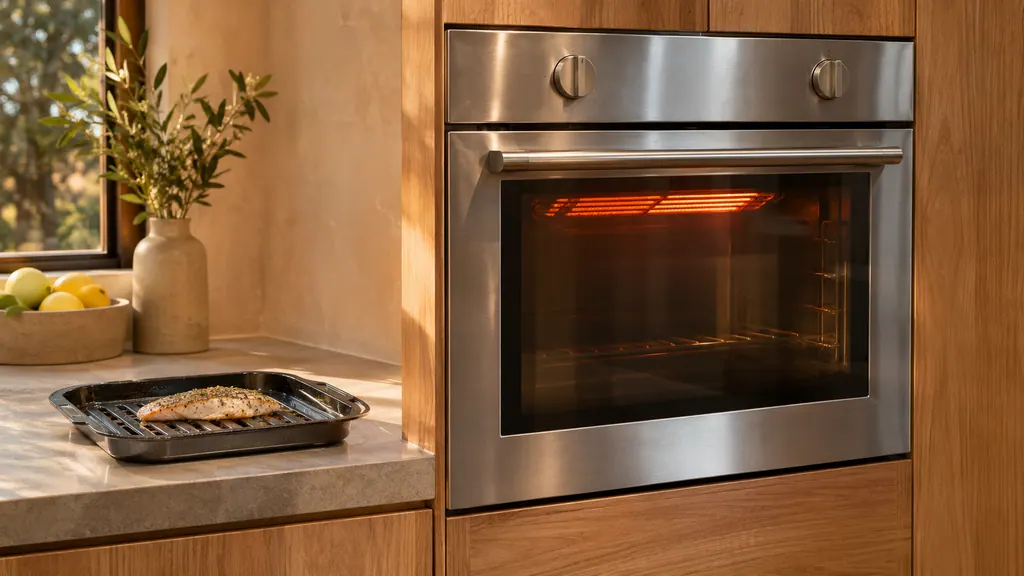
A Dacor oven broils with its door closed. On a Heritage wall oven, an open door during cooking or broiling may bring up C33, and the manual asks you to wait while the oven cools, which resets the error. Other Dacor ovens switch their heat off after 20 seconds, 30 seconds or 2 minutes of open door, depending on the model. [1][2][4][5]
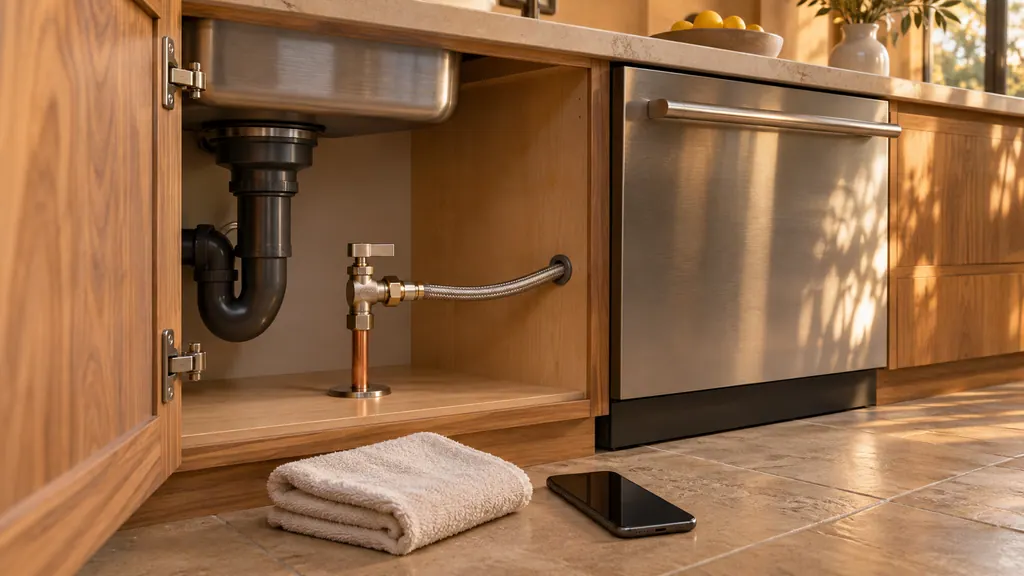
To shut off a Dacor DDW24G9000AP dishwasher for service, hold Start for three seconds to drain, shut the water supply valve, then switch the dishwasher off at its breaker or unplug it. The manual prints these in its leak steps and code table, not as one list. Keep it off until the visit. [1]
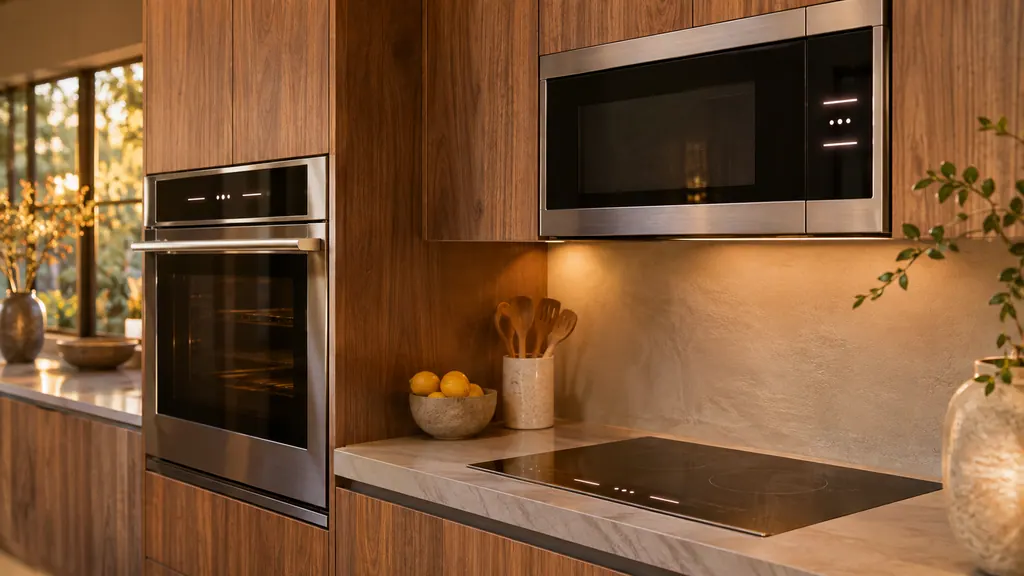
Dacor uses look-alike letters on three appliances. d0, F0 and F2 appear on a wall oven, an induction cooktop and a slim microwave, and each table words them differently. Read the code from the display of the appliance in front of you, then use only that appliance's table and first step. [1][2][3]
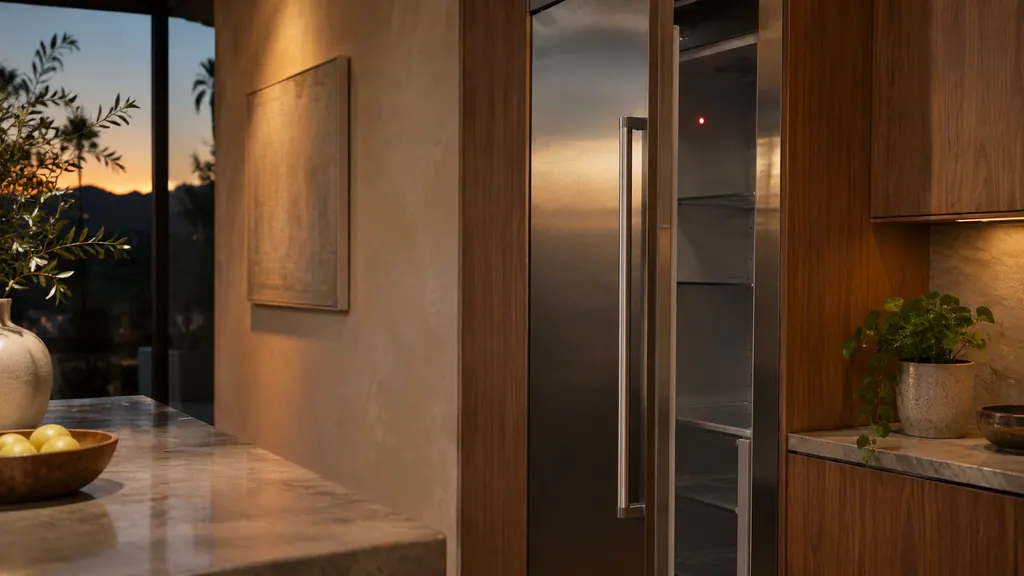
A Dacor refrigerator talks through indicators, not numbered codes. A blinking Door Alarm means a door has stood open past 2 minutes. A red Filter light means a filter is due and needs a reset. A lit Lock disables the panel. "oF" is a retailer display mode in which the unit does not cool. [1][2][3]
Press OFF on the display, or turn both selector knobs to OFF on the 36-inch dual-fuel range, then start the oven again the normal way.
Read the full sequenceThe Heritage wall oven manual lists three owner causes for an oven that will not heat: a wrong temperature setting, a delayed start left on, and a meat probe still plugged in when you broil. Check those in that order, then look at the display for a C- code.
When a Dacor oven door stays shut, it is usually locked on purpose: during self-cleaning, or by Control Lockout on a Modernist after a power cut. Wait for the lock to release, or follow the lockout steps. C-d1 and C33 are the door-related codes.
For a Heritage wall oven that will not turn on, the manual lists no power connection, a breaker that tripped or a fuse that blew, a locked control panel, and a power outage. Touch CANCEL/SECURE for 6 seconds to unlock the panel before anything else.
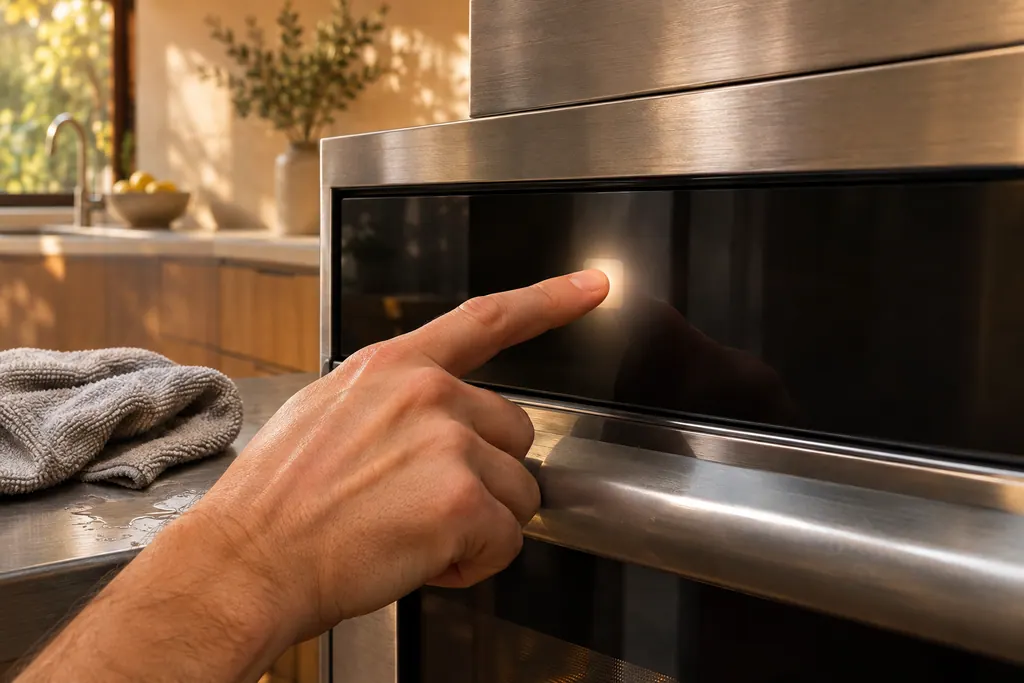
The touch panel on a Dacor oven is where wet or dirty keys cause trouble. The Modernist table prints C-d0 when a control key reads as held for a minute. Wiping the buttons dry and switching the oven off usually comes first. The Heritage manual adds a 6-second CANCEL/SECURE touch to wake a locked panel.
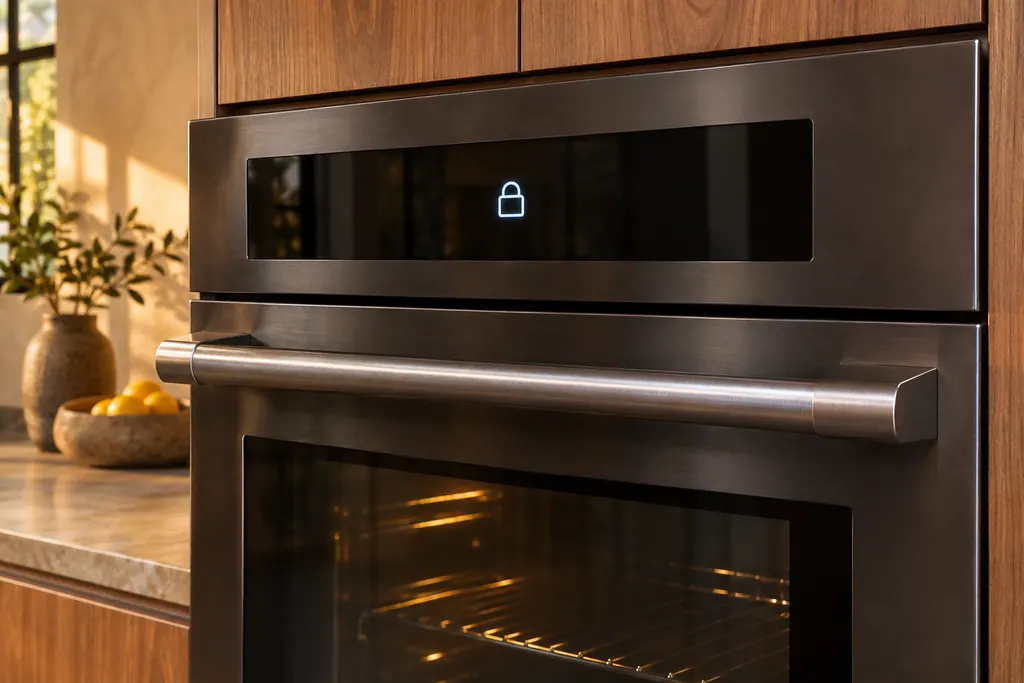
A Dacor wall oven holds its door shut during self-cleaning, and the Modernist Control Lockout locks the door along with the touchpad. After a power cut while the door was locked, the Modernist manual says to switch Control Lockout on and then unlock it. The Heritage manual ties code C33 to an open door.
C-d0 on a Dacor Modernist wall oven or Transitional range means a control key was held down or shorted for 1 minute. Clean the buttons, make sure no water sits on or around them, turn the oven off and try again.
C-d1 on a Dacor oven means the door lock is mispositioned. Restart the oven, and if the lock code returns, cut all power for 30 seconds or longer and reconnect. If it still shows, book a technician.
C-F0 on a Dacor oven means communication between the Main and Sub PBA, the circuit boards, was interrupted. Restart, cut all power for 30 seconds, and call us if the board code reappears.
C-F2 on a Dacor oven means communication between the Main board and the Touch control panel was interrupted. Restart and cut power for half a minute; if the panel code is still there, call us.
C-20 on a Dacor oven means the oven sensor is open or short while the oven operates. Press OFF and restart. If it persists, cut all power for at least 30 seconds and reconnect, and book a technician if the code reappears.
C-21 on a Dacor oven means the internal temperature rose abnormally high. Power the oven down and give it time to cool. The 30-inch Transitional guide then says to restart; the other guides share the longer reset ladder.
C-23 on a Dacor Modernist wall oven, Transitional range or Modernist 48-inch range means the temperature probe sensor is short while the oven operates. Turn the oven off and restart it. If it returns, cut power for half a minute or longer, then book a technician.
C-24 on a Dacor Transitional range means the oven vent is blocked. Open the door for at least 60 seconds and cut power, then check for foil or other material over a vent or air passage, and remove it.
C-30 on a Dacor oven means the PCB sensor is open or short while the oven operates. Restart, cut power for at least 30 seconds and reconnect, then book a technician if the sensor code reappears.
C-31 on a Dacor oven means the PCB temperature rose abnormally high. The only action printed is to call for service, so turn the oven off and book a visit.
C-70 on a Dacor steam oven means the steam sensor is open or short while the oven operates. Restart, cut power for at least 30 seconds, then call us if the steam code reappears.
C-72 on a Dacor steam oven means there are drain system problems. Restart, cut power for at least 30 seconds, then call us if the drain code reappears.
C-A2 on a Dacor oven means the cooling motor is operating abnormally. The guides print one action, call for service, so turn the oven off and book a visit.
Experienced technicians examine the appliance before proposing any work. OEM parts are ordered to suit your model.
Dacor handles repairs that its manufacturer warranty covers. We provide a warranty of our own on the work we do.
Each may describe another model line, for instance Heritage versus Modernist. Our code page records every wording beside its line.
We relay what the manual does state, add the safe checks and suggest a visit. No cause is guessed.
No. If a cause points at a board or sensor, we flag it as technician material. Owner advice stays within the checks the manual itself lists.
Photograph the display before anything else. Clearing can lose a message that appears once, and the image helps whoever comes.
Dacor codes, symptoms, parts, repairs
The Heritage wall oven manual lists three owner causes for an oven that will not heat: a wrong temperature setting, a delayed start left on, and a meat probe still plugged in when you broil. Check those in that order, then look at the display for a C- code.
Book a diagnostic for your model at the appliance itself.
Office details and the access notes to pass on.