On this page
- Remove racks, loose objects and the meat probe first; the oven lights are disabled during the cycle. 1
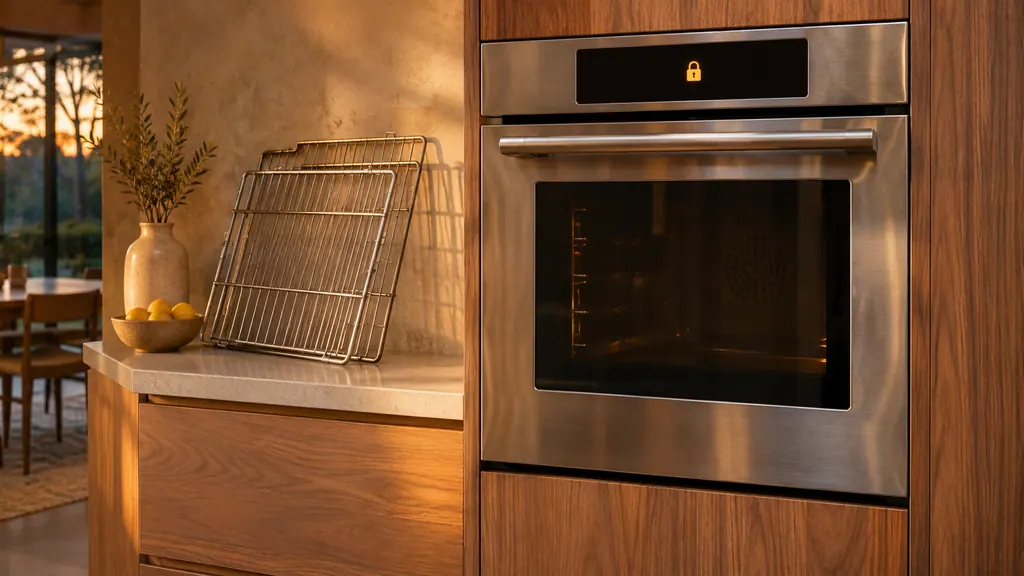
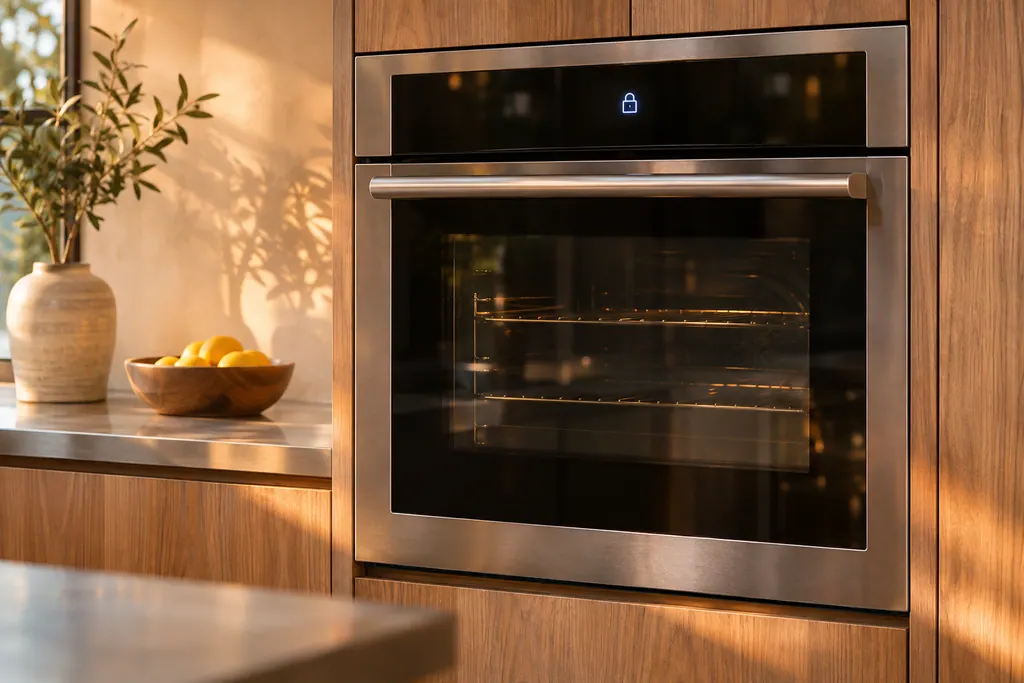
- The door locks automatically, and a lock symbol shows on the display. 1
- The cycle takes about 2 1/2 hours; smoke and popping sounds are normal in the first cycles. 1
- Tapping CANCEL/SECURE stops the cycle, but the latch stays shut while the oven is still hot. 1
- On a double oven only one chamber self-cleans at a time. 1
How do I prepare a Dacor Heritage wall oven for self-clean?#
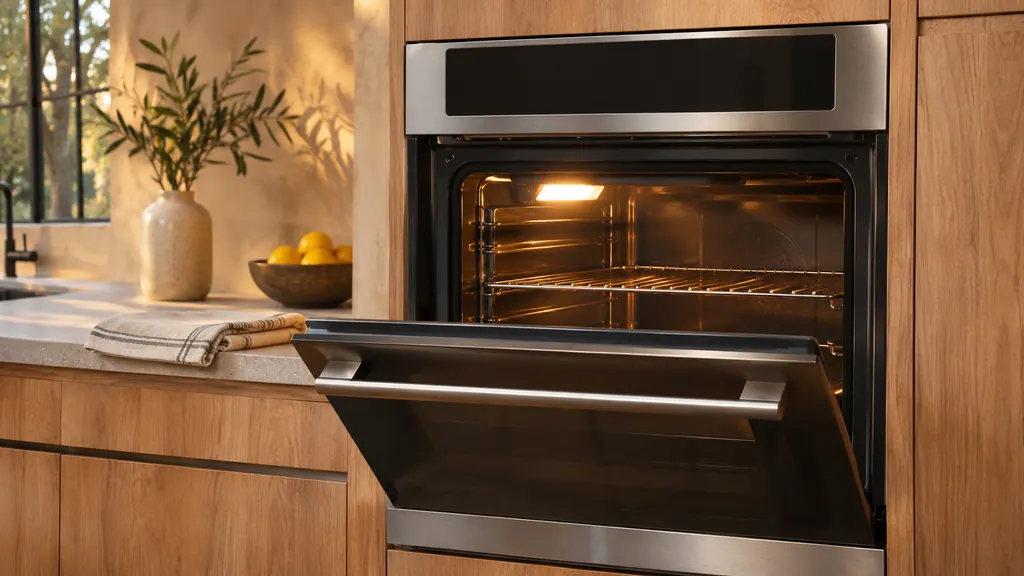
Clear out the racks and every loose object, remove the meat probe, wipe the door with a vinegar-water solution, dab the gasket gently, and turn on a kitchen fan. Then shut the door and start the cycle. 1
The manual puts the preparation in a set order, shown below. It applies to the Heritage models HWO127, HWO130, HWO227 and HWO230, and to single and double ovens. 1
- 1
- 2
- 3
- 4
- 5
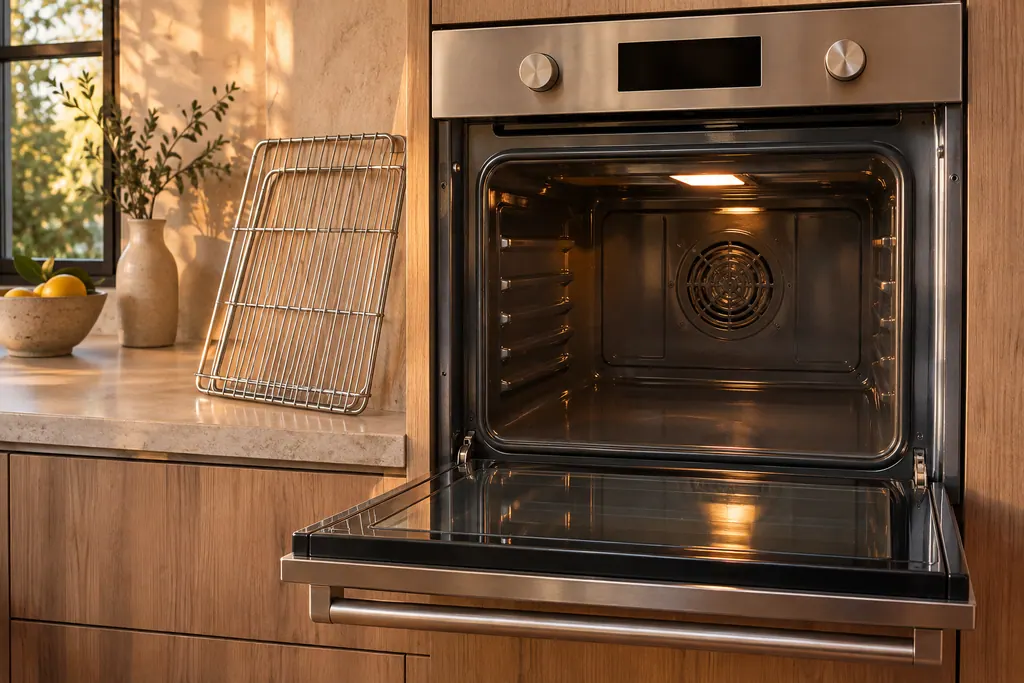
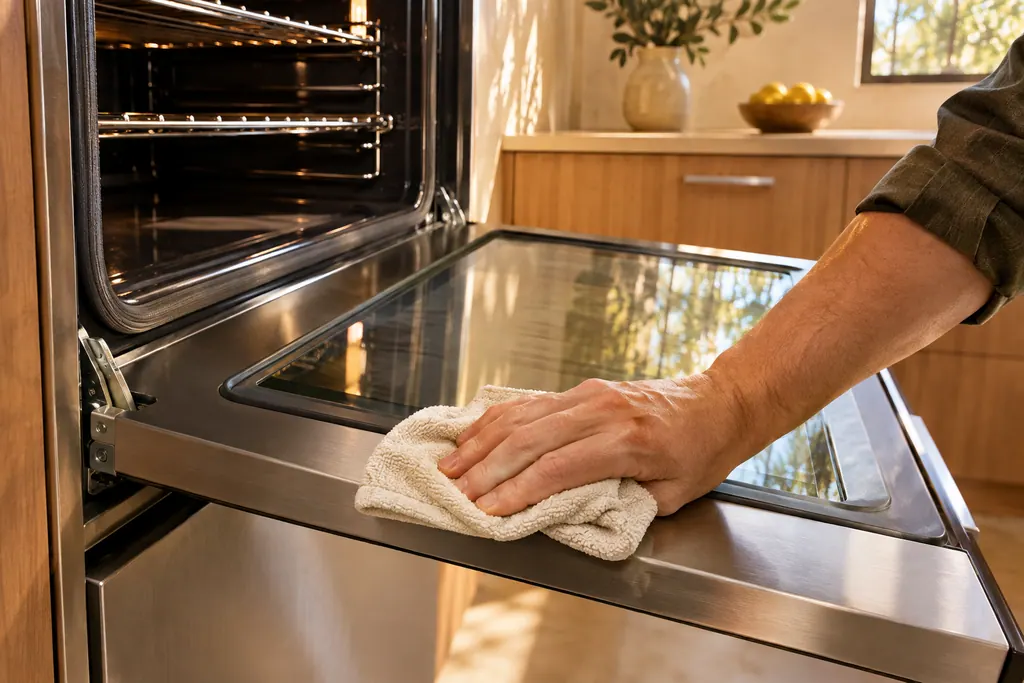
For less smoke and better efficiency, wipe up grease and other residue with a damp cloth first. The Modernist wall oven manual says why: excess grease may ignite and cause smoke damage. 12
What does the door latch do?#
The self-cleaning latch locks the oven door automatically during the high-temperature cycle, to prevent injury. When the cycle starts, the lock symbol shows on the display, and the door cannot be opened. 1
The display shows three things during the cycle: a clean symbol while it is in process, the lock symbol when the door is latched, and "ON" when the heating elements are on. 1 If the door is ajar when you start, an error message appears. To clear it, touch CANCEL/SECURE, wait 1 minute, close the door, and repeat the SELF CLEAN and START/CONTINUE steps. 1
Pulling on a locked door is a mistake. The manual warns that doing so may damage the door and latch. 1
How long does it take, and what is normal?#
About 2 1/2 hours. The manual says the feature heats the oven to very high temperatures to burn off surface deposits. Smoke is normal during the first few cycles, and so are popping sounds as metal expands and contracts. 1
Exterior oven surfaces become very hot, and the manual tells you not to touch the outside surfaces during the cycle. 1 The oven lights are disabled while it runs. 1 Double ovens clean one chamber at a time because of the power they draw, and you cannot cook in the other oven meanwhile. 1
How do I stop or delay a cycle?#
To stop, tap CANCEL/SECURE. The latch stays shut while the oven is too hot, and the lock symbol then disappears. The oven may still be hot. To delay a start, tap SELF CLEAN, then START TIME, enter a start time and tap START/CONTINUE. 1
The longest delay is 22 hours 59 minutes. DELAY shows on the display and the door locks at once. 1 To cancel a delayed cycle, tap CANCEL/SECURE. If the cycle has not started, allow 1 minute for the door to unlock before you use the oven. 1
If it has started, the manual says the door unlocks when the chamber has cooled somewhat, and the oven will still be about 400 °F (205 °C). 1 Treat that as hot.
What happens when the cycle ends?#
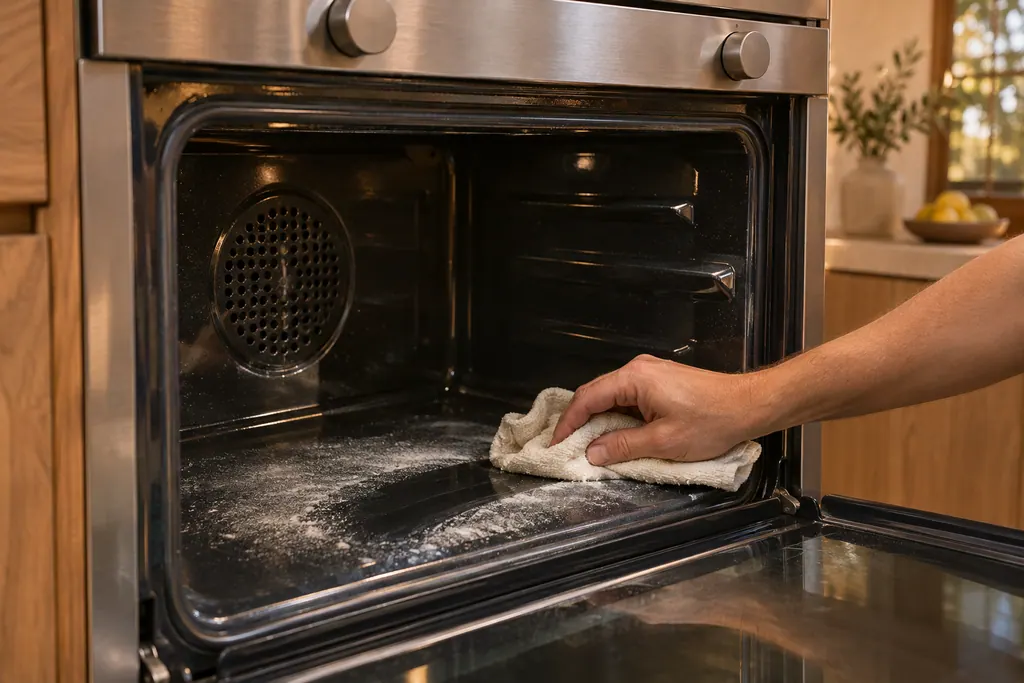
The latch releases when the inside has cooled. The clean icon, the lock icon and the ON indicator disappear from the display, but the oven is still hot. A powdery residue normally coats the oven floor, which you wipe up with a damp cloth or sponge once it is cool. 1
The manual gives no number of minutes for the cool-down, so wait for the lock symbol to go out and let the oven cool further before you reach in. Reinstall the convection filter before you use the oven. 1 If soil remains, you may run another cycle, and a regular schedule prevents residue buildup. 1
Why is the door stuck after the cycle?#
If the lock symbol is on the display, the door cannot be opened. Wait for self-cleaning to end, or touch CANCEL/SECURE, and the door unlocks after it has dropped in temperature. 1 The Heritage troubleshooting table lists exactly this row. 1
The same table lists why an oven does not self-clean: it was set for time-delay cleaning, the mode was not set properly, or the meat probe is connected. 1 The Heritage manual's fix for a probe is to disconnect and remove it. 1
What should I keep out of the oven?#
Racks, loose objects, the meat probe and commercial cleaners. The manual says not to self-clean the oven racks, and the Modernist manual says not to use commercial oven cleaners or protective coatings on the oven. 12
Fumes from self-clean can be fatal to pet birds, says the Modernist manual, which asks you to move birds to a well-ventilated room. 2 The Heritage manual makes a similar point about non-stick coatings and birds during cooking. 1 On gaskets the two manuals differ: the Modernist manual tells you to leave the door gasket alone, while the Heritage manual allows a gentle dab with a soap-moistened cloth. 12 Follow the manual for your own oven.
What about the convection filter and the control panel?#
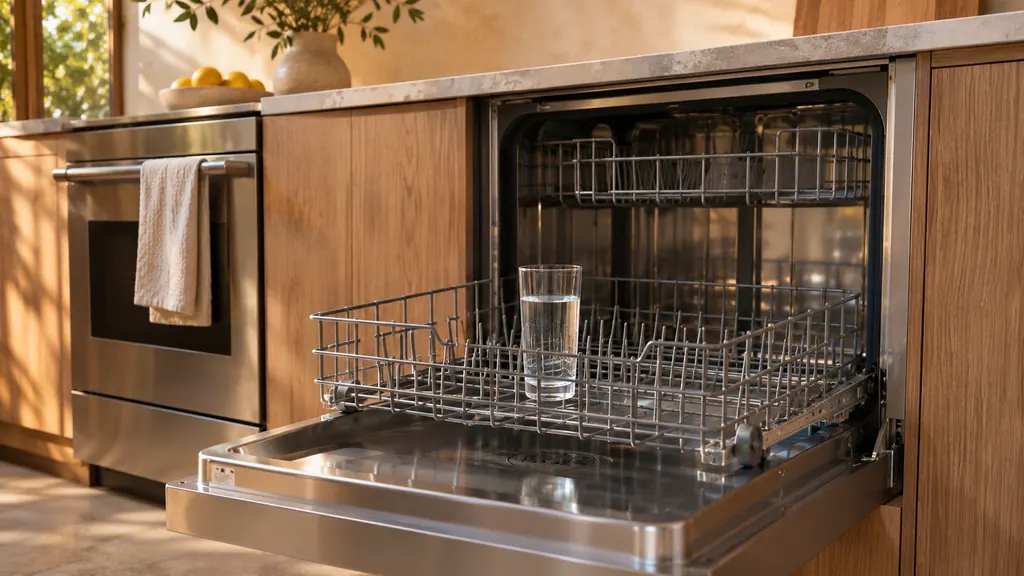
The convection filter sits on the rear wall of the oven chamber. The manual says to clean it regularly so the convection modes work, by soaking it in hot soapy water or putting it in the top rack of a dishwasher, and to refit it before you cook again. 1
While you wipe the control panel, lock it out so you do not start the oven by accident: tap and hold CANCEL/SECURE for 6 seconds and OFF appears on the display. Hold it again for 6 seconds to reactivate the panel. 1 The oven lights do not work in self-clean mode, which is listed as normal operation. 1
Is there a lighter option?#
Yes: steam-clean mode, for light soil. You pour 1 1/2 cups of water, preferably distilled, into the recessed area of the cool oven floor, set Bake at 185 °F and run a 20-minute timer. Never pour water into a hot oven. 1
Both ovens in a double model can be steam cleaned at once, which self-clean does not allow. 1 When the timer beeps, the manual has you tap CANCEL/SECURE, wait 10 minutes and open the door with care, since steam escapes. 1
What should I note before booking a visit?#
Write down what the display showed, whether the lock symbol is still on, how long ago the cycle ended, whether the probe was removed and whether the door was shut at the start. Add the model, such as HWO130, and whether it is a single or a double.
- Is the lock symbol still lit hours after the cycle?
- Did the oven fail to start at all, or stop partway?
- Was the cycle delayed, or started right away?
- Was the oven cool to the touch when you tried the door?
Our oven service page explains a visit, the door lock entry describes the latch, and the oven door problems page covers a door that will not open or close.
Sources#
- User Manual, Heritage Wall Oven, Models: HWO127, HWO130, HWO227, HWO230Dacor (Dacor-branded document hosted on image-us.samsung.com) · Part No. 113606 Rev A · PDF p.13 (About Self-Clean Mode, Using the Self-Clean Feature, Setting Delayed Self-Cleaning), p.14 (convection filter, steam-clean), p.15 (Cleaning the Oven Racks), p.16 (Troubleshooting), p.4 (Self-cleaning latch)
- User Manual, Modernist Built-In Electric Wall Oven DOB30M977Dacor (Dacor-branded document hosted on image-us.samsung.com) · Part No. 112177 Rev B / DG68-00920A-00 · PDF p.10 (Self-cleaning ovens)