On this page
- Only cookware with a magnetic (ferrous) base works on a Dacor induction cooktop. 12
- A refrigerator magnet that sticks to the base is the manual's quick test. 1
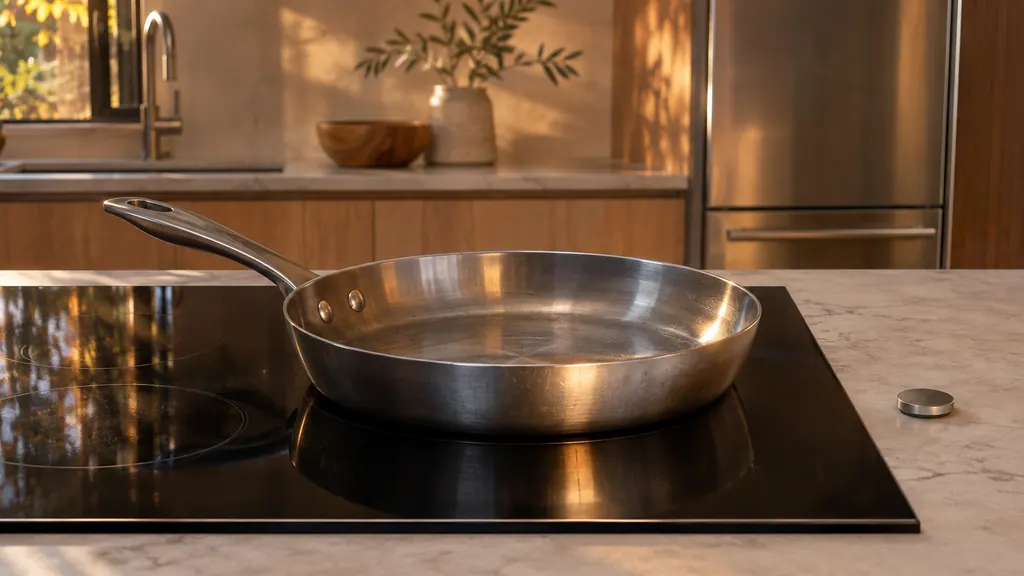
- Center the pan on the zone, and keep its diameter within about 1/2 inch of the zone. 12
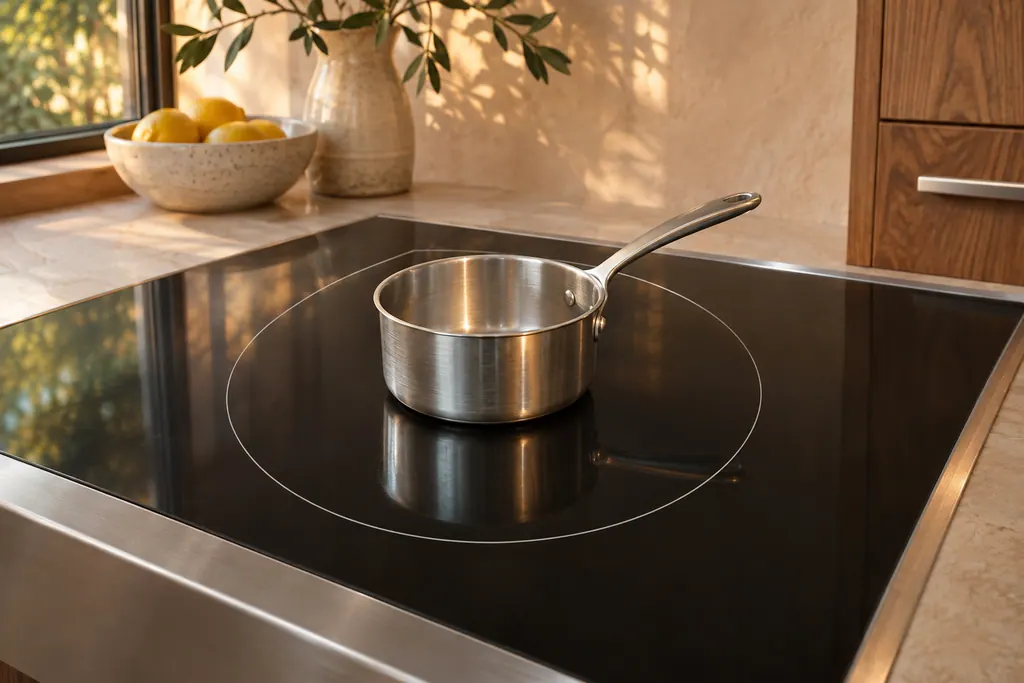
- An undersized pan can be moved to a smaller zone. 12
- Leave the Wi-Fi and Bluetooth areas of a Modernist cooktop empty. 2
What does "No Pan Detected" mean on a Dacor induction cooktop?#
It means the cook zone cannot sense induction cookware. The Heritage Induction Pro range manual lists the reasons: the zone is empty, the cookware is non-magnetic, its bottom is not flat, it is off center, or it is undersized. 1
Induction heats through a magnetic reaction between the pan and the element below the glass, so the zone only works when a suitable pan sits on it. 1 The Modernist cooktop manual says the same in its own words: an induction zone can be turned on only when cookware with a magnetic base is on one of the cooking zones. 2
| What you check | What the manuals say | Source |
|---|---|---|
| The zone is empty | A zone turned on without a pan shows the no-pan indicator | 1 |
| Magnetic base | Only ferrous cookware works; enameled steel and cast iron are on both lists | 12 |
| Flat bottom | Flat, smooth bottoms only; rough bottoms scratch the glass | 12 |
| Centered | The pan must be centered on the zone | 1 |
| Right size | Within 1/2 inch of the zone; smaller pan, smaller zone | 12 |
How do I check that my cookware works on induction?#
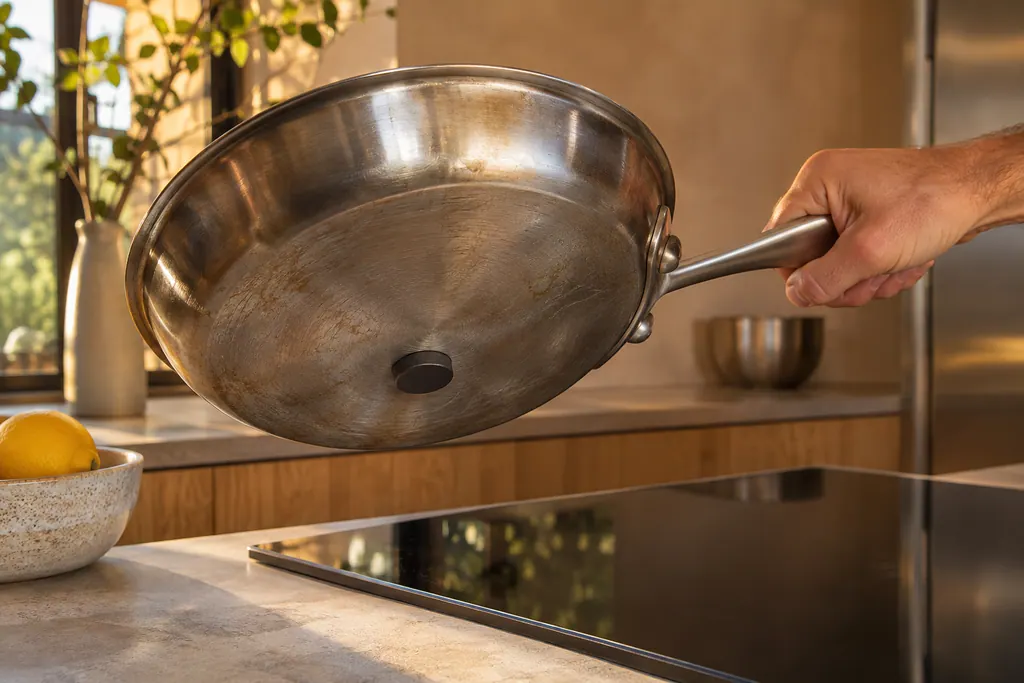
Hold a refrigerator magnet against the base of the pan. The Heritage manual says that if the magnet sticks, the cookware is induction-compatible. 1 Cookware that is made for induction is typically marked on the bottom as such. 1
The Modernist manual lists materials as well. Steel, enameled steel and cast iron are suitable, stainless steel is suitable if the maker labels it so, and aluminum, copper, brass, glass, ceramic and porcelain are not. 2 It adds that special stainless-steel cookware may not work, and the check is whether a magnet is attracted to the base. 2
The two manuals do not agree on plain steel. The Heritage table lists "regular steel" as incompatible, while the Modernist table says steel is suitable. 12 Do not settle it by the label. Settle it with the magnet and the manual for your own model.
| Material | Heritage Induction Pro range 1 | Modernist cooktop 2 |
|---|---|---|
| Stainless steel | Compatible if made for induction | Suitable if labeled by the maker |
| Enameled steel | Compatible | Suitable |
| Cast iron | Compatible | Suitable |
| Regular steel | Incompatible | Suitable |
| Aluminum, copper | Incompatible | Not suitable |
| Glass, ceramic | Incompatible | Not suitable |
Cookware with an aluminum base needs care. The Modernist manual says an aluminum base reduces the ferromagnetic strength, and the pan may not be sensed by the burners. 2 If a pan is not sensed, it suggests trying a smaller burner. 2
How should I place and size the pan?#
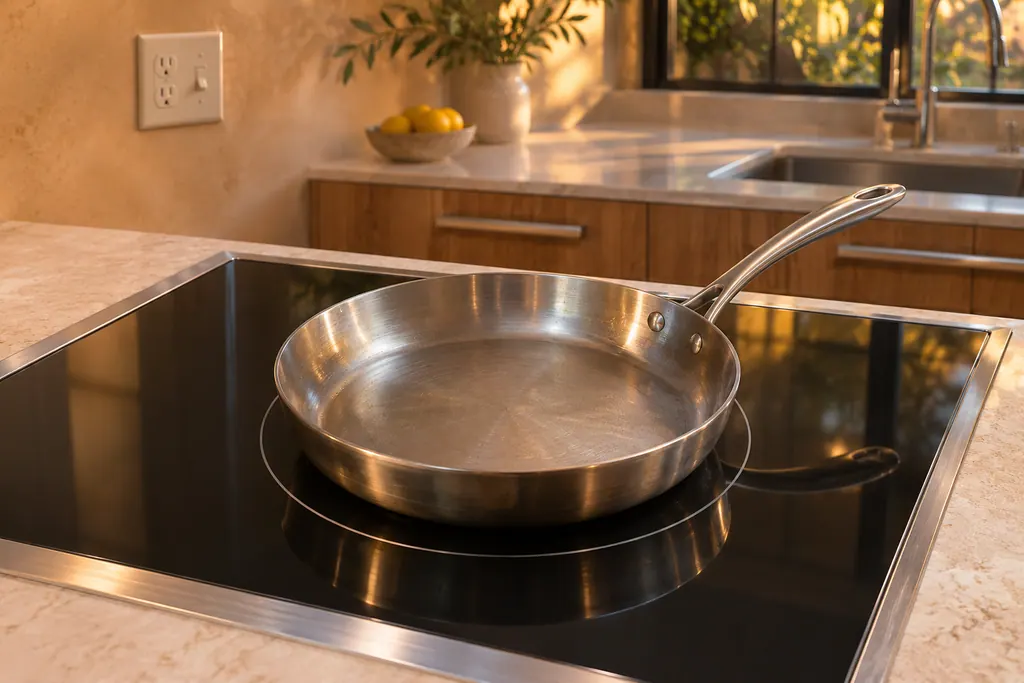
Set the pan squarely on the zone and pick one whose bottom covers it to within about 1/2 inch. Poorly placed cookware exposes part of the element and lowers efficiency. 1 The Modernist manual caps a larger pan at 1/2 inch wider than the zone. 2
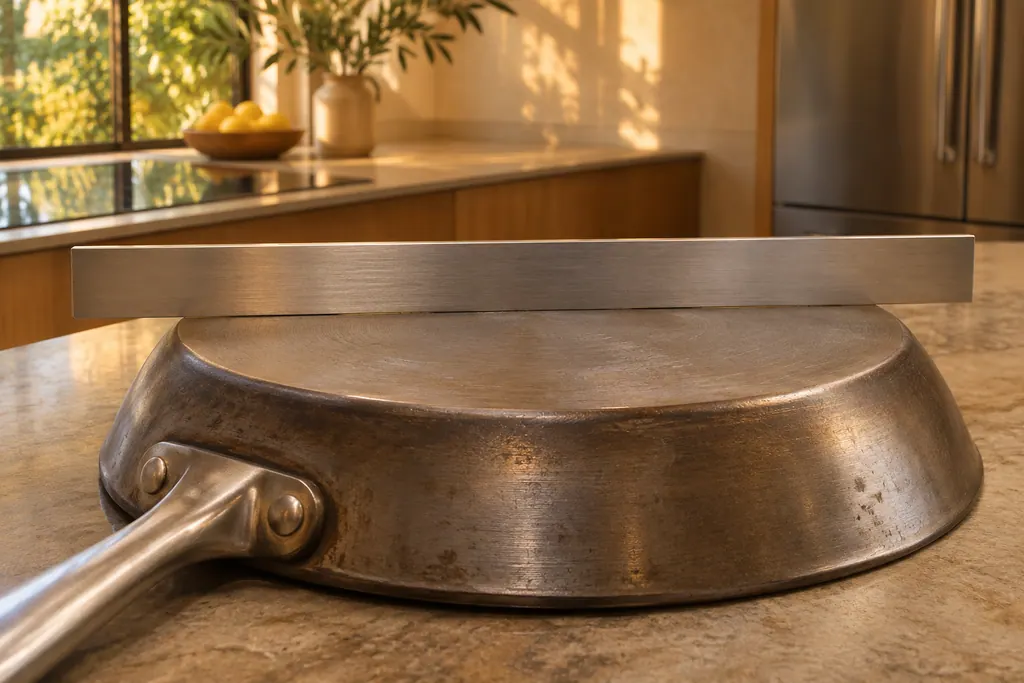
Use flat, smooth bottoms. The Modernist manual says to check flatness by rotating a ruler across the base of the pan. 2 If the pan is small, move it to a smaller zone, as both manuals suggest. 12
- 1
- 2
- 3
- 4
- 5
What does the cooktop do if the pan is wrong?#
On the Modernist cooktop, the indicator blinks if inappropriate cookware is placed on the zone, and if the cookware is not removed, the zone turns off. 2 The safety shutoff page adds that unsuitable or very small cookware, or none, switches the cooktop off automatically. 2
After a shutoff, clean the control panel and turn the cooktop on again. 2 The Heritage range shows a U-shaped pan symbol on the digital readout instead: it bobs at the simmer level and alternates with the power number from level 1 to Boost. 1
Why does a pan sometimes buzz or cycle on and off?#
The Heritage manual lists a few causes, and they overlap with No Pan Detected: cookware off center, a bottom that is not flat, an undersized pan and non-magnetic cookware. 1 Wet or greasy cookware is a separate cause for buzzing. 1
The Modernist manual also says some cookware can make noise on induction zones without anything being wrong. 2 Soft clicking from an active power element is normal on the Heritage range, and the rhythm varies with the power level. 1
Is it the pan, or the cooktop?#
If a flat, magnetic, centered pan on the right zone still brings No Pan Detected, the cause is no longer in the kitchen drawer. A power, control or sensor problem is for a technician. Leave the cooktop casing alone.
On the Heritage range two other rows are close by, and neither is a pan problem. "Nothing works" lists a power supply that is off, a tripped breaker or blown fuse, and a cooktop interior overheating, for which the fix is to ensure the cooktop vents are clear. 1 The E2 row has three causes and is handled on its own page; see the E2 code. 1
What about a griddle or a large oblong pan?#
Both manuals have a way to span zones. The Heritage range has a bridge zone for griddles and rectangular or oblong cookware that cover more than one cook zone. 1 The Modernist cooktop has a Flex Zone that controls two burners as a single zone. 2
A small pan that leans toward one burner of a linked pair may not work properly on a Flex Zone, says the Modernist manual. 2 If a linked zone rejects a pan, try the same pan on a single zone before you suspect the cooktop.
What else can stop a zone working?#
Spills or items on or near the controls, a power surge and a weak voltage supply all appear in the Heritage manual, each with its own fix. 1 On the Modernist cooktop, hot cookware on the touch controls can damage them, and the Wi-Fi and Bluetooth areas must be kept empty. 2
Keep the cooktop clean and dry before use. Wet or greasy cookware and a wet cooktop appear in the buzzing row. 1 If voltage may be weak, the manual says to have a licensed electrician check the supply. 1
What should I have ready before I book?#
Say which zone shows the message, which pan you used, whether the magnet stuck and how the pan sat on the zone. Mention the model, since the Heritage Induction Pro range and the Modernist cooktop are different manuals, and note any code.
- Does it happen with every pan or just one?
- Does it happen on every zone?
- Does a second pan of a different size work?
- Is the cooktop clean and dry?
Our cooktop service page explains what we repair. The induction zone entry describes the part under the glass, and the Dacor cooktop codes page covers codes such as C0 to C2.
Sources#
- User Manual, Heritage Induction Pro Range HIPR30S, HIPR36SDacor (Dacor-branded document hosted on image-us.samsung.com) · Part No. 113745 Rev A · PDF p.46 (Troubleshooting, Cooktop), p.17 (About Induction Cooking), p.18 (About the Cookware, About Pan Detection)
- User Manual, Electric Cooktop DTI36M977BB / DTI30M977BBDacor (Dacor-branded document hosted on image-us.samsung.com) · Part No. 113935 Rev. A / DG68-00899A-00 (2017-03-16) · PDF p.61 (Troubleshooting: cookware is not detected), p.22-23 (Cooking areas, auto pan detection), p.25 (Safety shutoff), p.28-29 (Cookware)