Inside the appliance
Induction cooking zone. In plain English.
An induction zone only heats cookware with a magnetic, flat bottom that sits on the zone. Dacor's guides tie most no-heat and slow-heat complaints to the pan. The Heritage Induction range flashes No Pan Detected for a wrong pan. The Modernist cooktop prints codes for keys held and for a fan problem.
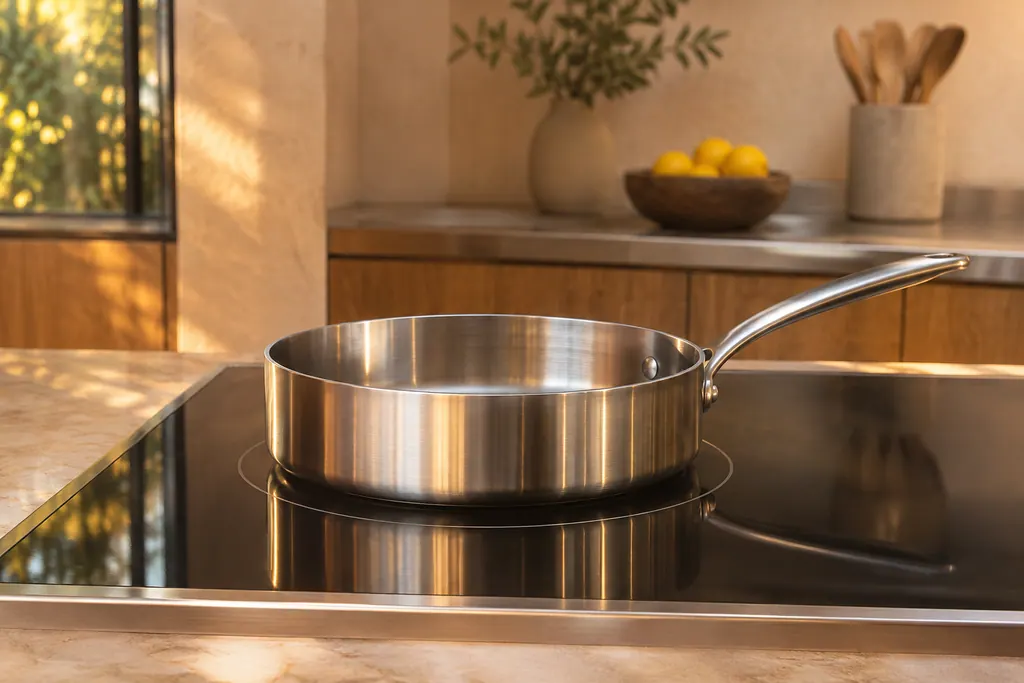
Where it fits.
Induction cooking zone in the appliance
On the glass surface, in the marked cooking zones. The touch buttons are on the same surface, so cookware must stay off them.
The photo shows the type of component. It cannot tell you which replacement fits your model.
What you notice when this system wants attention.
A Induction cooking zone concern can arrive with weaker performance or a code that returns. The component is only blamed after testing.
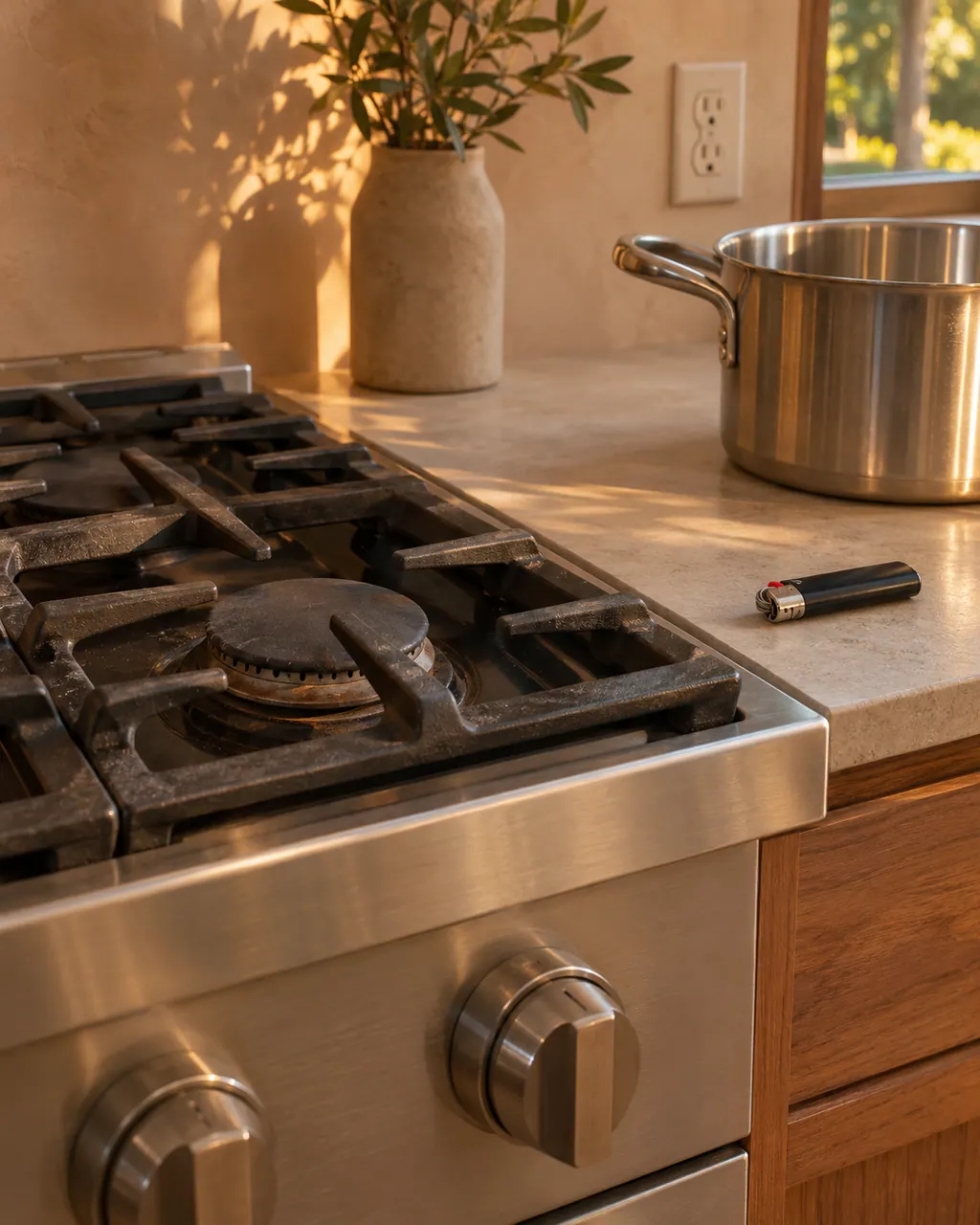
Dacor range burner will not light
On a Dacor Pro-Range, a burner that stays dark has a short suspect list: no power to the igniter, a knob not pushed in to Lite, burner caps off or out of line, or dirty electrodes. A gas odor overrides everything else: get out and ring the gas utility from a neighbor's house.
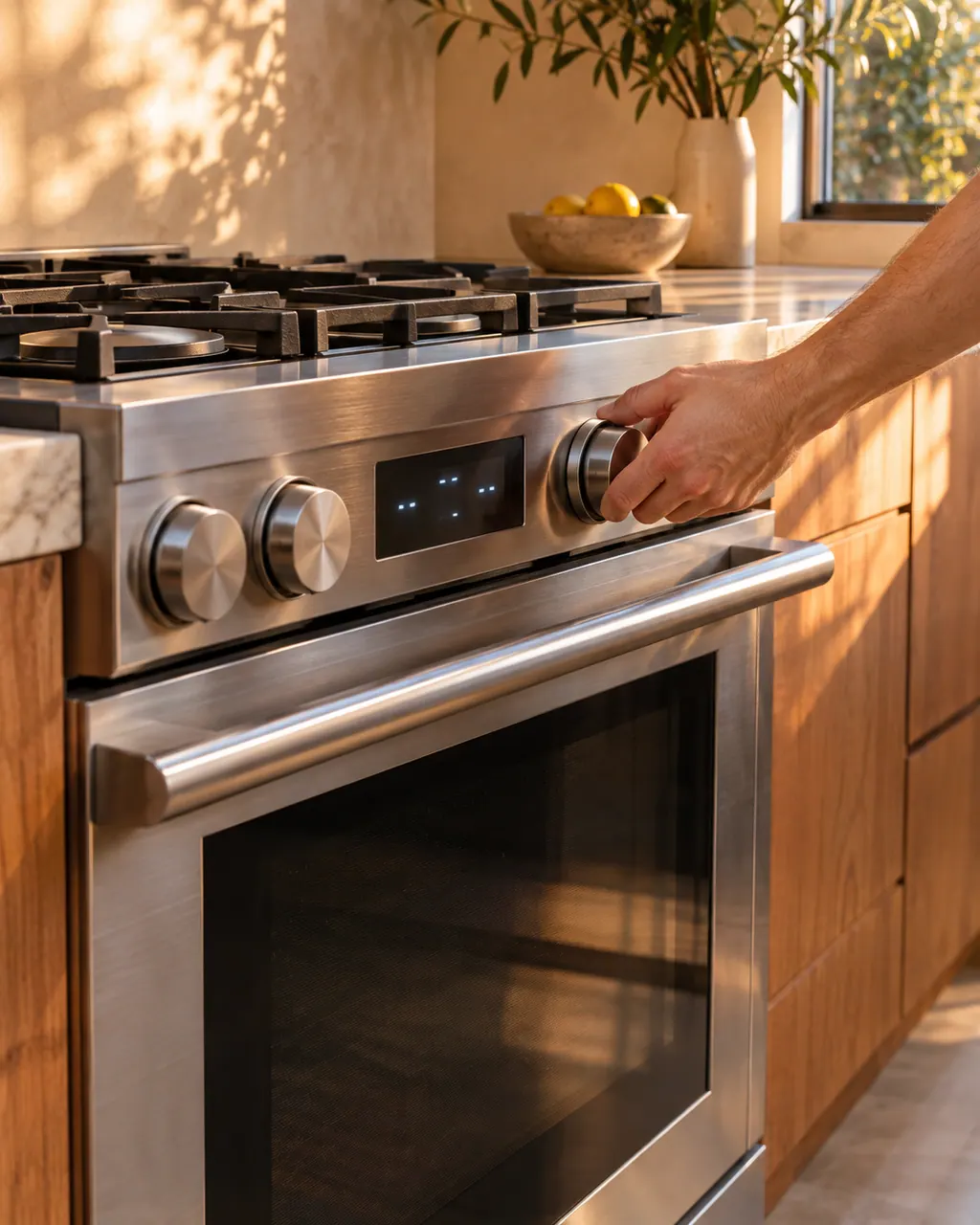
Dacor range oven stays off or ignores the controls
A Pro-Range oven that stays off or ignores the controls is usually a power, lockout or moisture matter: unplugged, fuse or breaker, an oven that is too hot, a control lockout, or damp residue on the panel.
Owner care, within the model instructions.
Turn off and unplug the appliance before any check you can make yourself. Beware of pooled water and sharp fragments. Never touch a wet plug or live wiring, take off service panels, or go beyond what your model's guide allows.
- 1
Test the pan
Use cookware with a ferromagnetic bottom that is flat and sized for the zone. The guide says non-magnetic or off-center pans do not heat.
- 2
Re-center and resize
If No Pan Detected flashes, center the pan, or move a small pan to a smaller zone.
- 3
Clean the controls
Spills or items near the controls can cause odd behavior. Wipe up, dry the area and reset the controls.
- 4
Reset by the breaker
The Modernist cooktop guide says to switch the circuit breaker off for 15 seconds if the cooktop acts oddly. If E2 appears on the Heritage Induction range, turn it off for 10 seconds.
Cleaning or replacement?
Leave internal testing to a technician.
Schedule a visit when the cooktop stays unresponsive after the breaker reset.
Schedule a visit when E2, A2, F0, F1 or F2 returns after a restart.
Schedule a visit when the cooktop heats weakly with the right pan and a checked supply voltage.
Arrange a diagnosticSee the neighboring components.
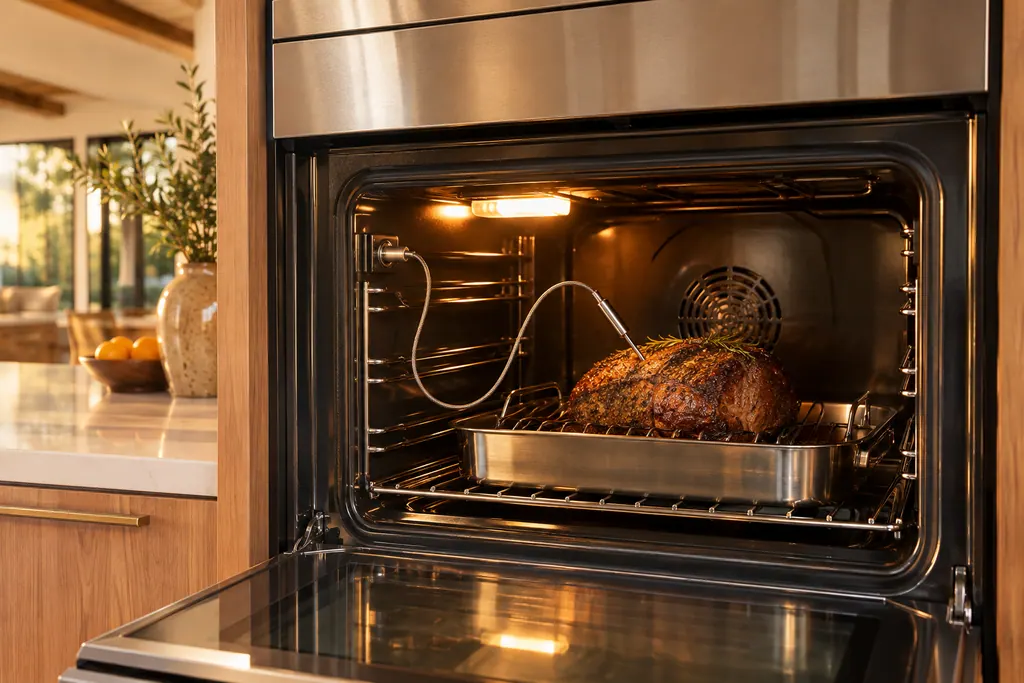
Oven temperature probe
The temperature probe is the plug-in wire that reads the food's internal temperature. Dacor Modernist and Transitional tables print C-23 as a short temp probe sensor while the oven runs. A wet or still-connected probe also stops broil, self-clean and Sabbath modes on the Heritage wall oven.
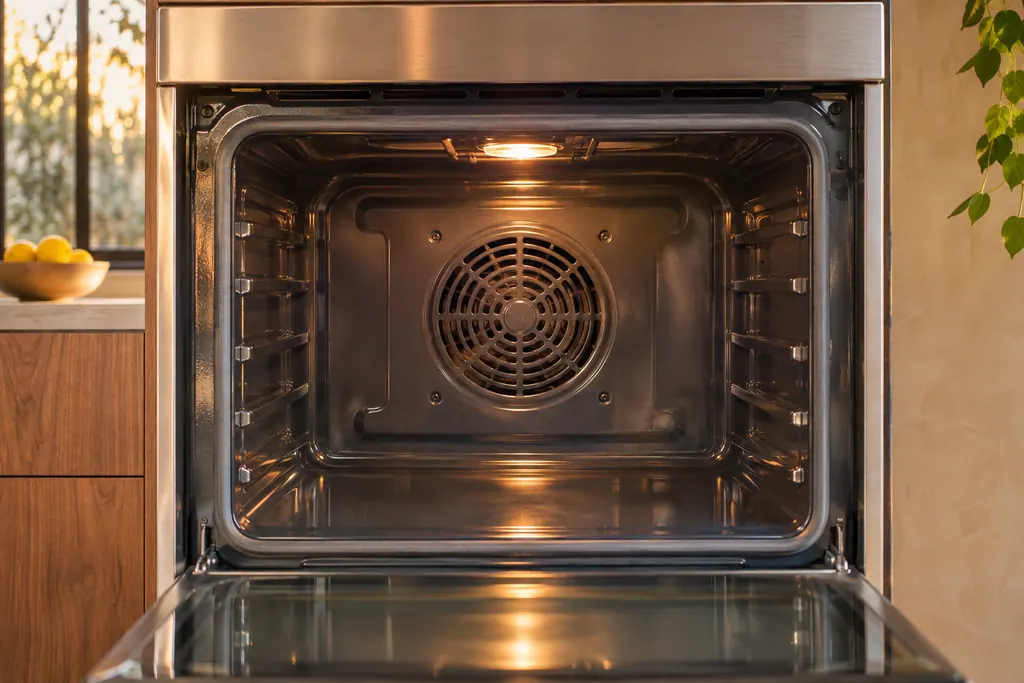
Oven convection and cooling fans
Dacor ovens run a convection fan that cycles on and off while cooking, and a cooling fan that keeps going after the oven is switched off. Both are listed as normal. A real cooling-motor problem shows as C-A2, and the table sends you to service.
Sources and model boundaries.
The Induction cooking zone guidance is built on these references. Choose the manual for your own model.
- User Manual, Electric Cooktop DTI36M977BB, DTI30M977BB
- User Manual, Heritage Induction Pro Range HIPR30S, HIPR36S
Rely on the guide for your precise model. Look at how we research these pages.
Why does No Pan Detected flash?
The Heritage Induction guide lists an empty zone, non-magnetic cookware, a bumpy bottom, an off-center pan or one that is too small.
Why does my induction cooktop crackle?
The Modernist guide says popping at power levels 1.0 to 3.0, or with two pots on the Flex Zone, is normal. The loudness depends on pot number and size.
What does code d0 mean?
On the Modernist induction cooktop it means a key has been pressed for more than 8 seconds. Dry the keypad, check nothing rests on it, and restart with POWER.
What does UP mean?
The Modernist guide says the input voltage is too high or low. Check the power connection and the 208 V to 240 V supply; if the code stays, a technician should measure it.
Dacor codes, symptoms, parts, repairs
Link the message to what you do next.
Dacor induction cooktop will not turn on
A Dacor Modernist induction cooktop that stays off may simply be starting up: the touchscreen takes about a minute to boot. After that, the chart points to the fuse or breaker, then to burner controls set wrongly.
Cooktop repair
Book a diagnostic for your model at the appliance itself.
Find your metro
Office details and the access notes to pass on.