Start from the symptom
Dacor range oven stays off or ignores the controls.
A Pro-Range oven that stays off or ignores the controls is usually a power, lockout or moisture matter: unplugged, fuse or breaker, an oven that is too hot, a control lockout, or damp residue on the panel.
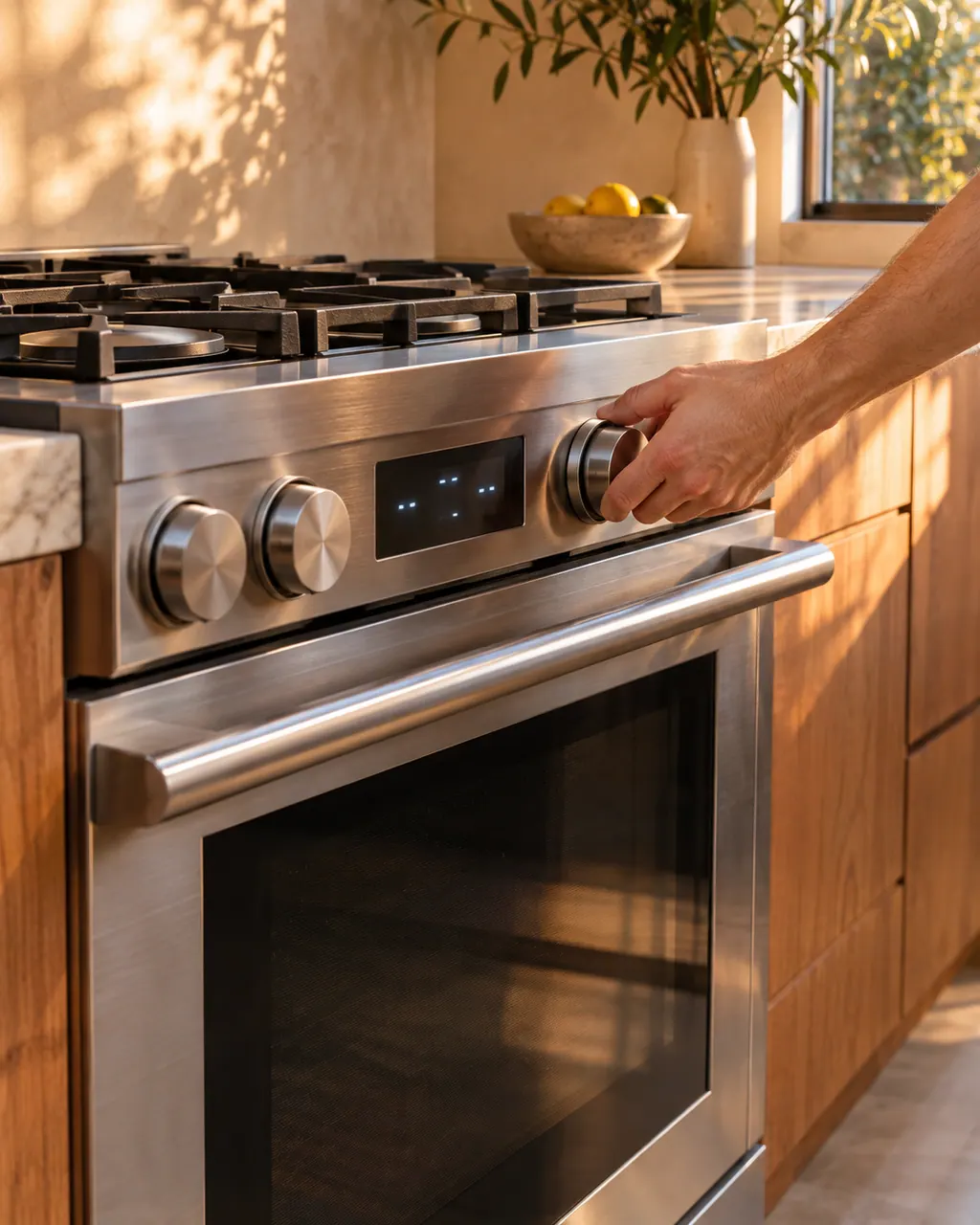
Start with safe observations.
Turn off and unplug the appliance before any check you can make yourself. Beware of pooled water and sharp fragments. Never touch a wet plug or live wiring, take off service panels, or go beyond what your model's guide allows.
- 1
Check the plug
Confirm the plug sits fully in the outlet.
- 2
Check the fuse or breaker
Swap a blown fuse or reset the breaker. Look at the house lights to rule out an outage.
- 3
Let a hot oven cool
An oven that is too hot may refuse to start. Allow it to cool.
- 4
Look for control lockout
If the controls do not respond, lockout may be active. Disable it as the manual describes.
- 5
Dry the panel
A blank display or ignored touches can come from moisture or residue on the panel. Wipe it clean.
More about this symptom.
What does Dacor list for a dead oven?#
Five causes in one row: plug not fully in, bad fuse or tripped breaker, oven too hot, incomplete service wiring, and a power outage, with the house lights as the quick test for the last one. 1
What about a blank display?#
Dacor's control display table gives a bad fuse or tripped breaker, then moisture or residue on the panel. Reset the breaker, wipe the panel dry and look again. 1
Why would controls ignore my touch?#
Control lockout. It is easy to switch on by accident, and the display looks normal. Turn it off following the manual's lockout instructions, then try the keys. 12
When is a visit the answer?#
If power is verified, the oven is cool, the panel is dry and the lockout is off, yet nothing happens. Incomplete service wiring is also a service call by Dacor's own chart. 2
Systems a technician may investigate.
These parts are tied to the symptom. Seeing it does not show that any one of them has failed.
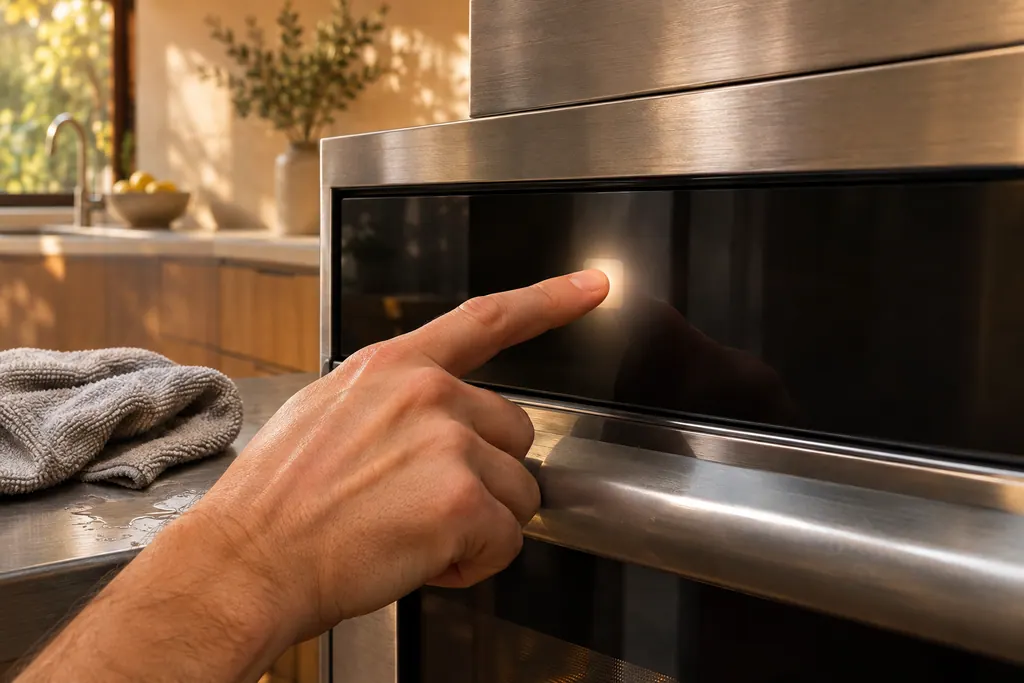
Oven touch control panel
The touch panel on a Dacor oven is where wet or dirty keys cause trouble. The Modernist table prints C-d0 when a control key reads as held for a minute. Wiping the buttons dry and switching the oven off usually comes first. The Heritage manual adds a 6-second CANCEL/SECURE touch to wake a locked panel.
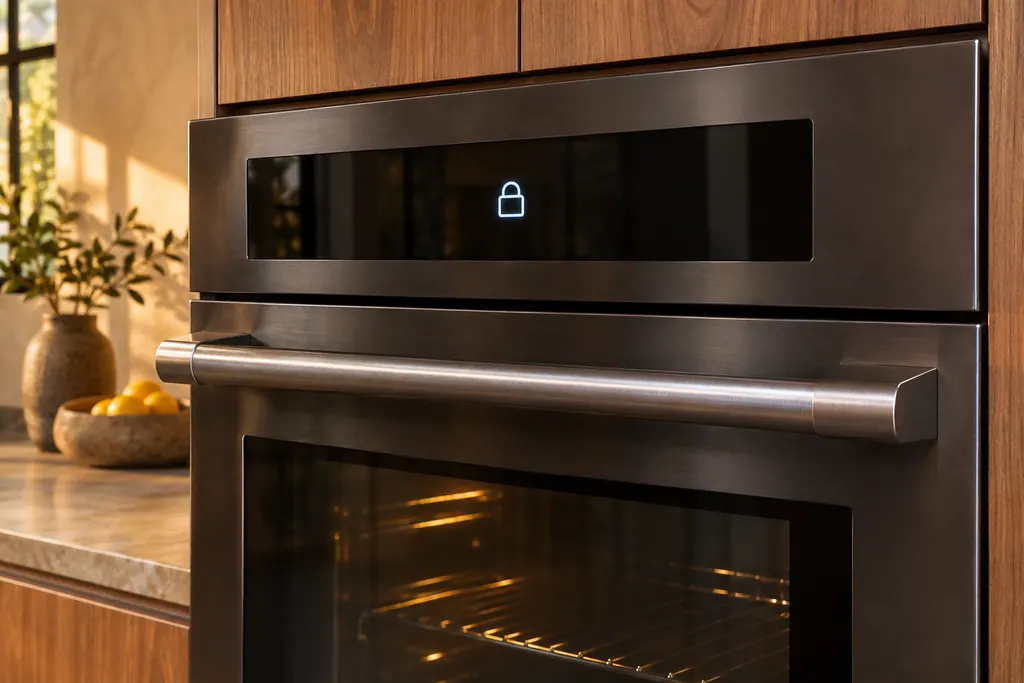
Oven door lock and Control Lockout
A Dacor wall oven holds its door shut during self-cleaning, and the Modernist Control Lockout locks the door along with the touchpad. After a power cut while the door was locked, the Modernist manual says to switch Control Lockout on and then unlock it. The Heritage manual ties code C33 to an open door.
If the display adds a code.
Keep the exact message.
Code meanings for this appliance are outside our research so far. Rely on its model manual and attach a photo of the panel to your request.
See the research status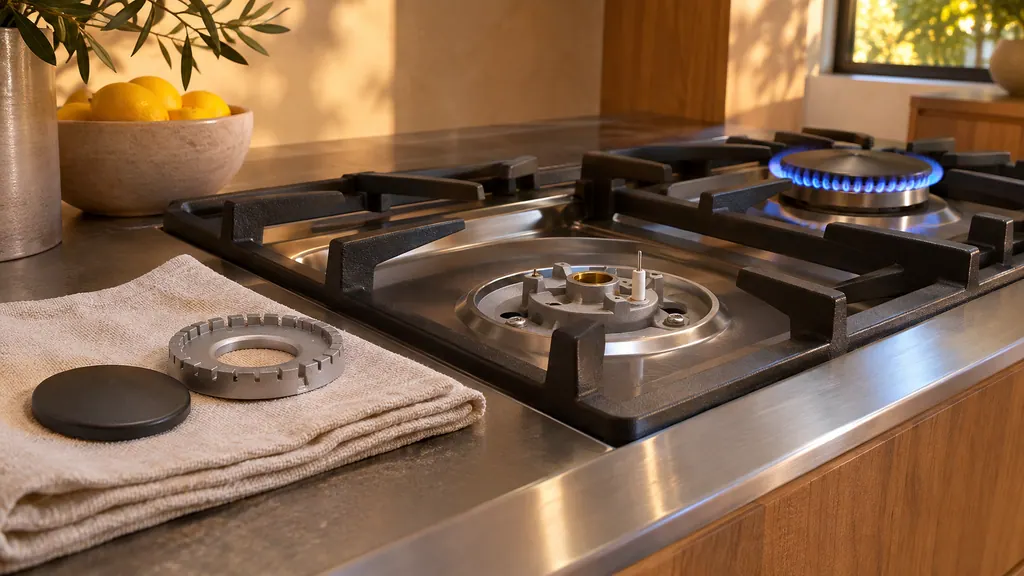
When observation becomes a service request.
Leave internal testing to a technician.
The screen remains blank once the fuse or breaker is reset.
The oven door stays locked after an outage.
Service wiring was left incomplete at installation.
The oven won't start although the lockout is off.
Arrange a diagnosticSources and model boundaries.
The Dacor range oven stays off or ignores the controls guidance is built on these references. Choose the manual for your own model.
- User Manual, Pro-Range HDPR30*, HDPR36*, HDPR48*
- User Manual, Pro-Range HDPR30*, HDPR36*, HDPR48*
Rely on the guide for your precise model. Look at how we research these pages.
Why will my Dacor range oven not turn on?
Dacor lists a plug that is not fully inserted, a bad fuse or tripped breaker, an oven that is too hot, incomplete service wiring and a power outage.
Why is my range display blank?
A bad fuse or tripped breaker is the first listed cause. Moisture or residue on the panel is the second; wipe it away.
What if the controls do not respond?
The control lockout may be active. Disable it. Moisture on the panel is the other listed cause.
Why is the oven door locked after a power cut?
If the breaker tripped or power cut out with the door locked, it can stay locked. Switch Control Lockout on, then unlock the keypad.
Dacor codes, symptoms, parts, repairs
Link the message to what you do next.
Dacor range burner will not light
On a Dacor Pro-Range, a burner that stays dark has a short suspect list: no power to the igniter, a knob not pushed in to Lite, burner caps off or out of line, or dirty electrodes. A gas odor overrides everything else: get out and ring the gas utility from a neighbor's house.
Oven door lock and Control Lockout
A Dacor wall oven holds its door shut during self-cleaning, and the Modernist Control Lockout locks the door along with the touchpad. After a power cut while the door was locked, the Modernist manual says to switch Control Lockout on and then unlock it. The Heritage manual ties code C33 to an open door.
Range repair
Book a diagnostic for your model at the appliance itself.
Find your metro
Office details and the access notes to pass on.