What it means
A lit lock icon says the panel of this Dacor beverage center locked itself after a minute untouched. Keep a finger on the icon for three seconds; it flashes three times, goes out, and the buttons work again.
Dacor beverage center Lock icon / Mode, not a failure
A lit lock icon says the panel of this Dacor beverage center locked itself after a minute untouched. Keep a finger on the icon for three seconds; it flashes three times, goes out, and the buttons work again.
Also shown as Lock icon
A lit lock icon says the panel of this Dacor beverage center locked itself after a minute untouched. Keep a finger on the icon for three seconds; it flashes three times, goes out, and the buttons work again.
Three seconds on the lock symbol itself releases the panel: three flashes, then dark.
The icon stays after a full three-second press.
Your Dacor tick-list / held on this device
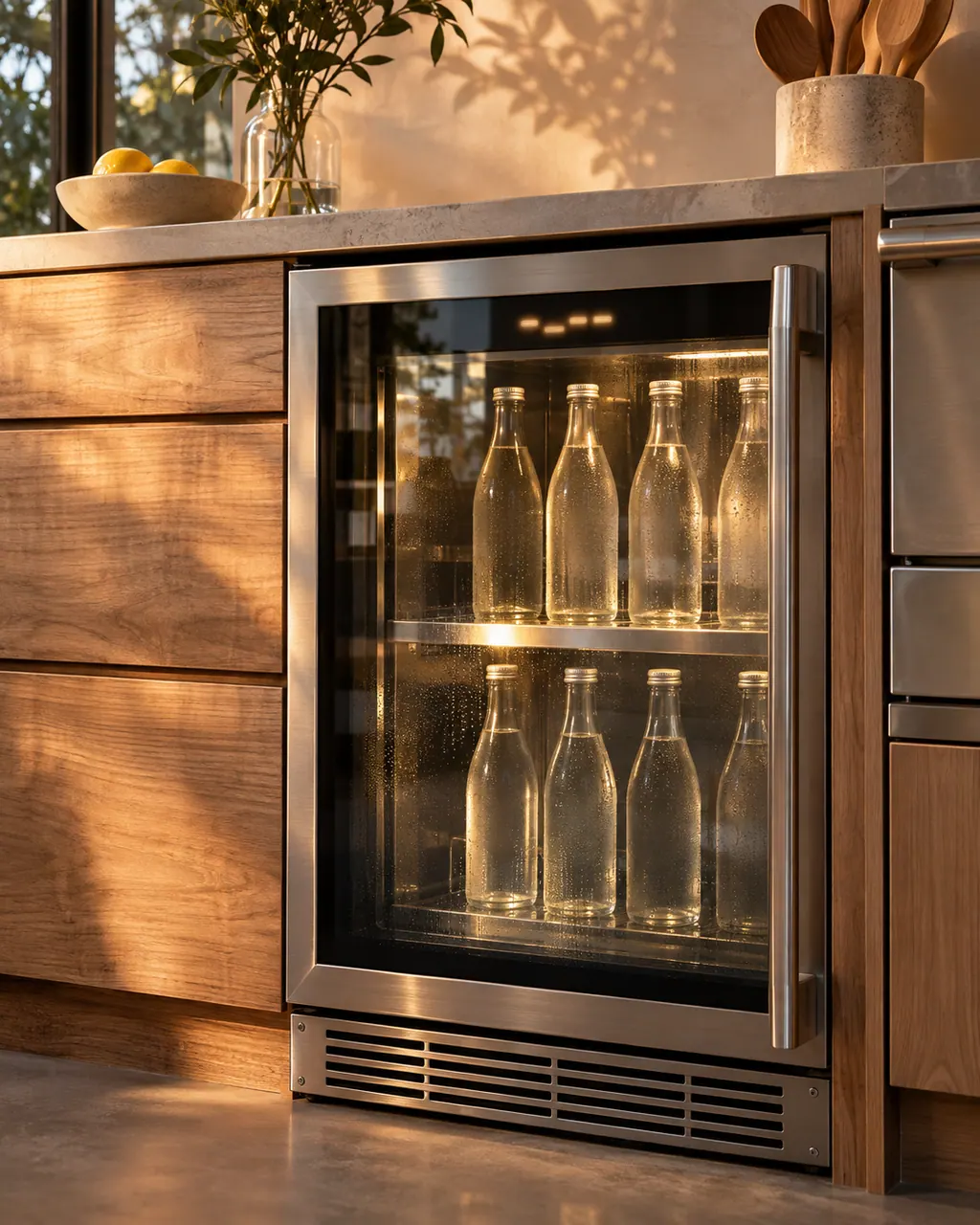
Three seconds on the lock symbol itself releases the panel: three flashes, then dark.
The panel re-locks on its own after a minute of no use, so make your temperature change straight after unlocking.
Pressing a button while locked makes the icon blink five times with a buzzer. That is the lock saying no, not a warning about the cabinet.
Both Sabbath and Demo need an unlocked panel, so release the lock before either one.
Tell us the model and which checks you have done, then open your request from here.
Book a visitThis drawing is schematic, since the inside of a Dacor changes from model to model. Press an outlined part for its photo and the check that goes with it.
With power on and no button touched for a minute, the unit drops into Lock mode on its own, and the icon lights to show it.
Read the supporting manualNothing responds. The icon blinks five times and a buzzer sounds, merely confirming the lock is on.
Read the supporting manualHold the lock icon for three seconds. It blinks three times, switches off, and the controls come back.
Read the supporting manualIt gets in the way of the other modes. For Demo mode the manual wants the lock deactivated beforehand.
Read the supporting manualManufacturer document
Dacor (Dacor-branded document hosted on image-us.samsung.com)
BRR5500D, build date 2024-06-10 / PDF p.20
Taken from the lock button entry in the operations chapter for the DRR24G7400, Dacor’s 24 in undercounter beverage refrigerator.
No. It reports on the control panel, not the door, and the door alarm is a separate function with its own sound.
The manual describes it only as automatic behavior after one idle minute and lists no setting to disable it.
The panel is locked, so each press earns five flashes and a buzzer until you unlock it.
No. The set temperature stays as it was. Only the panel is locked.
Dacor codes, symptoms, parts, repairs
oF on the display of a Dacor undercounter beverage center is Demo mode, which retailers use on the floor. The fan and lights carry on while the compressor rests. Hold Temperature Up and Lock at once for three seconds to cancel it.
A Dacor undercounter beverage center that is not cold enough has a clear checklist: the control setting for the room, the door opened too often or not shut, a worn gasket, a hot room, or an overloaded cabinet. If it does not run at all, check plug, switch and breaker.
Book a diagnostic for your model at the appliance itself.
Office details and the access notes to pass on.