What it means
oF on the display of a Dacor undercounter beverage center is Demo mode, which retailers use on the floor. The fan and lights carry on while the compressor rests. Hold Temperature Up and Lock at once for three seconds to cancel it.
Dacor beverage center oF / Mode, not a failure
oF on the display of a Dacor undercounter beverage center is Demo mode, which retailers use on the floor. The fan and lights carry on while the compressor rests. Hold Temperature Up and Lock at once for three seconds to cancel it.
Also shown as oF
oF on the display of a Dacor undercounter beverage center is Demo mode, which retailers use on the floor. The fan and lights carry on while the compressor rests. Hold Temperature Up and Lock at once for three seconds to cancel it.
A beverage center that glows yet feels warm is the typical picture, since only the compressors are off.
The display still reads oF after you used the exit combination.
Your Dacor tick-list / held on this device
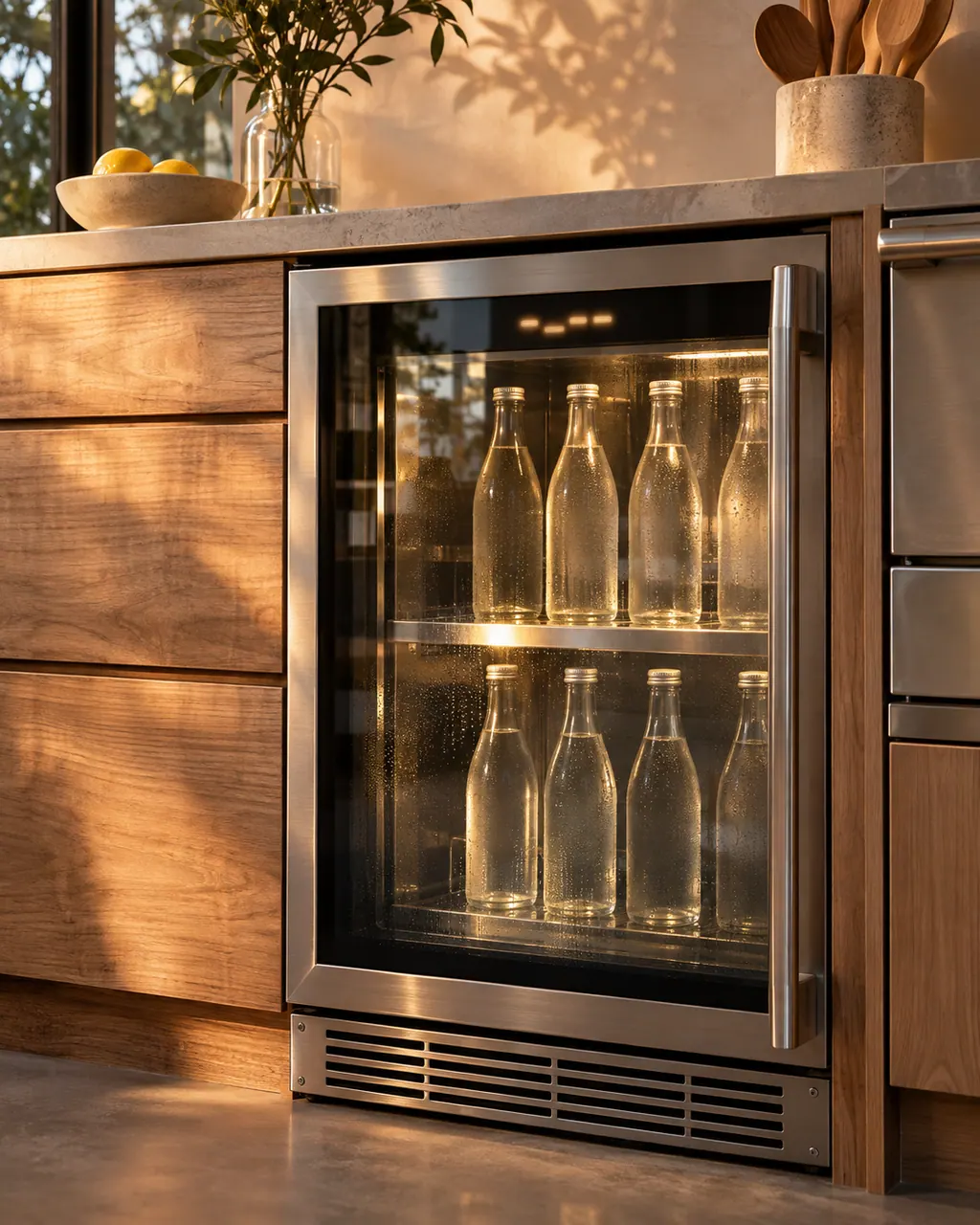
A beverage center that glows yet feels warm is the typical picture, since only the compressors are off.
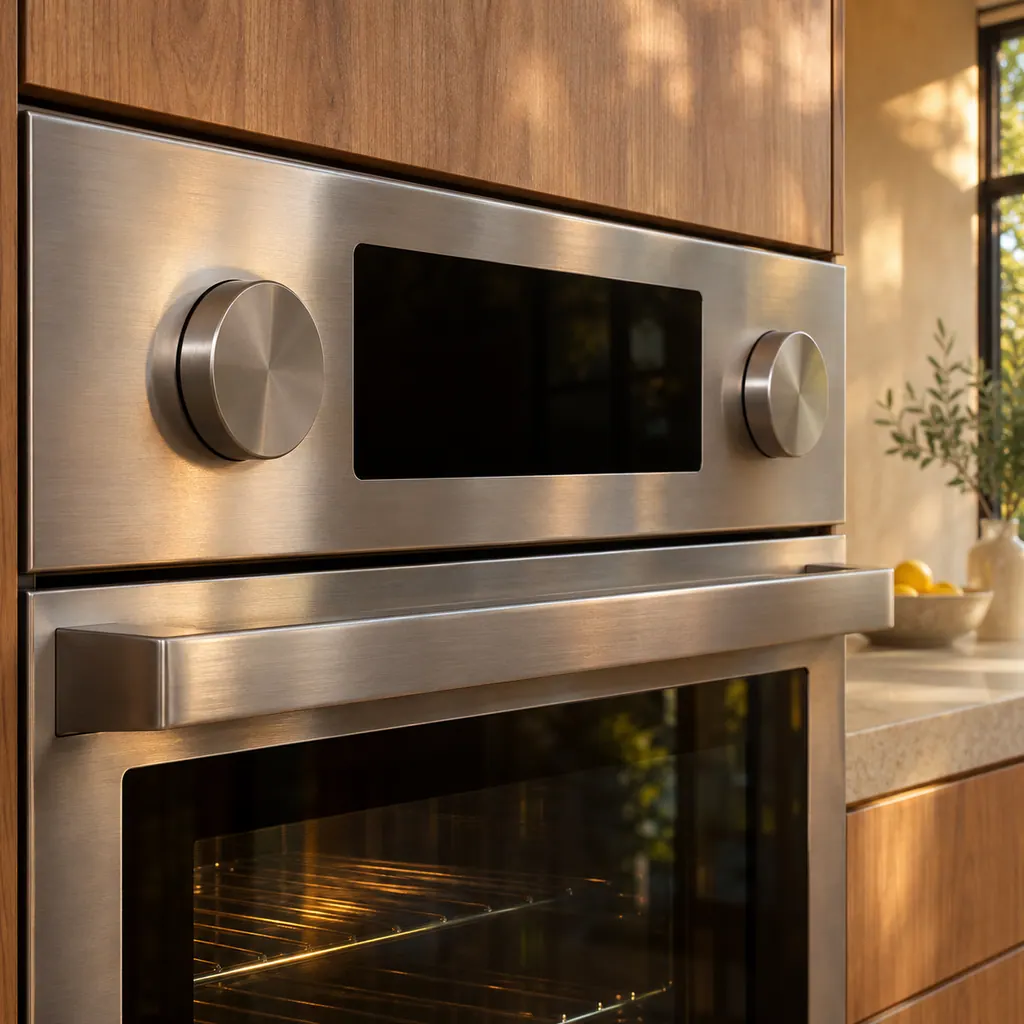
A lit Lock indicator has to go off first; the Demo keys are ignored on a locked panel.
Press Temperature Up with Lock for three seconds. A chime follows and the display returns to the actual temperature.
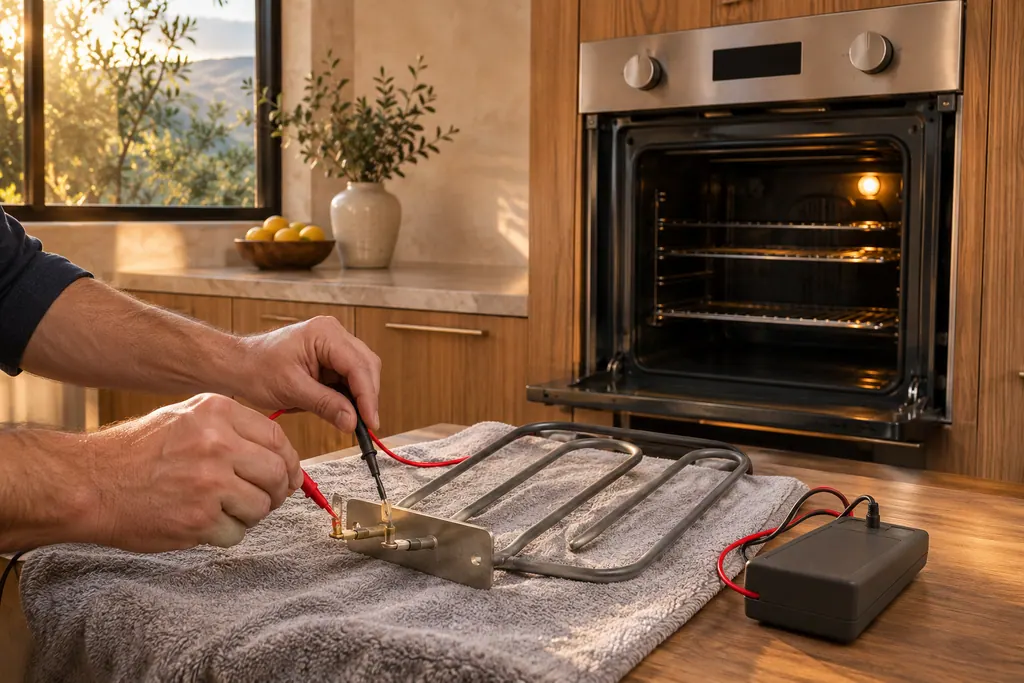
After demo ends, the compressor starts. Bottles that sat warm need hours to reach the setting, which can be anywhere from 34 to 50 F.
Tell us the model and which checks you have done, then open your request from here.
Book a visitThis drawing is schematic, since the inside of a Dacor changes from model to model. Press an outlined part for its photo and the check that goes with it.
Demo mode, a setting for retailers displaying the beverage center in a store. Lights and fan run; the compressors stay off.
Read the supporting manualBy pressing Temperature Up and Lock at once for three seconds. The unit chimes and the display shows oF.
Read the supporting manualRepeat the three-second press on both buttons. A chime sounds, then the real temperature reappears.
Read the supporting manualA lit Lock indicator has to be turned off first, because the mode keys do not work on a locked panel.
Read the supporting manualManufacturer document
Dacor (Dacor-branded document hosted on image-us.samsung.com)
BRR5500D, build date 2024-06-10 / PDF p.20, p.21
DRR24G7400 beverage refrigerator. Dacor’s wine column and column freezer reach the same oF mode with different buttons.
Demo mode keeps lights and fan going while the compressor stays off, so it looks alive but cannot cool.
The manual describes only the button combination as the way in. If it appears after a cut, run the exit combination.
Whatever was set. The default is 43 F, and the setting range runs from 34 F to 50 F.
Rarely. If the exit presses work you are done; if the letters and the warm cabinet persist, we can look at it.
Dacor codes, symptoms, parts, repairs
A lit lock icon says the panel of this Dacor beverage center locked itself after a minute untouched. Keep a finger on the icon for three seconds; it flashes three times, goes out, and the buttons work again.
A Dacor undercounter beverage center that is not cold enough has a clear checklist: the control setting for the room, the door opened too often or not shut, a worn gasket, a hot room, or an overloaded cabinet. If it does not run at all, check plug, switch and breaker.
Book a diagnostic for your model at the appliance itself.
Office details and the access notes to pass on.