Start from the symptom
Dacor microwave will not start or has no power.
A Dacor slim over-the-range microwave that will not work has a short checklist: power not supplied, the door open or caught on debris, the Child Lock on, or too many devices on one outlet. Check these before anything else.
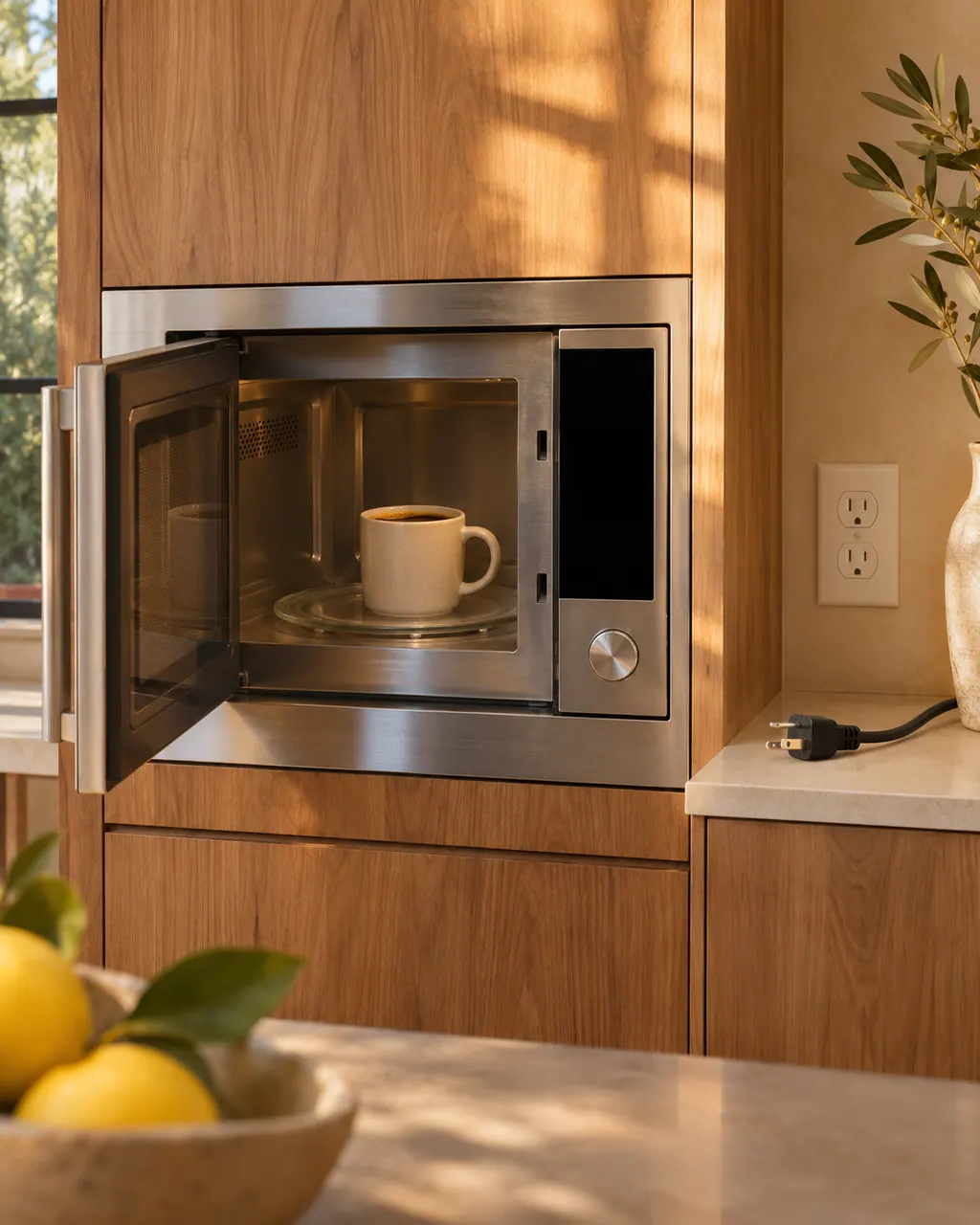
Start with safe observations.
Turn off and unplug the appliance before any check you can make yourself. Beware of pooled water and sharp fragments. Never touch a wet plug or live wiring, take off service panels, or go beyond what your model's guide allows.
- 1
Confirm power
Make sure power is supplied, the microwave is plugged in, and fuses or breakers are fine.
- 2
Close the door
Keep the door shut, and make sure nothing covers the door-open safety mechanisms.
- 3
Unlock the panel
If buttons cannot be touched properly, the Child Lock may be activated. Moisture on the exterior or foreign matter between the buttons also matters.
- 4
Check the Eco function
A time that is not displayed can mean the Eco power-saving function is set. Turn it off.
- 5
Free the outlet
Unplug other appliances sharing the outlet.
More about this symptom.
What stops the whole microwave?#
Dacor's General table lists no power supplied, the door open, and door-open safety mechanisms covered by foreign matter. Confirm the plug, fuse or breaker, close the door, and wipe around the latch area. 1
What about unresponsive buttons?#
Remove foreign matter between buttons, wipe off moisture on a touch model's exterior, and deactivate Child Lock. A dry, unlocked keypad that still ignores touches needs a visit. 1
Why does it shut off while cooking?#
Extended cooking may call for a cool-down, and the table also names a stalled cooling fan, an empty cavity, little ventilation space, and a crowded outlet. 1
What if all of those look fine?#
When power, the door, the lock and the outlet are fine and the microwave still stays dead, or the cooling fan makes no sound. Dacor suggests listening for the fan. 1
Systems a technician may investigate.
These parts are tied to the symptom. Seeing it does not show that any one of them has failed.
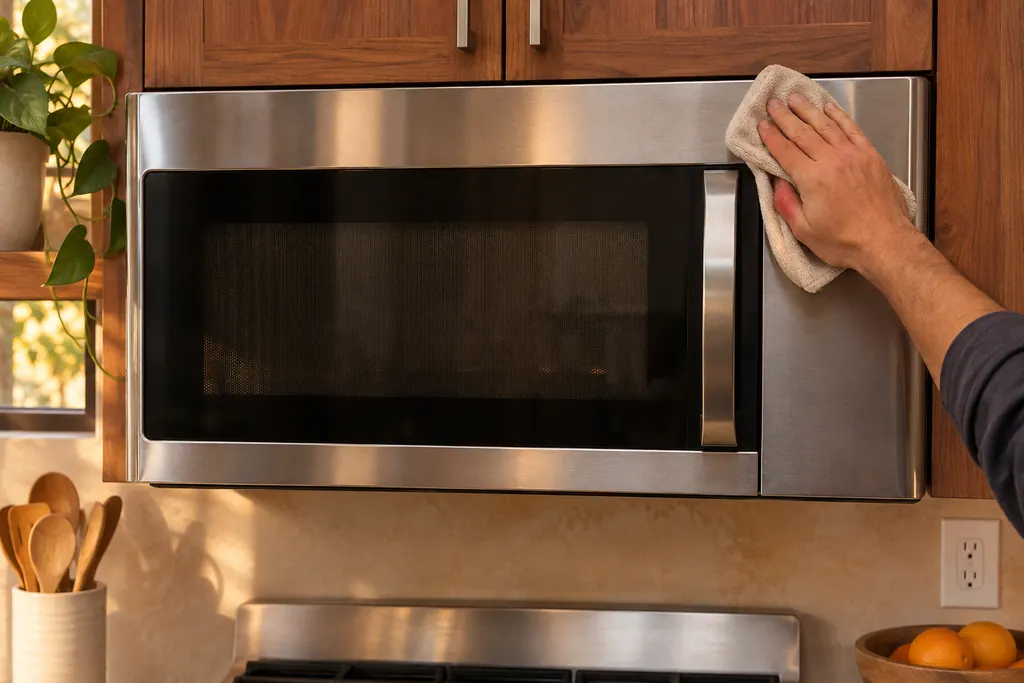
Microwave door and safety interlocks
Dacor’s manual lists a door that is open, or door-open safety mechanisms covered by foreign matter, as reasons the microwave does not work. It also says never to defeat or tamper with the safety interlocks, and not to run the oven if the door, hinges, latches or seals are damaged.
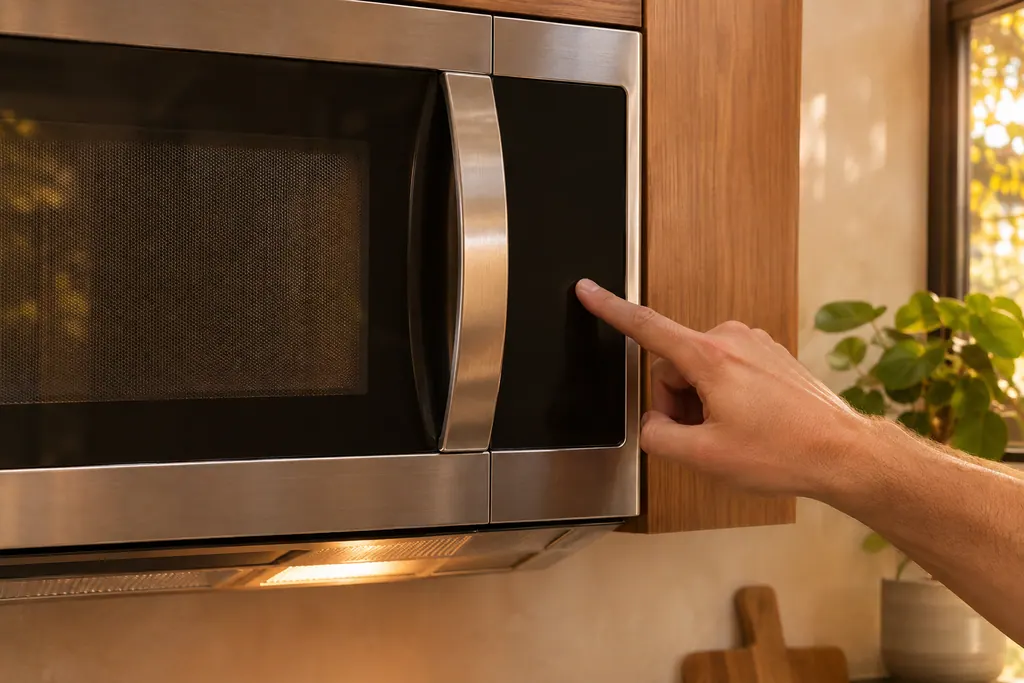
Microwave control panel and Child Lock
Dacor’s DMO30U970S manual gives three reasons the touch buttons may not respond: the Child Lock is on, moisture sits on the exterior, or foreign matter is caught between the buttons. A display without the time can also mean the Eco power-saving mode is set.
If the display adds a code.
No code is linked straight to this topic.
Nothing else in our researched dishwasher codes connects to this topic. Match the exact message to your model's manual, and do not swap in another code from the library.
See the research statusWhen observation becomes a service request.
Leave internal testing to a technician.
The microwave has no display after power is confirmed.
Buttons stay unresponsive when dry and unlocked.
The power cuts out during long cooking after a cool-down.
The cooling fan makes no sound during a long cook.
Arrange a diagnosticSources and model boundaries.
The Dacor microwave will not start or has no power guidance is built on these references. Choose the manual for your own model.
- User Manual, Microwave Oven DMO30U970S*
Rely on the guide for your precise model. Look at how we research these pages.
Why does my Dacor microwave not work?
Dacor's table lists power not supplied, the door open, or door safety mechanisms covered by foreign matter. Confirm the plug and the fuse or breaker, then close the door.
Why is the time not displayed?
Power is not supplied, or the Eco power-saving function is set. Check the plug, fuses or breakers, or turn off Eco.
Why do the buttons not respond?
Foreign matter between the buttons, moisture on the exterior of a touch model, or the Child Lock being activated.
Why does the power turn off during cooking?
After a long cooking period the oven needs to cool. Other listed causes are a failed cooling fan, running it without food, tight ventilation space, and several appliances on one outlet.
Dacor codes, symptoms, parts, repairs
Link the message to what you do next.
Dacor microwave will not start or has no power
A Dacor slim over-the-range microwave that will not work has a short checklist: power not supplied, the door open or caught on debris, the Child Lock on, or too many devices on one outlet. Check these before anything else.
Microwave door and safety interlocks
Dacor’s manual lists a door that is open, or door-open safety mechanisms covered by foreign matter, as reasons the microwave does not work. It also says never to defeat or tamper with the safety interlocks, and not to run the oven if the door, hinges, latches or seals are damaged.
Microwave repair
Book a diagnostic for your model at the appliance itself.
Find your metro
Office details and the access notes to pass on.