What it means
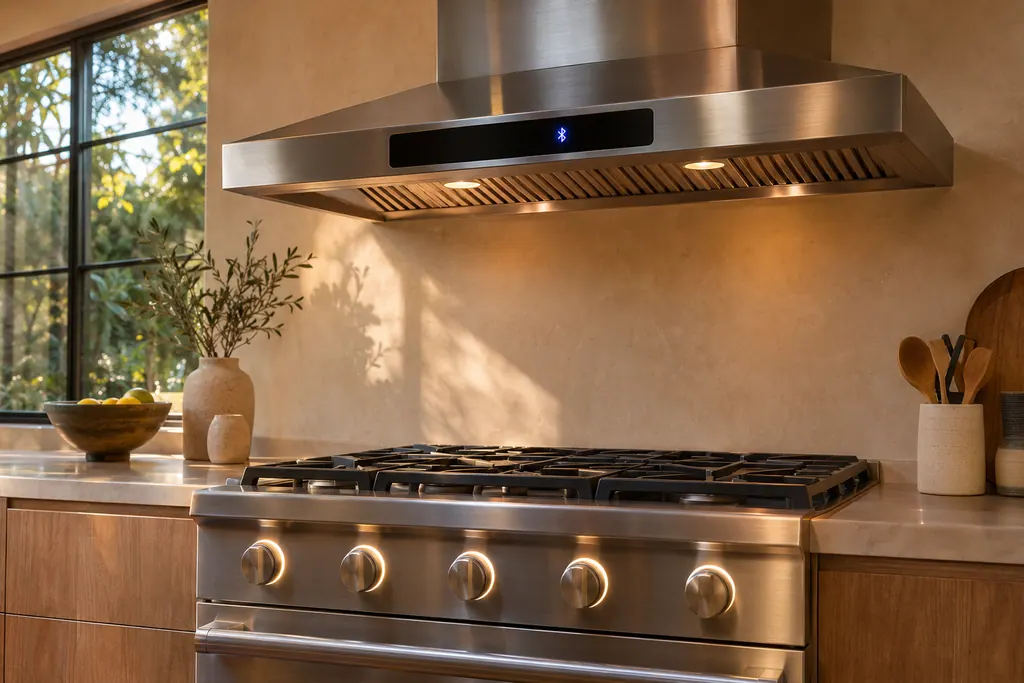
A blinking Bluetooth icon on this Dacor hood means pairing mode is running, started by a three-second hold on ConnectOn. Press the Bluetooth button on the cooktop; when pairing finishes the light stays steady.
Dacor hood Bluetooth icon blinking / Mode, not a failure
A blinking Bluetooth icon on this Dacor hood means pairing mode is running, started by a three-second hold on ConnectOn. Press the Bluetooth button on the cooktop; when pairing finishes the light stays steady.
Also shown as Bluetooth icon blinking
A blinking Bluetooth icon on this Dacor hood means pairing mode is running, started by a three-second hold on ConnectOn. Press the Bluetooth button on the cooktop; when pairing finishes the light stays steady.
Pairing mode waits for the Bluetooth button on a compatible Dacor cooking product.
The icon never turns steady after several pairing tries.
Your Dacor tick-list / held on this device
Pairing mode waits for the Bluetooth button on a compatible Dacor cooking product. Do that while the icon is still blinking.
When pairing finishes, the Bluetooth light stays lit and appears in the display.
The hood pairs only with a compatible Dacor Bluetooth cooking product, as the manual notes.
Hold ConnectOn and Light for three seconds to disconnect, then try pairing again from the start.
Tell us the model and which checks you have done, then open your request from here.
Book a visit
This drawing is schematic, since the inside of a Dacor changes from model to model. Press an outlined part for its photo and the check that goes with it.
Component reference
ConnectOn links a Dacor hood by Bluetooth to a compatible Dacor cooking product.
Read the definitionYou activated pairing mode by holding ConnectOn for three seconds. The icon blinks while the hood waits for a cooktop.
Read the supporting manualPressing the Bluetooth button on the cooking product. The light then stays lit and appears in the display.
Read the supporting manualThe fan comes on at low speed when you light a burner or element, and goes off when you turn it off.
Read the supporting manualHold ConnectOn and Light together for three seconds to disconnect the Bluetooth link.
Read the supporting manualManufacturer document
Dacor (Dacor-branded document hosted on image-us.samsung.com)
no edition code in the cached text / PDF p.8
Hood connectivity section of the Pro-Canopy (DHD**U990C) and chimney (DHD**U990W) wall hood guide.
Yes. The Auto heat-sensing feature does not need a Bluetooth connection with a Dacor cooktop.
No duration is printed. If it blinks for ages with nothing happening, disconnect and start again.
A button that connects an already paired hood and cooktop quickly. Pressing it again disconnects them.
Once paired and connected, the hood follows the cooktop. It turns on when you turn on a burner or element.
Dacor codes, symptoms, parts, repairs
A blinking Low button on this Dacor hood is the filter alarm. It comes after every 50 hours of fan use as a nudge to clean the filters. Hold Power for three seconds once they are clean.
When a Dacor Pro-Canopy hood does nothing, the chart separates three cases by what still works: nothing at all, lights dead with a working fan, and a fan that is dead while the panel and lights work.
ConnectOn links a Dacor hood by Bluetooth to a compatible Dacor cooking product. While connected, the hood fan starts on its own when you turn on a burner or element and shuts off when you turn it off. Fan turn-ons you did not expect usually trace to this link or to the auto-on feature.
Book a diagnostic for your model at the appliance itself.
Office details and the access notes to pass on.