What it means
ERROR on a Dacor DCM24 convection microwave means it rejected a clock entry or stopped a Sensor Reheat cycle that never found vapor. Touch Stop/Clear and either re-enter the time or finish the job with time and power.
Dacor microwave ERROR / Sensors and temperature
ERROR on a Dacor DCM24 convection microwave means it rejected a clock entry or stopped a Sensor Reheat cycle that never found vapor. Touch Stop/Clear and either re-enter the time or finish the job with time and power.
Also shown as ERROR
ERROR on a Dacor DCM24 convection microwave means it rejected a clock entry or stopped a Sensor Reheat cycle that never found vapor. Touch Stop/Clear and either re-enter the time or finish the job with time and power.
It clears the message and the failed entry.
Sensor Reheat gives ERROR with a dry container and a dry oven.
Your Dacor tick-list / held on this device
It clears the message and the failed entry. Both causes in the manual start there.

The clock is a 12-hour one, and a time it cannot accept gives ERROR. Enter the digits again and confirm with the Clock pad.
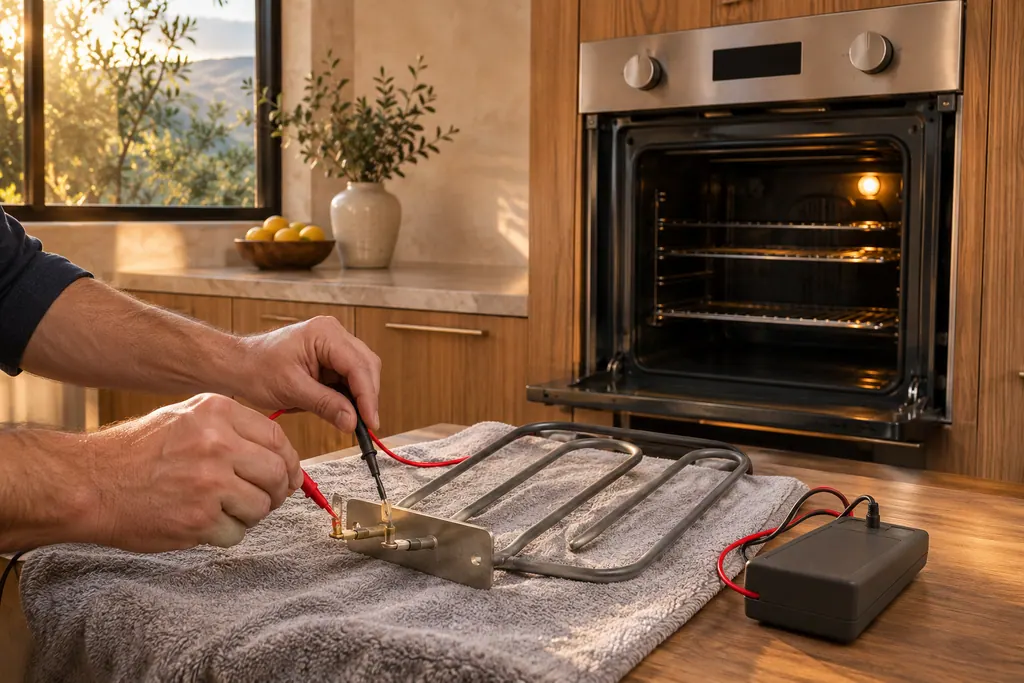
The manual asks for 2 minutes between plugging in and using any Sensor setting.
The sensor reads vapor, so keep the container’s outside and the oven interior dry. Leave the door shut and Stop/Clear alone during the opening part of the cycle.
Tell us the model and which checks you have done, then open your request from here.
Book a visit
This drawing is schematic, since the inside of a Dacor changes from model to model. Press an outlined part for its photo and the check that goes with it.
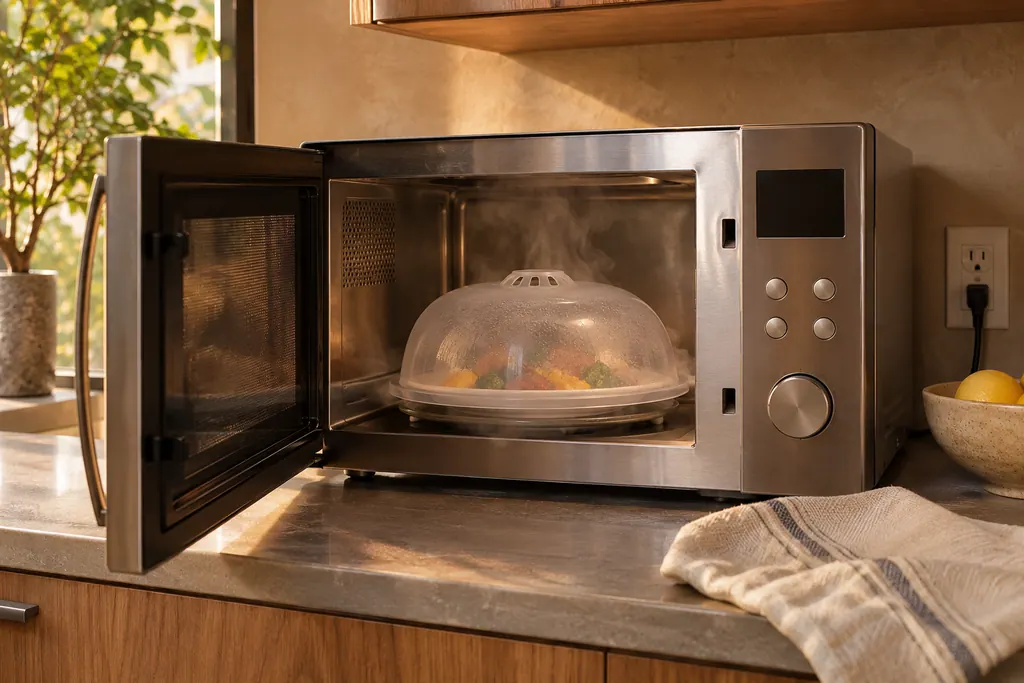
Component reference
A Dacor microwave sensor picks up the moisture and humidity that rises from heating food, then sets time and power for you.
Read the definitionEntering a clock time that is not valid, or a Sensor Reheat cycle where the sensor fails to detect vapor.
Read the supporting manualThe oven stops and shows ERROR. Popcorn behaves differently, shutting off and returning to the clock display.
Read the supporting manualOpening the door, or touching Stop/Clear, early in the cycle, since either breaks the vapor measurement.
Read the supporting manualTouch Stop/Clear, then choose a cooking time and variable power by hand.
Read the supporting manualManufacturer document
Dacor (Dacor-branded document hosted on image-us.samsung.com)
no edition code in the cached text / PDF p.12, p.14
The DCM24 24 in Heritage convection microwave. The over-the-range PCOR30S and the drawer model print different, longer messages.
The Sensor settings are not to be used until two minutes after the oven is plugged in.
Dry container sides and a dry interior are required, so stray moisture can upset the sensor reading.
Not by itself. Most cases come from entries and handling. Persistent ERROR with dry dishes deserves a look.
The manual says foods under 3 ounces should be reheated by time and variable power instead of Sensor.
Dacor codes, symptoms, parts, repairs
On the Dacor PCOR30S over-the-range microwave, ERROR WEIGHT TOO SMALL means you keyed a food weight below what that automatic program accepts. Press Clear and enter a weight inside the chart range, or cook by time and power.
A Dacor slim over-the-range microwave that will not work has a short checklist: power not supplied, the door open or caught on debris, the Child Lock on, or too many devices on one outlet. Check these before anything else.
A Dacor microwave sensor picks up the moisture and humidity that rises from heating food, then sets time and power for you. The manuals ask for a 2-minute pause after plug-in and a dry dish and cavity. The DMO30U970SS table prints C-10 for a GAS sensor that is open or shorted.
Book a diagnostic for your model at the appliance itself.
Office details and the access notes to pass on.