Inside the appliance
Microwave cooking sensor. In plain English.
A Dacor microwave sensor picks up the moisture and humidity that rises from heating food, then sets time and power for you. The manuals ask for a 2-minute pause after plug-in and a dry dish and cavity. The DMO30U970SS table prints C-10 for a GAS sensor that is open or shorted.
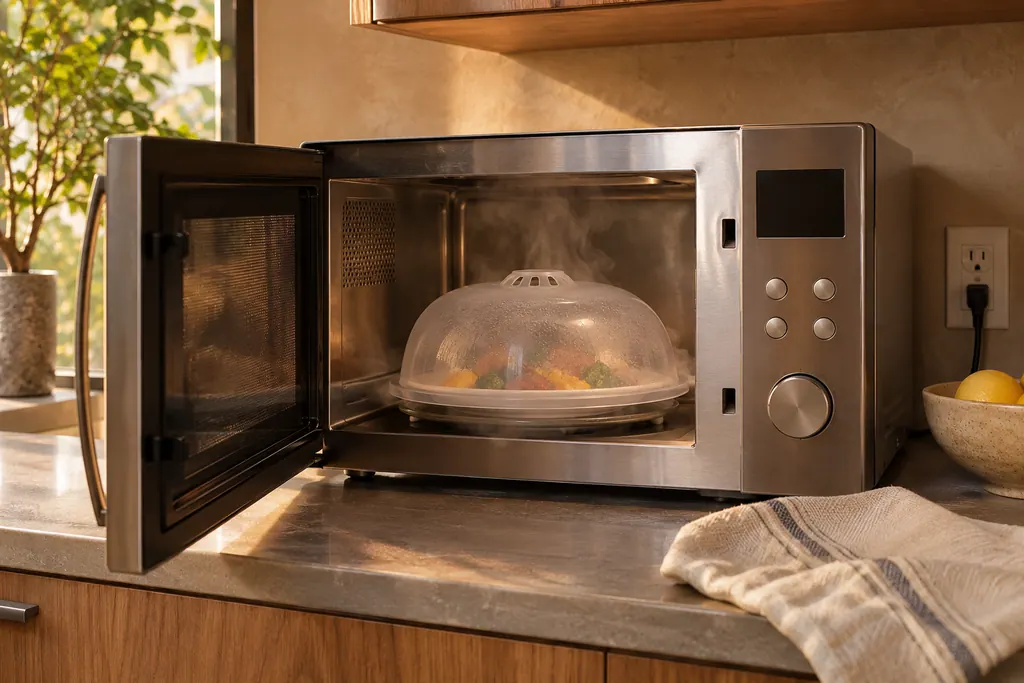
Where it fits.
Microwave cooking sensor in the appliance
Inside the oven cavity. The manuals show no sensor position, so we state none.
The photo shows the type of component. It cannot tell you which replacement fits your model.
What you notice when this system wants attention.
A Microwave cooking sensor concern can arrive with weaker performance or a code that returns. The component is only blamed after testing.
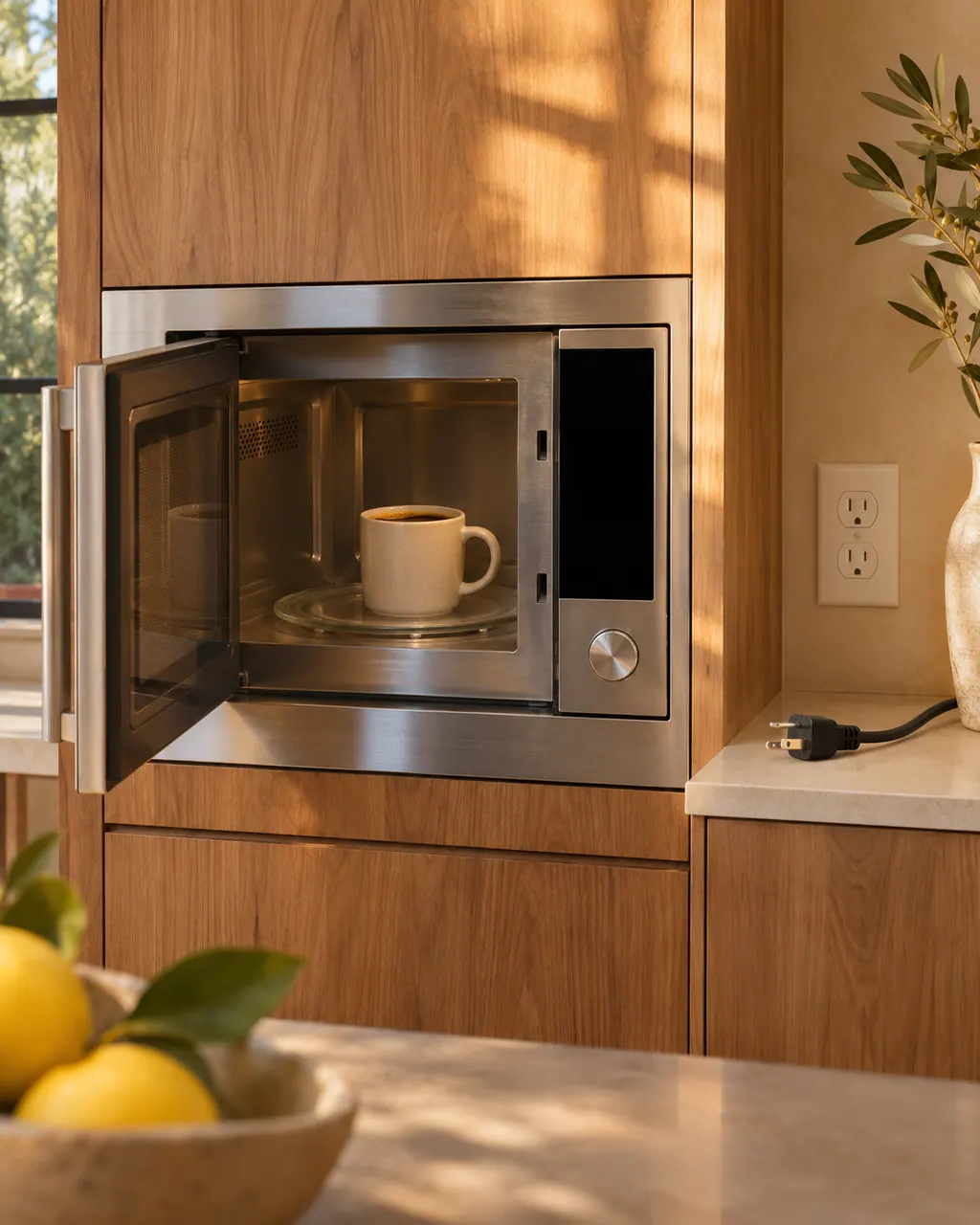
Dacor microwave will not start or has no power
A Dacor slim over-the-range microwave that will not work has a short checklist: power not supplied, the door open or caught on debris, the Child Lock on, or too many devices on one outlet. Check these before anything else.
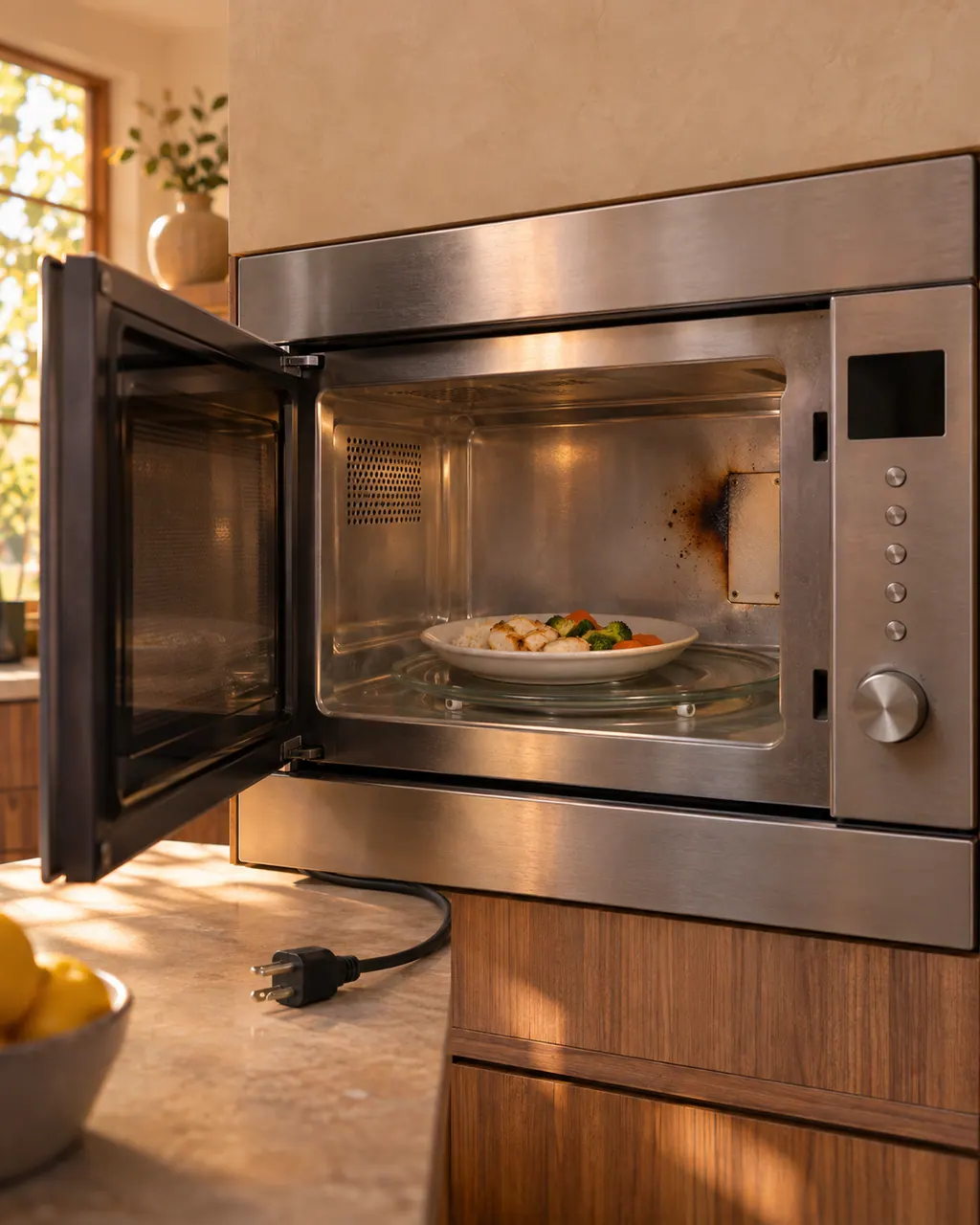
Dacor microwave not heating or sparking
A Dacor microwave that does not heat or heats weakly is often overloaded or using the wrong cookware: Dacor's test is one cup of water for 1 to 2 minutes. Sparks come from metal containers.
Owner care, within the model instructions.
Turn off and unplug the appliance before any check you can make yourself. Beware of pooled water and sharp fragments. Never touch a wet plug or live wiring, take off service panels, or go beyond what your model's guide allows.
- 1
Wait 2 minutes after plug-in
The Heritage convection and Modernist drawer manuals both want a 2-minute gap between plugging in and the first sensor setting.
- 2
Dry the container and cavity
Wipe moisture from the dish exterior and the oven interior first, since the sensor responds to vapor.
- 3
Leave the door shut early on
Per the Heritage manual, a door opened or Stop/Clear touched early in a sensor cycle breaks the vapor reading and brings up an error.
- 4
Cook small portions by time
The Heritage manual sends foods under 3 ounces to time and variable power instead.
- 5
Unplug for C-10
On the DMO30U970SS, C-10 flags the GAS sensor as open or shorted, and the table starts with unplugging the oven.
Cleaning or replacement?
Leave internal testing to a technician.
Book a visit when C-10 appears on the DMO30U970SS.
Book a technician when sensor reheat keeps ending in ERROR even with everything dry.
Arrange a diagnosticSee the neighboring components.
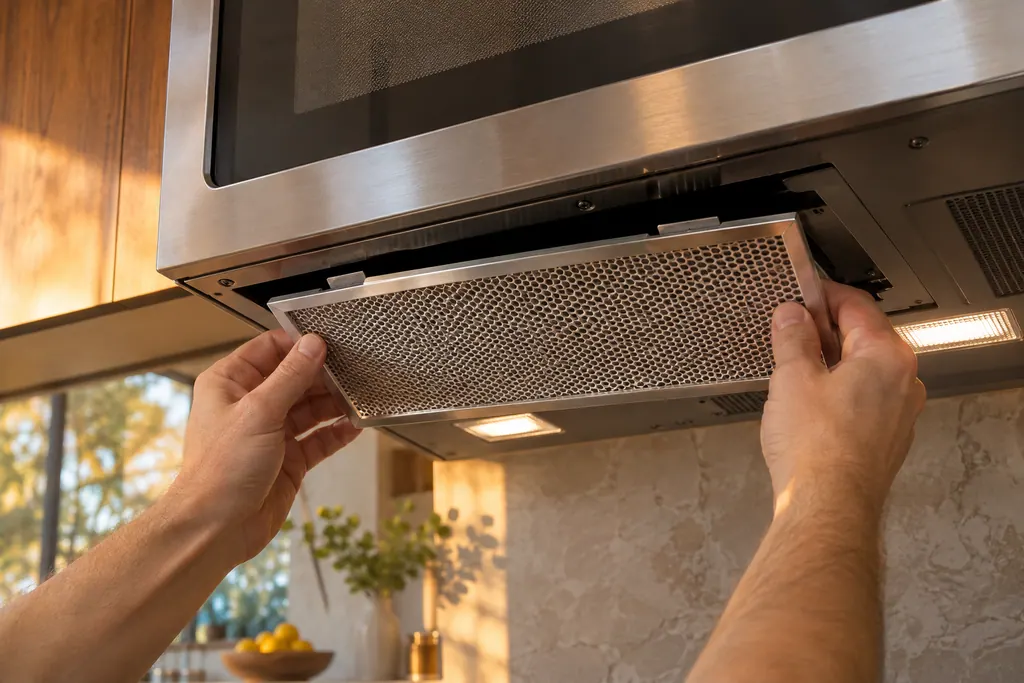
Microwave baffle filter
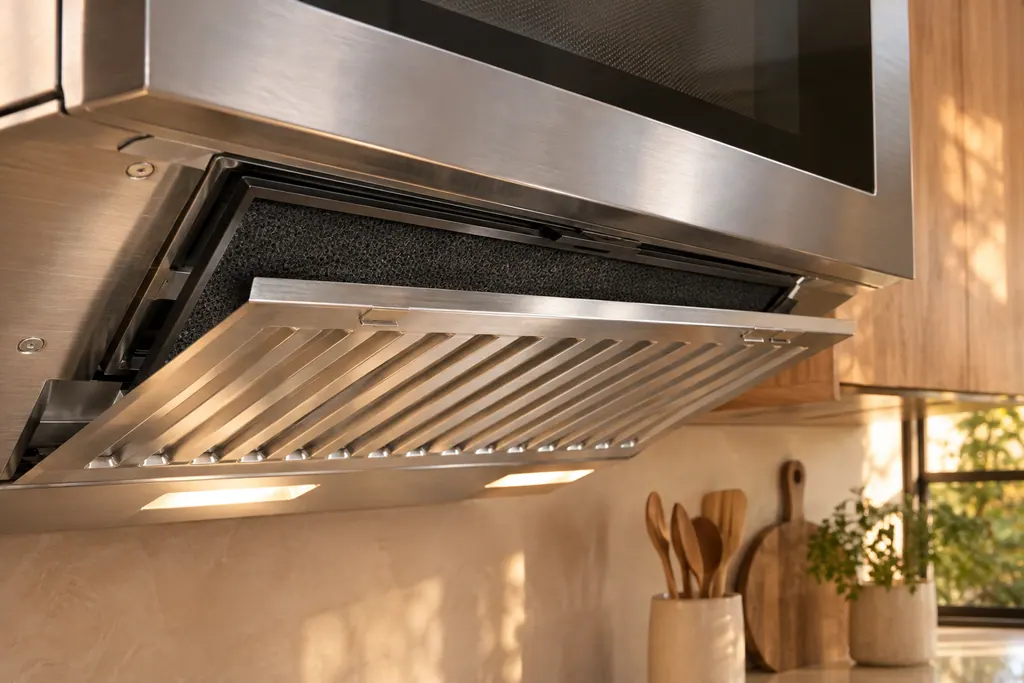
The Dacor DMO30U970SS over-the-range microwave has a reusable metal baffle filter in its vent. The manual says to remove and clean it at least once a month or as needed, and never to run the vent without it. Soak it in hot water with mild detergent, but do not use ammonia or dry it in the microwave, because the aluminum darkens.
Microwave charcoal filter
The Dacor DMO30U970SS has a charcoal filter behind the baffle filter. The manual says it should be replaced every 6 to 12 months, more often if needed, because the filter cannot be cleaned and powder may fall off if it is not replaced on time. Remove the baffle filter first, push the charcoal filter backwards by its handle and tilt it out.
Sources and model boundaries.
The Microwave cooking sensor guidance is built on these references. Choose the manual for your own model.
- User Manual, Heritage Convection Microwave DCM24S
- User Guide, Slim OTR Microwave DMO30U970SS
- User Manual, Modernist Microwave In-A-Drawer DMR24M977
Rely on the guide for your precise model. Look at how we research these pages.
What does the sensor in a Dacor microwave measure?
The Heritage manual describes a semi-conductor device that senses moisture and humidity given off by food, then adjusts cooking time and power.
Why did sensor reheat show ERROR?
In Sensor Reheat, the Heritage manual shows ERROR when no usable vapor reading arrives. Touch Stop/Clear and finish by time and variable power.
What does C-10 mean on a Dacor microwave?
The DMO30U970SS table lists C-10 for an open or shorted GAS sensor. Unplug the oven, then book.
How soon after plugging in can I use sensor cooking?
Give it 2 minutes after plug-in, as the Heritage convection and Modernist drawer manuals ask, and begin with the dish and oven dry.
Dacor codes, symptoms, parts, repairs
Link the message to what you do next.
C-10
C-10 on a Dacor DMO30U970SS microwave means the gas sensor is open or shorted. The manual says to unplug the oven, and we do the rest. Unplug it, stop using the sensor cook buttons and book a visit.
Dacor microwave will not start or has no power
A Dacor slim over-the-range microwave that will not work has a short checklist: power not supplied, the door open or caught on debris, the Child Lock on, or too many devices on one outlet. Check these before anything else.
Microwave repair
Book a diagnostic for your model at the appliance itself.
Find your metro
Office details and the access notes to pass on.