Start from the symptom
Dacor cooktop induction cooktop heats slowly or does not detect the pan.
Slow heating or a cooktop that ignores the pan is mostly a cookware match: off-center, wrong size, a base that is not magnetic or flat. Dacor's tables for the Modernist cooktop and the Heritage induction range agree on that.
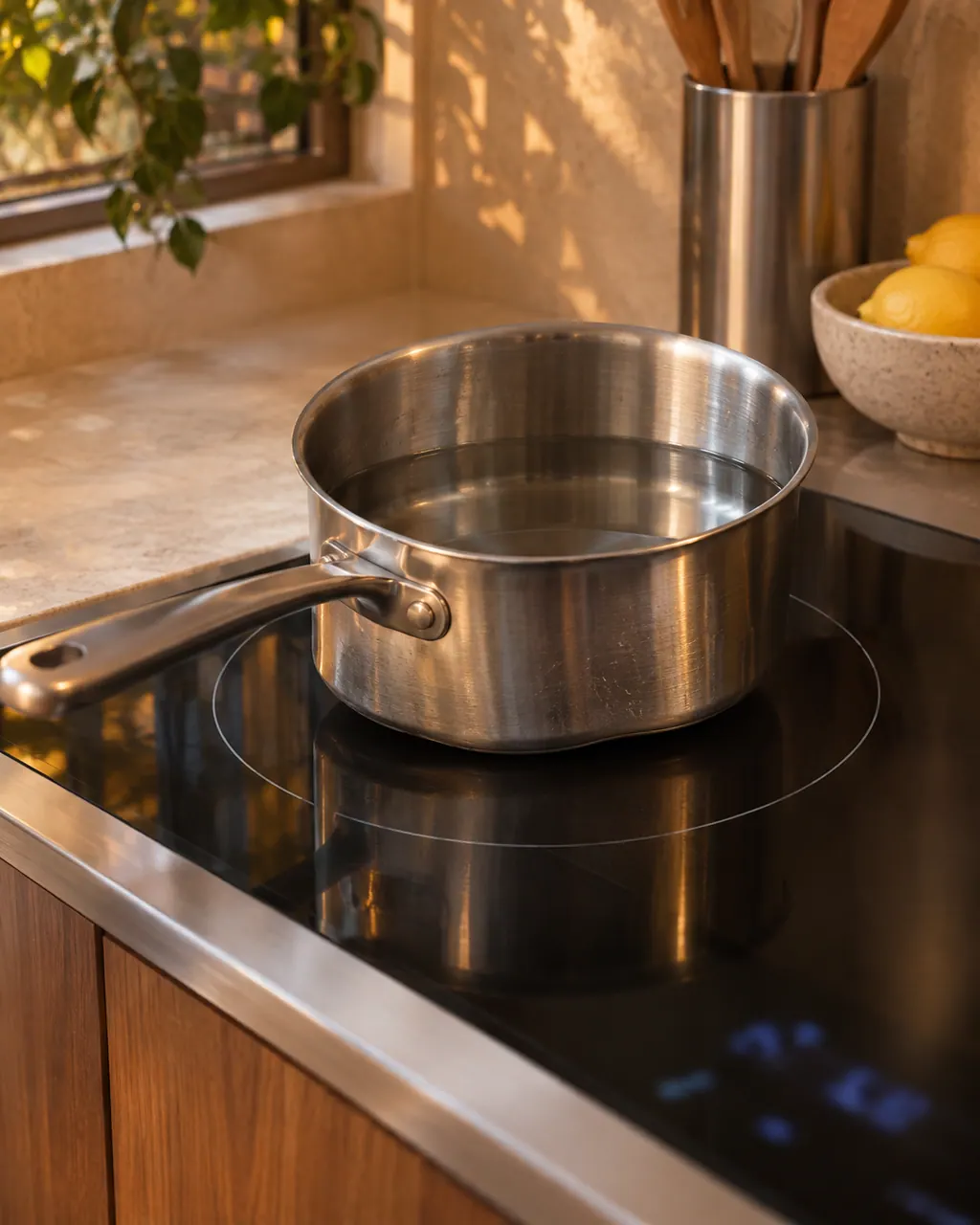
Start with safe observations.
Turn off and unplug the appliance before any check you can make yourself. Beware of pooled water and sharp fragments. Never touch a wet plug or live wiring, take off service panels, or go beyond what your model's guide allows.
- 1
Center the pan
Place the cookware in the middle of the cooking zone.
- 2
Test the base
Use cookware with a ferromagnetic bottom whose diameter fits the zone.
- 3
Check flatness
On the induction range, an uneven base triggers the No Pan Detected flash and slow heating.
- 4
Pick the right zone
A pan that is too small for its zone should move to a smaller zone, or be swapped for a larger pan.
- 5
Keep things dry
A wet or greasy cooktop or pan can make cookware vibrate or buzz. Clean and dry both before use.
More about this symptom.
Which cookware heats best on induction?#
Pans with a ferromagnetic bottom, sized to the zone, set in its center. Dacor's table repeats this advice for slow heating, a rolling boil that cannot be held, and cookware not detected. 12
Why can the cooktop say the pan is missing?#
Because it cannot sense it: the zone is empty, the pan is non-magnetic or off-center, the base is not flat, or the pan is too small. All of these are on the range's No Pan Detected row. 3
Could the cooktop itself be the problem?#
Only after cookware is ruled out. The induction range list adds weak voltage, to be checked by a licensed electrician, and an element that overheated, which needs a cool-down and clear vents. 3
What should I try first?#
Move the pan to the middle, try a pan you know is magnetic, and test on another zone. Holding a magnet to the base is a quick test; if it clings, the pan suits induction. 1
Systems a technician may investigate.
These parts are tied to the symptom. Seeing it does not show that any one of them has failed.
If the display adds a code.
No code is linked straight to this topic.
Nothing else in our researched dishwasher codes connects to this topic. Match the exact message to your model's manual, and do not swap in another code from the library.
See the research status
When observation becomes a service request.
Leave internal testing to a technician.
Food heats slowly with a proven magnetic pan.
The No Pan Detected flash returns with ideal cookware.
The element overheats after a break.
The supply voltage is suspected weak.
Arrange a diagnosticSources and model boundaries.
The Dacor induction cooktop heats slowly or does not detect the pan guidance is built on these references. Choose the manual for your own model.
- User Manual, Electric Cooktop DTI36M977BB / DTI30M977BB
- User Manual, Electric Cooktop DTI36M977BB / DTI30M977BB
- User Manual, Heritage Induction Pro Range HIPR30S / HIPR36S
Rely on the guide for your precise model. Look at how we research these pages.
Why does my Dacor induction burner heat so slowly?
Wrong cookware is the lead cause. Put the pan in the center of the zone and use a ferromagnetic base whose diameter suits the zone.
What does No Pan Detected mean?
On a Dacor induction range, the flash appears for an empty zone, non-magnetic cookware, an uneven base, an off-center pan or one too small for the zone.
Can voltage cause slow heating?
For the induction range, a weak voltage supply is listed with the remedy of having a licensed electrician check it.
Why does my cookware buzz?
Wet or greasy cookware or a damp cooktop can vibrate. On the range, non-magnetic cookware is the other listed cause.
Dacor codes, symptoms, parts, repairs
Link the message to what you do next.
Dacor induction cooktop will not turn on
A Dacor Modernist induction cooktop that stays off may simply be starting up: the touchscreen takes about a minute to boot. After that, the chart points to the fuse or breaker, then to burner controls set wrongly.
Induction cooking zone
An induction zone only heats cookware with a magnetic, flat bottom that sits on the zone. Dacor's guides tie most no-heat and slow-heat complaints to the pan. The Heritage Induction range flashes No Pan Detected for a wrong pan. The Modernist cooktop prints codes for keys held and for a fan problem.
Cooktop repair
Book a diagnostic for your model at the appliance itself.
Find your metro
Office details and the access notes to pass on.