What it means
C-F2 on a Dacor DMO30U970SS microwave means a touch button has malfunctioned. Touch STOP and try the button again. Book a visit if it keeps happening.
Dacor microwave C-F2 / Control keys
C-F2 on a Dacor DMO30U970SS microwave means a touch button has malfunctioned. Touch STOP and try the button again. Book a visit if it keeps happening.
Also shown as C-F2
C-F2 on a Dacor DMO30U970SS microwave means a touch button has malfunctioned. Touch STOP and try the button again. Book a visit if it keeps happening.
Touch the STOP button to clear the display.
C-F2 keeps happening.
Your Dacor tick-list / held on this device
Touch the STOP button to clear the display.
Press the button you were using and see whether it responds.
Wipe away moisture or residue. The manual does not require it for C-F2, but a dirty panel is a common reason for a touch key to misfire.
If C-F2 keeps returning, the touch panel needs service.
Tell us the model and which checks you have done, then open your request from here.
Book a visit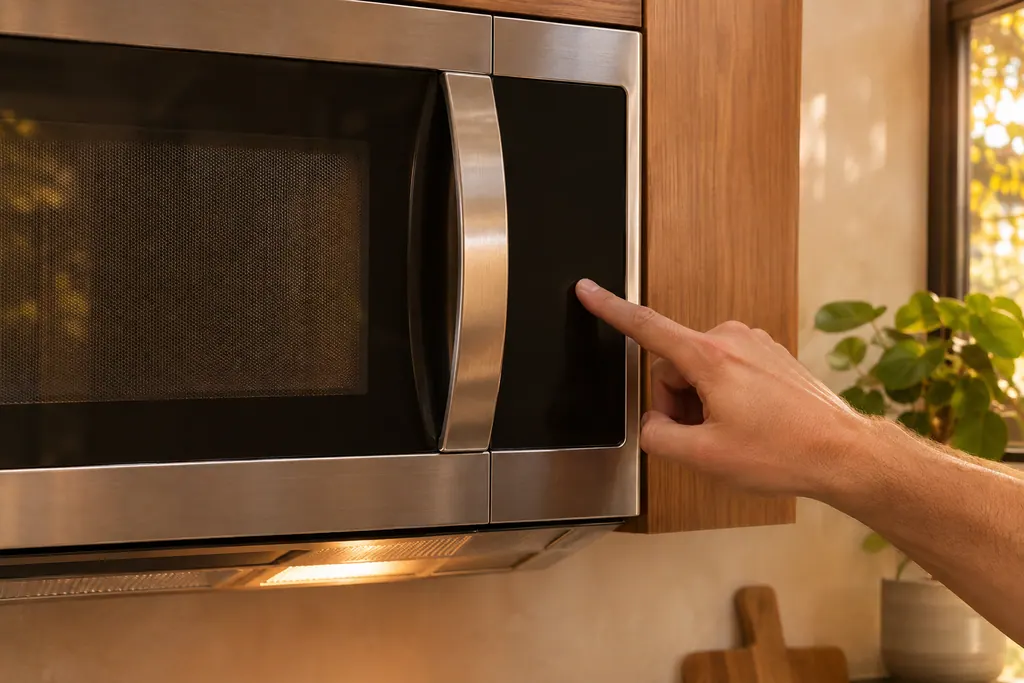
This drawing is schematic, since the inside of a Dacor changes from model to model. Press an outlined part for its photo and the check that goes with it.
A touch button on the control panel malfunctioned. The manual gives the remedy of touching STOP and trying the button again.
Read the supporting manualBoth involve the keys. C-d0 is a key held for over 1 minute, with a cleaning and power-off remedy. C-F2 is a button malfunction, with a STOP remedy.
Read the supporting manualIf the button works after you touch STOP, yes. If the same button keeps failing, avoid using it and book a visit.
Read the supporting manualManufacturer document
Dacor (Dacor-branded document hosted on image-us.samsung.com)
DE68-04568E-00, 2023-04-13 / PDF p.39 (English; Appendix, Information codes)
For C-F2: the Dacor slim over-the-range microwave DMO30U970SS. Source is the Information codes table in the appendix of its user manual; the other Dacor microwaves print no such table.
Not necessarily. The manual lists a simple retry, which suggests it can be a momentary glitch.
No. The cooktop F2 is a failed link to the touch IC. This is a button malfunction on the microwave.
The manual does not say to for C-F2. Touch STOP and retry first.
When C-F2 keeps happening after the STOP and retry step.
Dacor codes, symptoms, parts, repairs
C-d0 on a Dacor DMO30U970SS microwave means the control buttons have been touched for over 1 minute. Clean the keys and check for water on the surface around them. If it returns, turn the microwave off for more than 30 seconds.
A Dacor slim over-the-range microwave that will not work has a short checklist: power not supplied, the door open or caught on debris, the Child Lock on, or too many devices on one outlet. Check these before anything else.
Book a diagnostic for your model at the appliance itself.
Office details and the access notes to pass on.