Inside the appliance
Induction cooktop touch control panel. In plain English.
A 7-inch touch-enabled screen with POWER and LOCK keys runs the Modernist induction cooktop. Its manual ties a damp or covered key to code d0, a key held over 8 seconds. Dry the panel, clear the glass and restart with POWER before booking a visit.
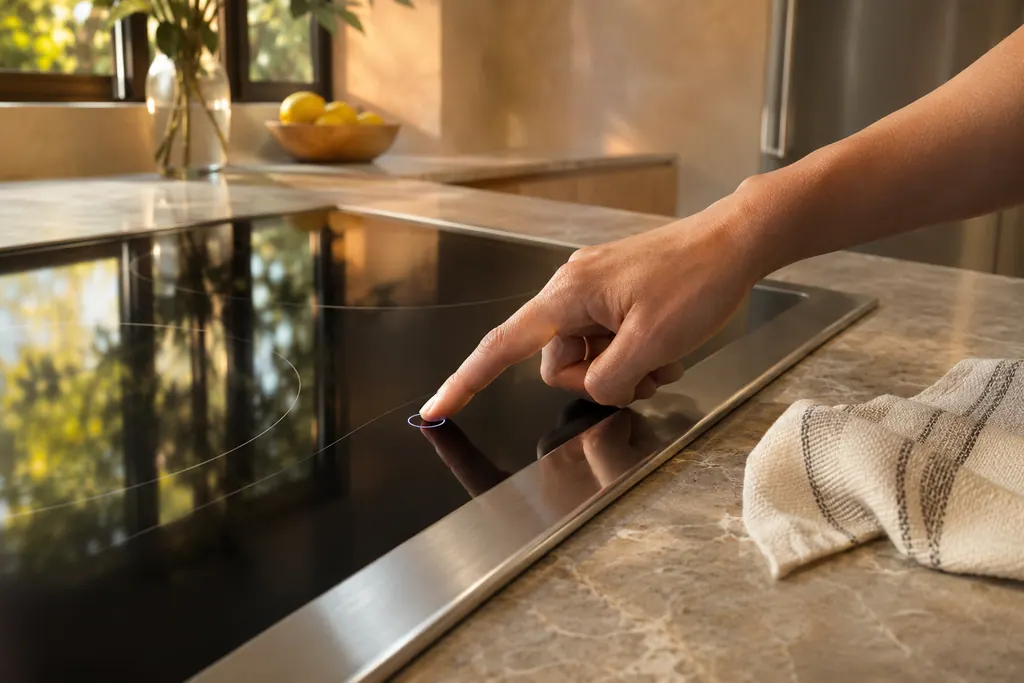
Where it fits.
Induction cooktop touch control panel in the appliance
A 7-inch touch-enabled screen on the front of the Modernist induction cooktop, with POWER and LOCK keys beside it.
The photo shows the type of component. It cannot tell you which replacement fits your model.
What you notice when this system wants attention.
A Induction cooktop touch control panel concern can arrive with weaker performance or a code that returns. The component is only blamed after testing.
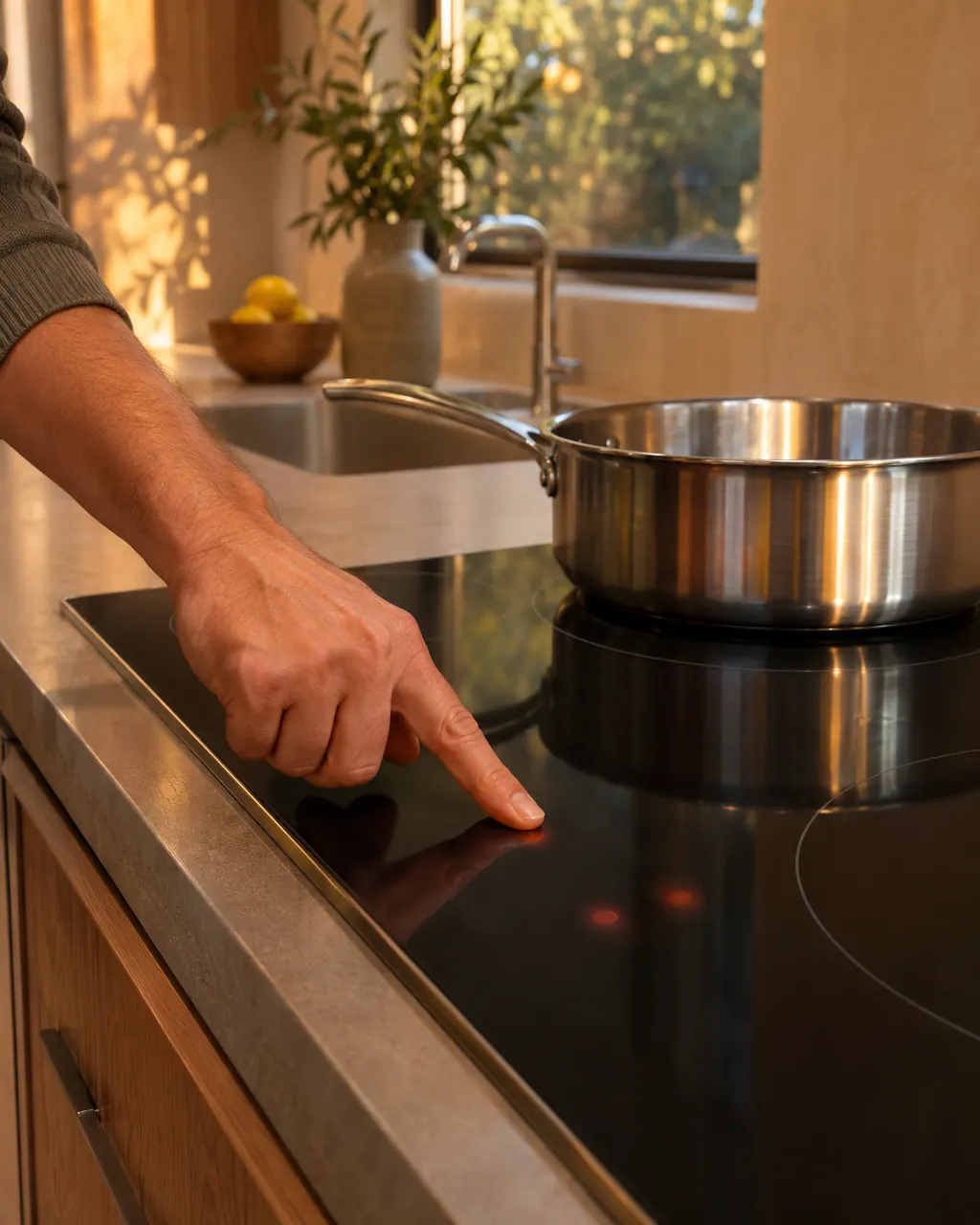
Dacor induction cooktop will not turn on
A Dacor Modernist induction cooktop that stays off may simply be starting up: the touchscreen takes about a minute to boot. After that, the chart points to the fuse or breaker, then to burner controls set wrongly.
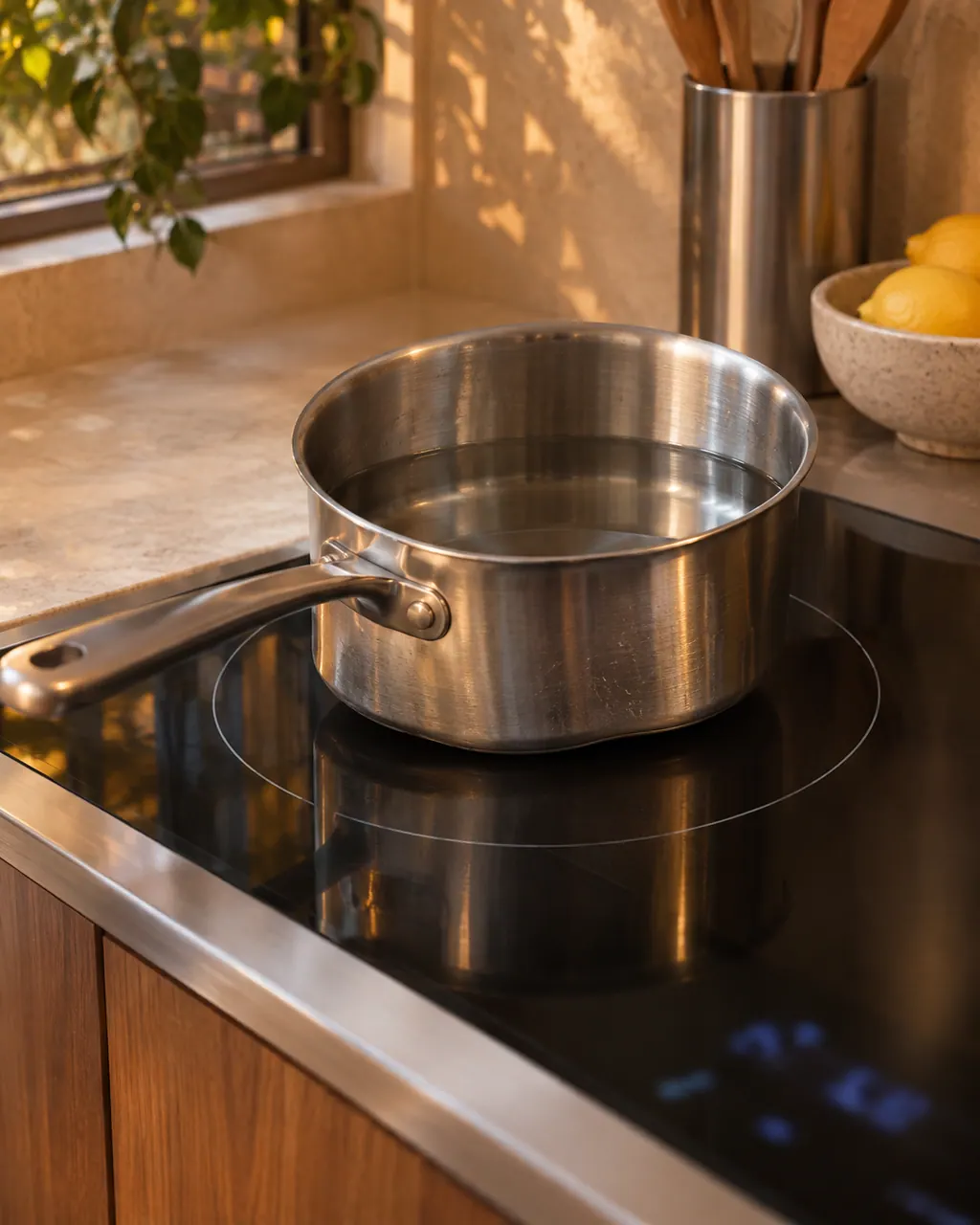
Dacor induction cooktop heats slowly or does not detect the pan
Slow heating or a cooktop that ignores the pan is mostly a cookware match: off-center, wrong size, a base that is not magnetic or flat. Dacor's tables for the Modernist cooktop and the Heritage induction range agree on that.
Owner care, within the model instructions.
Turn off and unplug the appliance before any check you can make yourself. Beware of pooled water and sharp fragments. Never touch a wet plug or live wiring, take off service panels, or go beyond what your model's guide allows.
- 1
Dry and clear the keys
Moisture on the keys, or an object resting on them, counts as a pressed key. Wipe the panel dry and lift off any pan, cloth or utensil.
- 2
Restart with POWER
Press POWER to restart the cooktop, the first reset the table gives for d0.
- 3
Take cookware off the keys
The troubleshooting table lists beeping that follows repeated key presses, with cookware sitting on the touch buttons. Hot cookware can damage them, so move it off.
- 4
Clean the panel after a safety shutoff
After a shutoff caused by unsuitable or missing cookware, wipe the control panel before powering the cooktop up again.
- 5
Cut power for 15 seconds
When the cooktop acts oddly or stops answering the keys, the manual has you turn its circuit breaker off for 15 seconds.
Cleaning or replacement?
Leave internal testing to a technician.
Book a visit when d0 returns although nothing touches a dry panel.
Book a technician when F2 shows, because the table reads it as a lost link with the touch-enabled IC.
Arrange a diagnosticSee the neighboring components.
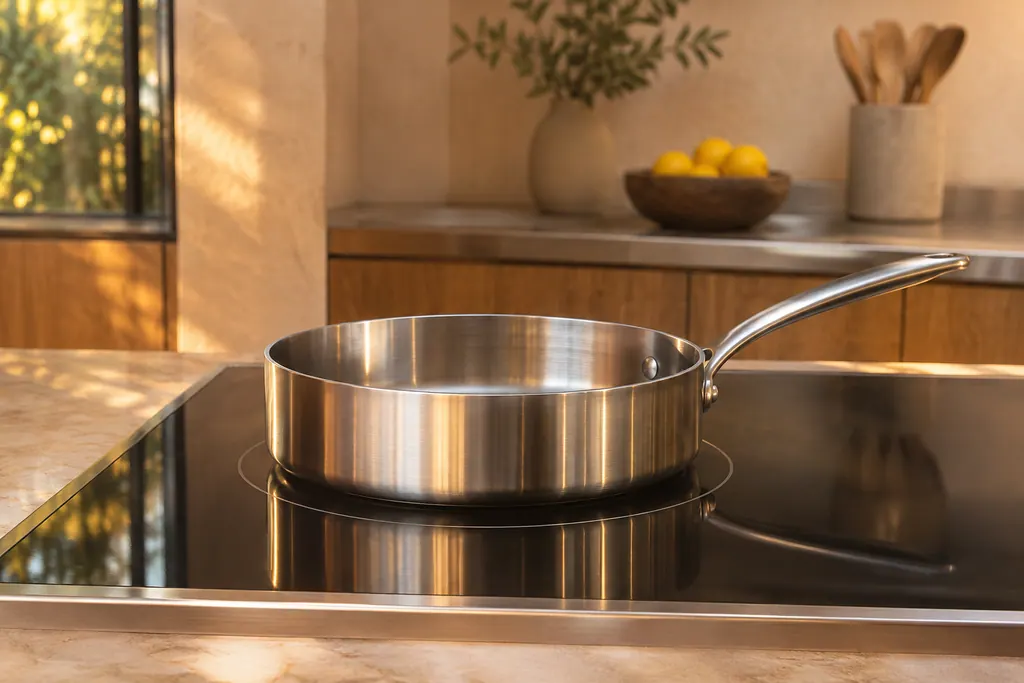
Induction cooking zone
An induction zone only heats cookware with a magnetic, flat bottom that sits on the zone. Dacor's guides tie most no-heat and slow-heat complaints to the pan. The Heritage Induction range flashes No Pan Detected for a wrong pan. The Modernist cooktop prints codes for keys held and for a fan problem.
ConnectOn Bluetooth link
ConnectOn links a Dacor hood by Bluetooth to a compatible Dacor cooking product. While connected, the hood fan starts on its own when you turn on a burner or element and shuts off when you turn it off. Fan turn-ons you did not expect usually trace to this link or to the auto-on feature.
Sources and model boundaries.
The Induction cooktop touch control panel guidance is built on these references. Choose the manual for your own model.
- User Manual, Electric Cooktop DTI36M977BB, DTI30M977BB
Rely on the guide for your precise model. Look at how we research these pages.
What is d0 on a Dacor induction cooktop?
The Modernist cooktop table reads d0 as one key held over 8 seconds. Look for water on the pad or a pressed key, then restart using POWER.
Why does my Dacor cooktop beep by itself?
Repeated key presses and cookware resting on the touch buttons cause it, per the manual. Remove the cookware, since heat can damage the buttons.
How do I lock the cooktop panel?
A long press on LOCK turns the panel lock on or off. The manual describes it under Child Lock.
What is F2 on this cooktop?
F2 is a lost link with the touch-enabled IC. Restart with POWER, then leave it unpowered over half a minute if it persists, and book a visit.
Dacor codes, symptoms, parts, repairs
Link the message to what you do next.
d0
A key held down for more than 8 seconds is what d0 reports on the Modernist induction cooktop. Check whether the key pad is wet or a key is depressed, then restart with the POWER button. A technician visit is next if it continues.
Dacor induction cooktop will not turn on
A Dacor Modernist induction cooktop that stays off may simply be starting up: the touchscreen takes about a minute to boot. After that, the chart points to the fuse or breaker, then to burner controls set wrongly.
Cooktop repair
Book a diagnostic for your model at the appliance itself.
Find your metro
Office details and the access notes to pass on.